How do I contact support?
Short answerStart with the AI support bot at the bottom right of every page; it answers straight away. For something about your own account or server, create a WhatsApp ticket after signing in, or send an email. For a quote or a service, use the contact form.
Pick the right way to reach us
On the support page, under "Still need a hand?", there are four cards: WhatsApp for a verified ticket about your account, the AI support bot, email for longer questions and invoices, and the service status for outages.
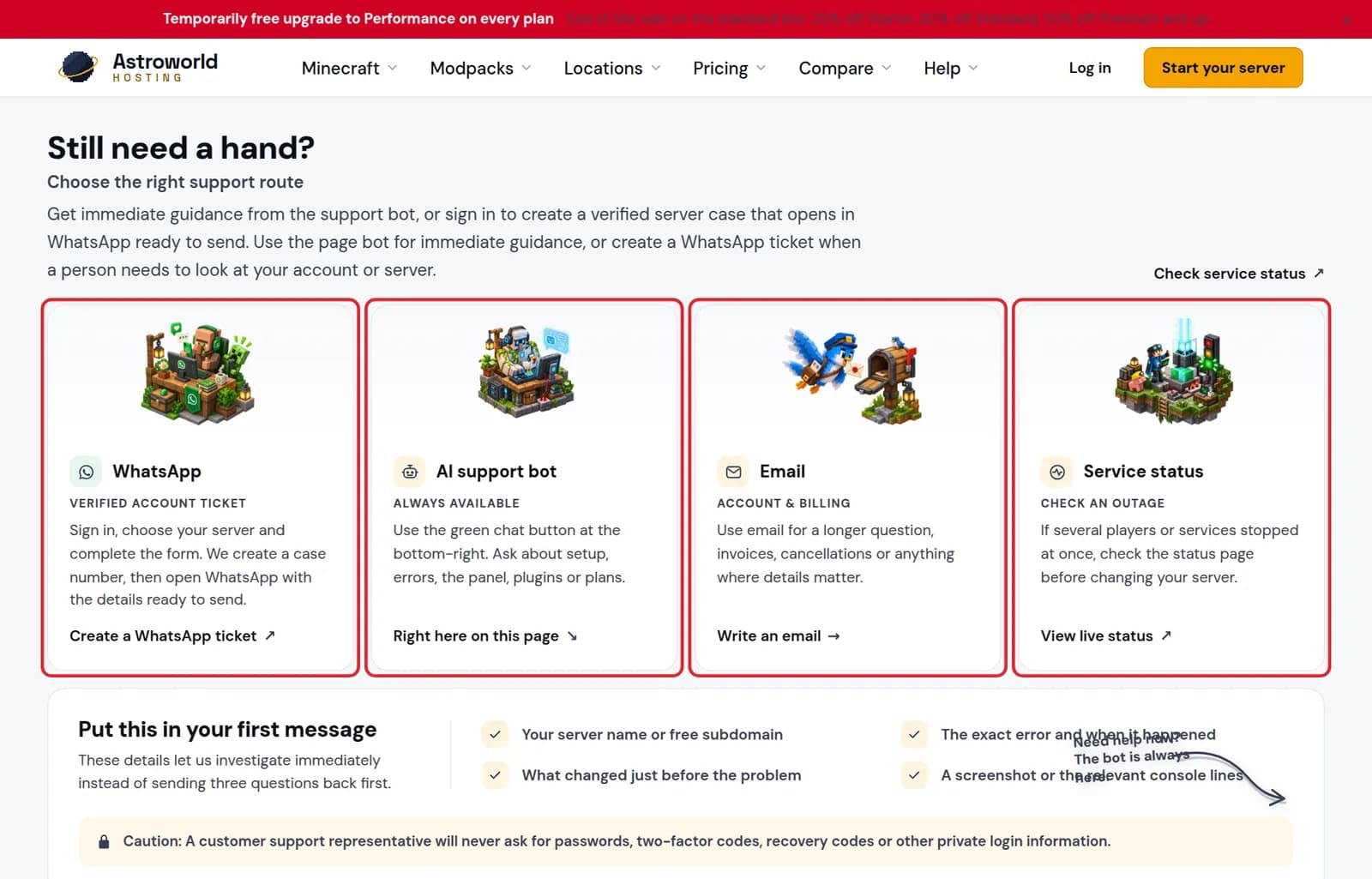
The four support cards WhatsApp, AI support bot, Email and Service status marked in red Want a quote, a server setup or help with plugins as a service? Fill in the contact form with your name, email, what it is about and your message, and press "Send message". We answer by email, usually the same day.
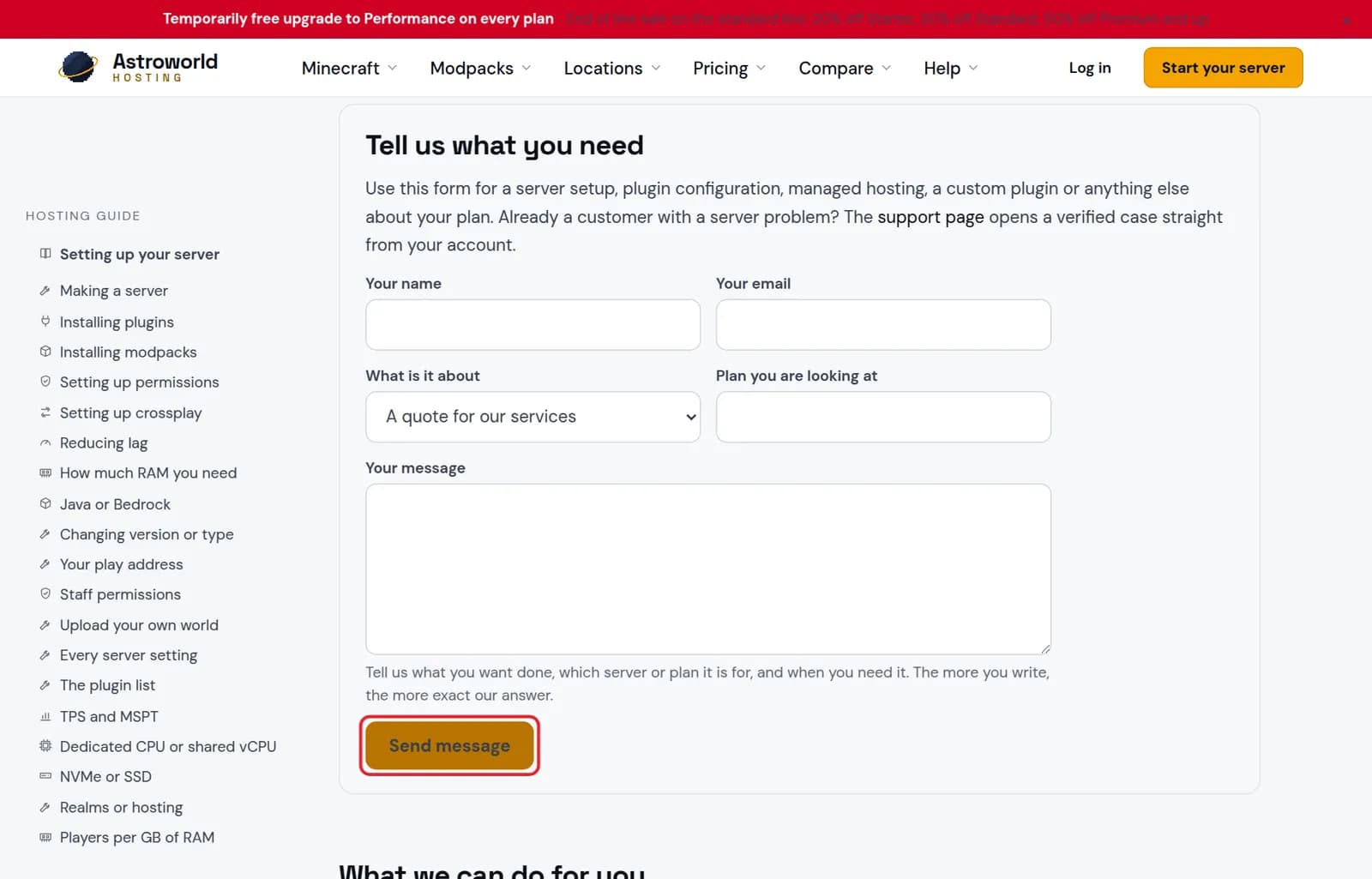
The Tell us what you need contact form with the Send message button marked in red
Which way to reach us, by what you need
| What it says | What it means and what to do |
|---|---|
A quick question about how something works | The AI support bot at the bottom right. It knows the panel, the plans and these guides and answers at any hour. |
Something on your own server or account | A WhatsApp ticket after signing in, so we know you are the owner and can look at your server directly. |
An invoice, a VAT question or a long explanation | Email, so you can attach files and keep the thread. |
A quote, a setup or plugin work as a service | The contact form on the contact page. |
Put this in your first message
Your server name or free subdomain, the exact error and when it happened, what changed just before the problem, and a screenshot or the relevant console lines. With those we can look straight away instead of asking three questions first.
What we will never ask for
Nobody from Astroworld Hosting asks for your password, a two-factor code or a recovery code. Someone who does is not us, whatever the message looks like.
Things only support can do for you
A few changes are done by hand on our side. The clearest one: a server that does not run behind our address router, such as one on a dedicated machine, gets extra addresses from us instead of from the Overview tab. For anything like that, open a ticket and say which server it is about, so we can find it without asking back.
Try this first, it is often faster
The console and the Activity tab answer most questions before anyone has to reply: the console shows the error, the activity log shows the change before it. The AI Copilot in your panel reads the same logs and can propose a fix you approve yourself.
Questions people also ask
Why sign in for a WhatsApp ticket?
So we know the ticket is from the owner of the server. After you sign in and choose the server, we create a case number and open WhatsApp with the details ready to send.
Is the AI bot a person?
No. It is an AI that knows our panel, plans and guides, and it answers at any hour. When a person needs to look at your account, it points you to a ticket.
Why does the ticket ask me to choose a server?
So the case number is tied to that server from the start. Whoever picks it up can open it directly instead of asking which one you mean.