How do I reset my Minecraft world and start a new one?
Short answerOpen Reset in your server panel, type your two-step code and press Reset world. The panel stops the server, takes a full backup, deletes the overworld, the Nether and the End, and starts the server again so it generates a fresh world. Plugins and settings stay, and the old world can come back from the backup.
Reset the world
Make sure two-step verification is on for your Astroworld account. A reset asks for a code from your authenticator app; without it the card stops you and links to the place in your account where you switch it on.
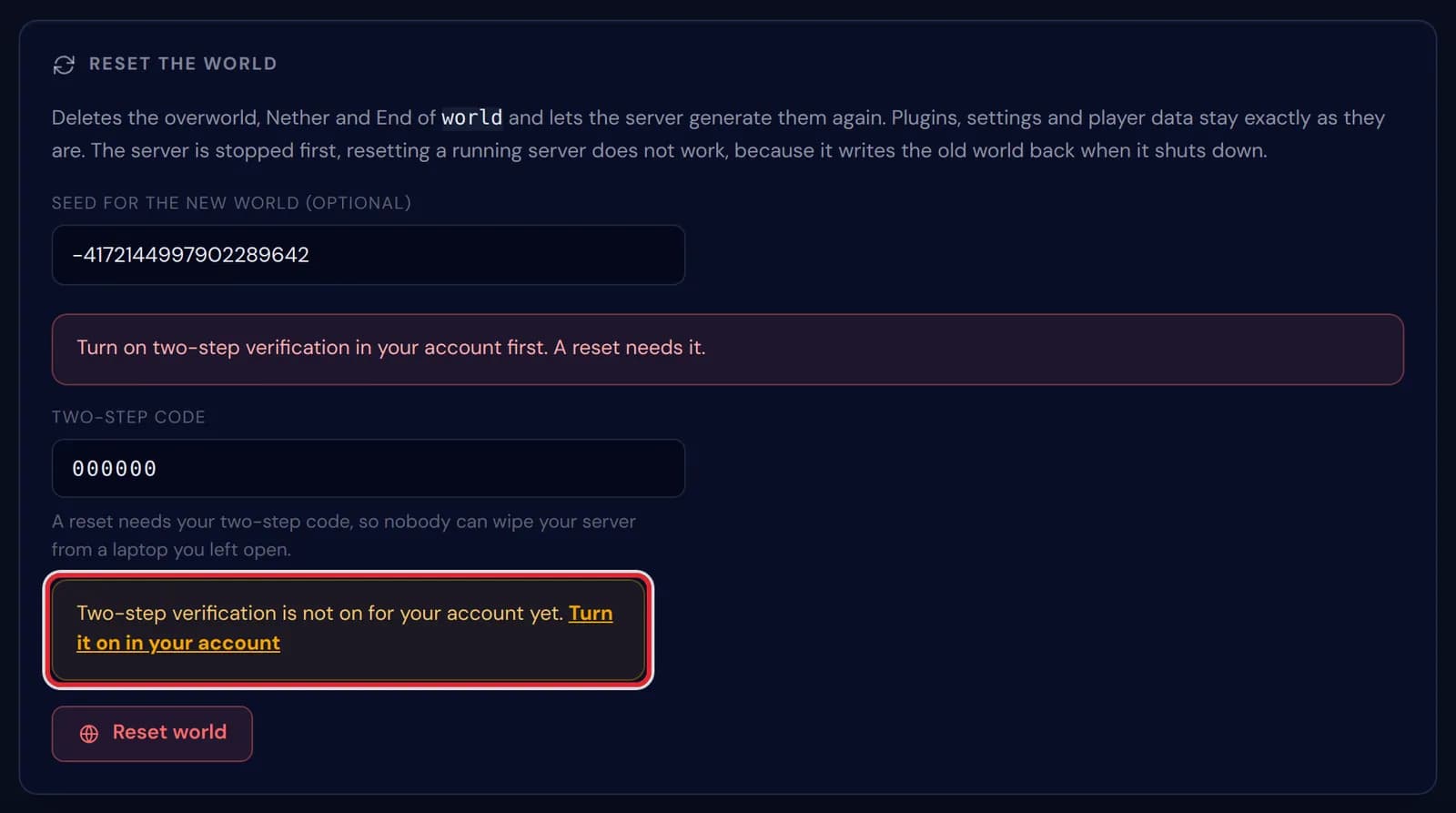
The notice Two-step verification is not on for your account yet, with the link Turn it on in your account, marked in red Open Reset in the sidebar of your server panel. The page holds two cards: Reset the world, which this article is about, and Reset the whole server below it. The same world card also sits at the bottom of the World page.
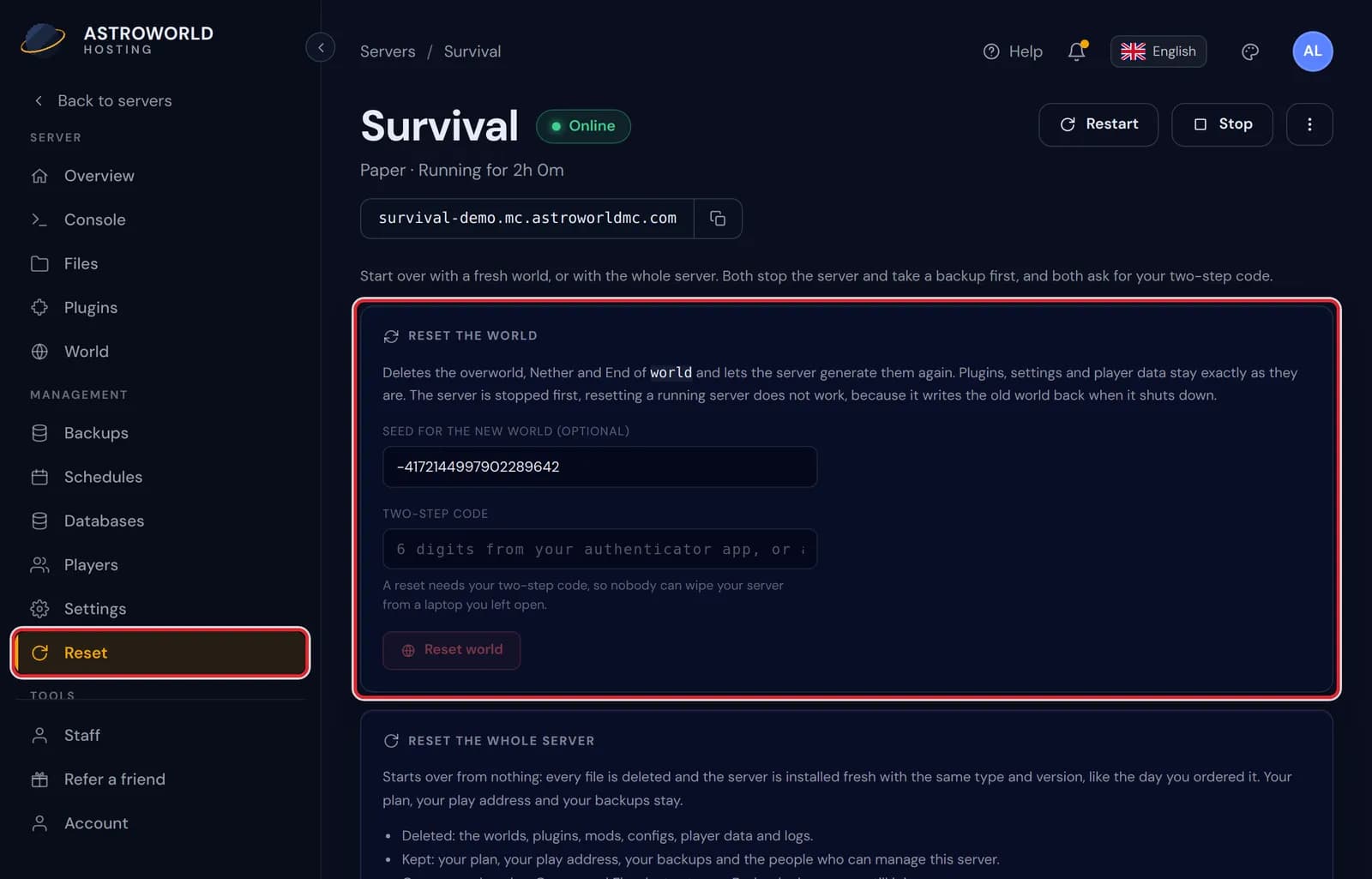
The Reset page of the server panel, with Reset in the sidebar and the Reset the world card marked in red Decide on the seed. The field starts with the seed of your current world: keep it and you get the same landscape back, untouched; clear it for a random world, or paste in a seed you found.
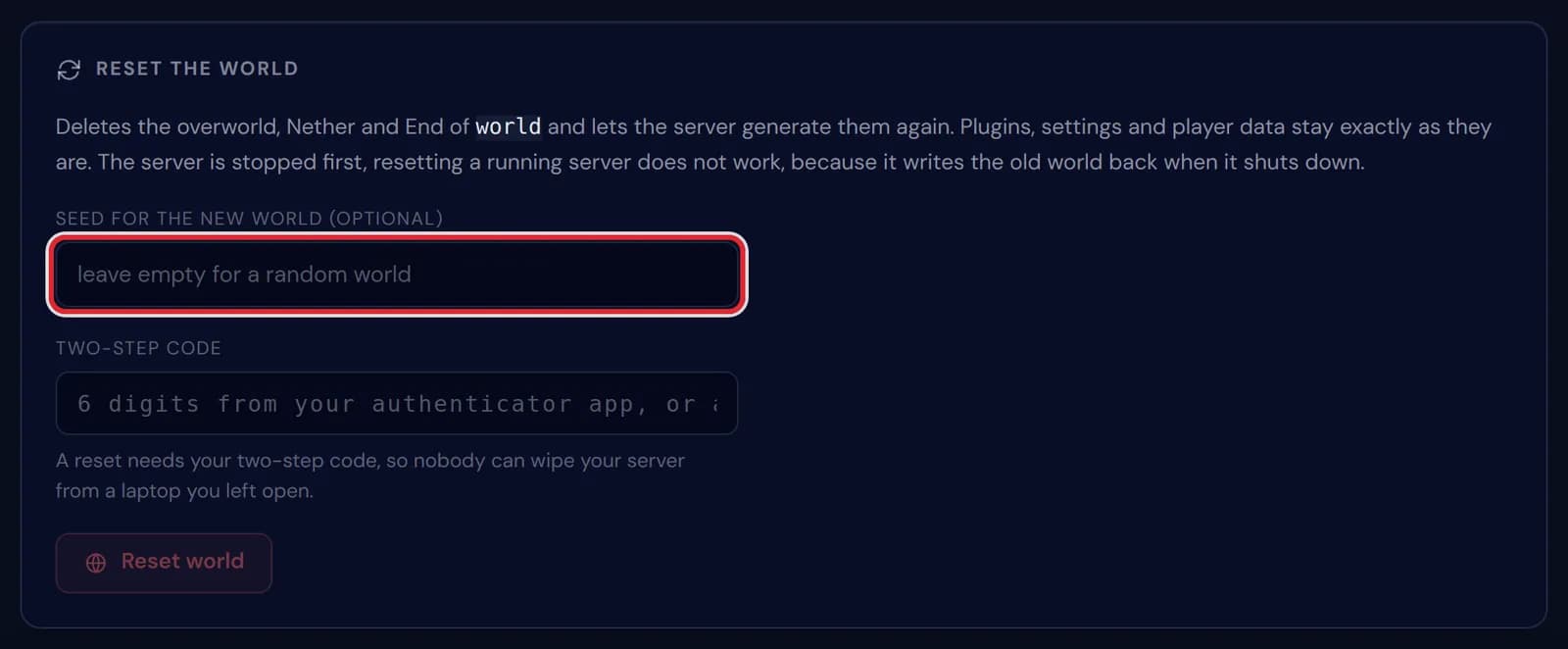
The seed field of the Reset the world card, empty for a random world and marked in red Type the six digits from your authenticator app, or one of your backup codes, under Two-step code, and press Reset world.
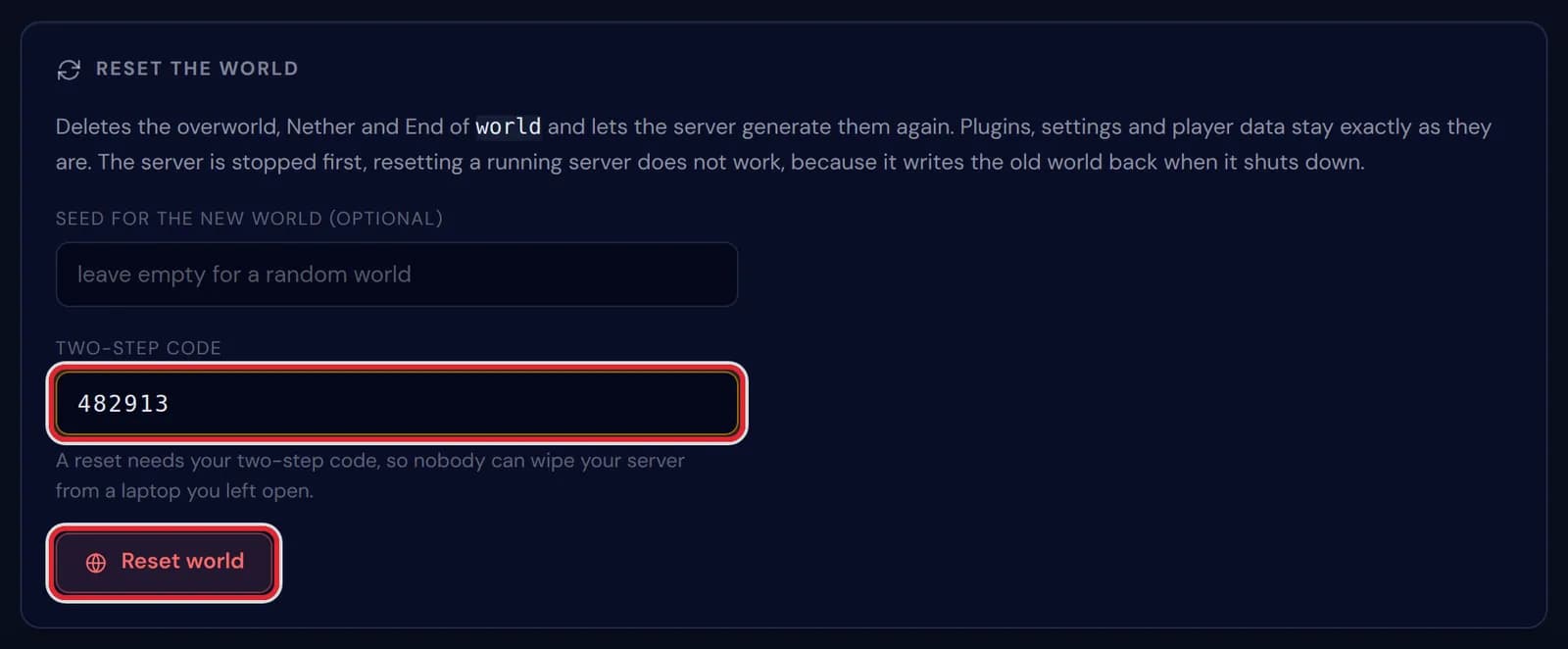
A six digit code in the Two-step code field and the Reset world button, both marked in red A window asks you to confirm and tells you what happens to the old world. Press Reset the world to go ahead, or Cancel to leave everything as it is.
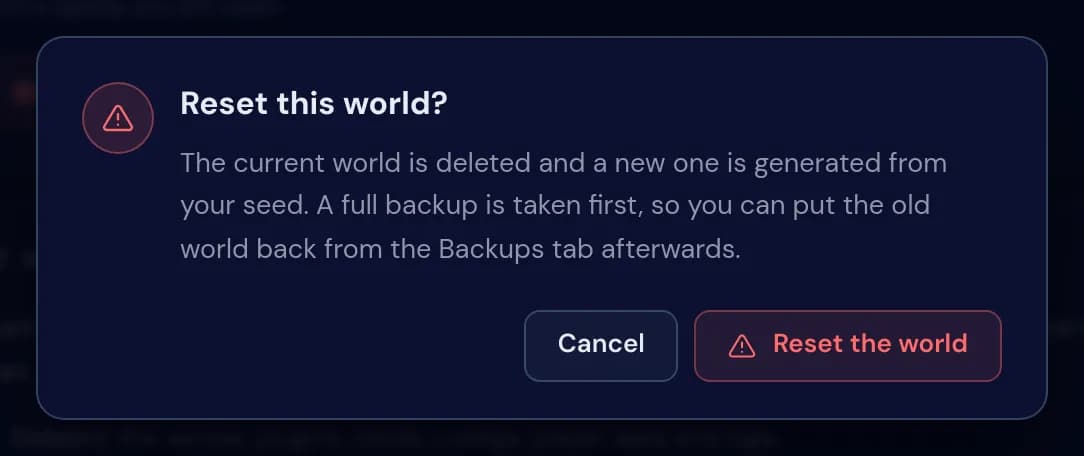
The window Reset this world? with the buttons Cancel and Reset the world Four steps tick off one after another: the server stops, a full backup is made (skipped on a plan without backup slots), the old world folders are removed and the server starts again. The backup usually takes longest, a few minutes on a big world.
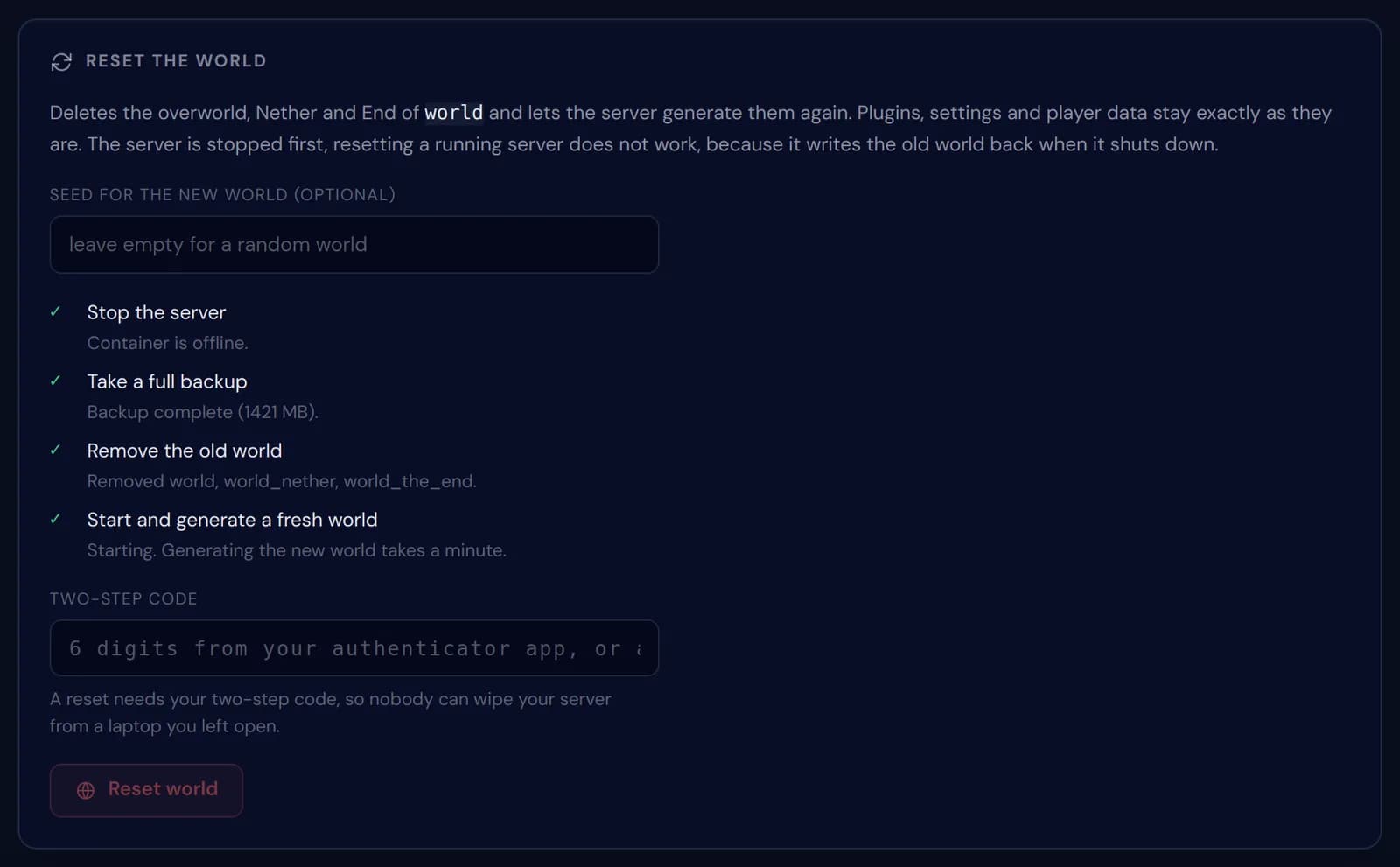
All four reset steps ticked off, from Stop the server to Start and generate a fresh world 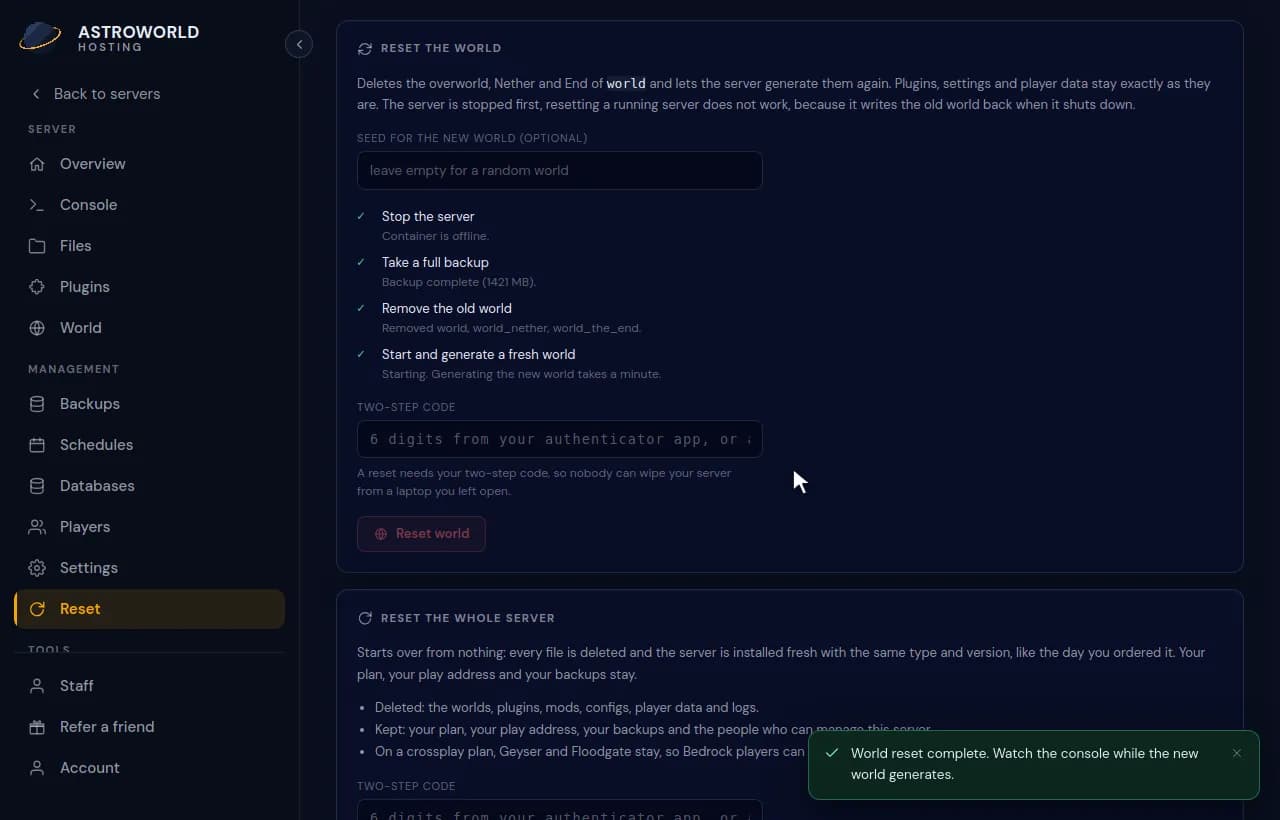
A world reset going through its four steps and ending with World reset complete When the panel says World reset complete, open the Console. The server is generating the new world, and once it reports Done, players can join and spawn in it.
Messages during a world reset
| What it says | What it means and what to do |
|---|---|
Turn on two-step verification in your account first. A reset needs it. | Your login has no authenticator app linked yet. Set it up in your account and come back to the card. |
That two-step code is not right. | The code was mistyped or had already changed. Codes renew every 30 seconds, so type the one your app shows now. |
Too many wrong codes. Wait ten minutes and try again. | After five wrong codes the reset locks for ten minutes, so nobody can guess their way through. |
Enter your two-step code again, the last one expired. | A correct code stays valid for 15 minutes. Start again with a fresh code. |
That seed contains characters Minecraft will not accept. | Use letters, numbers, spaces, hyphens and underscores. Other symbols are refused before anything is touched. |
The server did not stop in time. Try again, or use Kill on the overview. | The server took too long to shut down, and nothing was deleted. |
The backup finished but was not successful, so nothing was deleted. | Your world is untouched. Look at the Backups tab for the reason, then try again. |
World reset complete. Watch the console while the new world generates. | Everything went through. The server is starting and building the new world, which takes about a minute. |
What a world reset deletes and what it keeps
It removes the three folders of your world: world, world_nether and world_the_end, or the same three under the level name your server uses. Any other folder stays, such as a second world made by a plugin like Multiverse.
Plugins and their configs, server.properties, the whitelist, your operators and the ban list are outside those folders, so they stay. Inventories, ender chests, advancements and statistics are saved inside the world, though: they leave with the old world and everyone starts at the new spawn with empty hands.
Same seed or a new one
The seed decides the shape of the land. Keep it and you get the same mountains, rivers and villages back, freshly generated with nothing built and nothing mined. That is the quickest way to undo griefing everywhere at once, or to start a new season on a map people already know.
With the field empty Minecraft picks a random seed. Seeds from a seed list work too; paste them exactly, including a minus sign at the start. A new seed is written to level-seed in server.properties before the new world is made, so the Settings tab shows it afterwards.
Why the server is stopped first
A running Minecraft server keeps the world in memory and saves it to disk when it shuts down. Delete the folders while it runs and the old world comes straight back at the next stop.
The panel therefore stops the server, checks that it is really offline, and only then removes anything. On a plan with backup slots it also refuses to delete without a successful backup from the last 24 hours, which the reset makes itself in its second step.
Getting the old world back
The backup made by the reset is an ordinary full backup on the Backups tab. Restore it and the old world returns exactly as it was the moment before the reset, builds, inventories and all.
A plan without backup slots has no such way back, and the confirm window warns you about that. Download the world folders from the Files tab before you reset if you might want them again.
Questions people also ask
Will players lose their inventories?
Yes. Items, ender chests, experience and advancements are stored in the world, so a new world is a new start for everyone. The backup still has the old ones if you restore it.
Does a world reset remove my plugins?
No. Plugins, their configs and their data stay. Plugins that store places, such as homes, warps or land claims, still point at spots in the old world, so clear those in the plugin when they no longer make sense.
Can my staff reset the world?
Only people you gave the World permission on the Staff tab, and they need two-step verification on their own account as well.
Can I reset only the Nether or the End?
Not from this card, which always resets all three together. Stop the server, delete the folder of that dimension in Files (on Paper that is world_nether or world_the_end) and start it again; the server builds a new one.
How long does a world reset take?
A few minutes in most cases. The backup takes the longest and grows with your world; generating the new world adds about a minute after that.