Minecraft hosting guide
A Minecraft server for a school or classroom
A school server needs a class of twenty-five on one world, with the teacher in charge and nobody from outside able to join. That is the whole requirement, and a small hosted server meets it. This page walks through the edition, the whitelist, the teacher controls, the backups and the price, and says where Education Edition fits.
The short answer
Start from the devices in the room
Laptops with the launcher want Java, iPads and Switches want Bedrock, a mixed room wants crossplay. Education Edition is not hostable here.
The whitelist is the whole security
Only the names you added can join. Everyone else is refused before they see the world.
A class of twenty-five
Starter Performance at 8 GB, Standard Performance at 12 GB with a heavy plugin set, on a fixed monthly price with a VAT invoice.
Below: the edition, the whitelist, the teacher controls, the lesson setup and the price.
Which edition the class is on
- Java
- Bedrock
- Crossplay
- Education Edition
- Whitelist
Start from the devices in the room. School laptops with the Java launcher want a Java server. iPads, Chromebooks with the Play Store, Switches and phones want Bedrock. A mixed room wants crossplay, which is a Java server with Geyser in front of it so Bedrock devices join the same world. You turn it on with one checkbox at checkout.
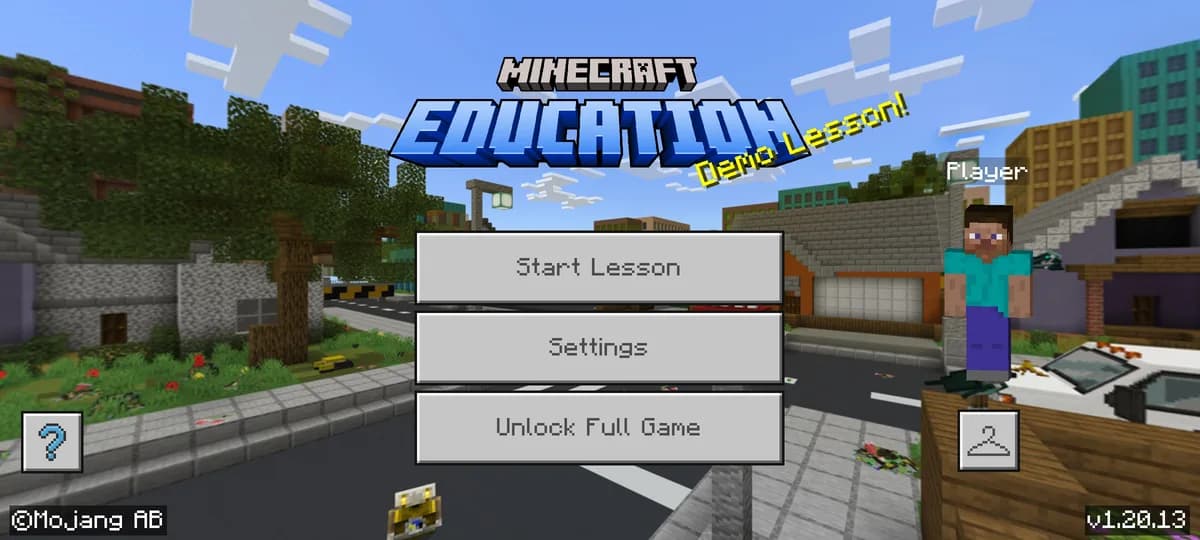
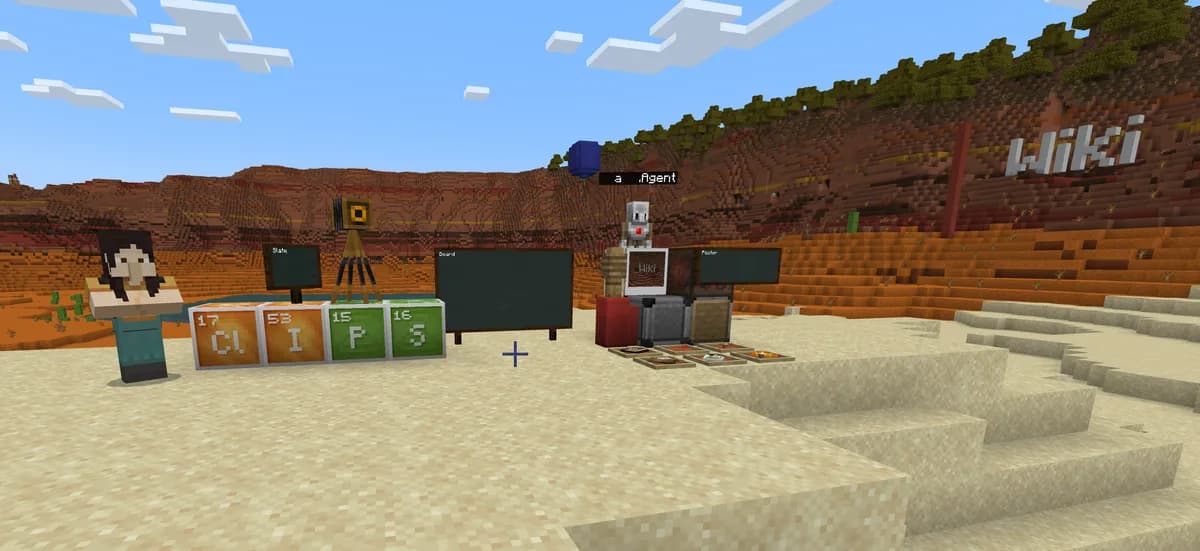
Minecraft Education is a separate product with its own licences and its own hosting through Microsoft, and it does not connect to a Java or Bedrock server. If the school already has Education licences, use those for the lessons built for it. A hosted server is the answer for everything Education does not do: a persistent world that runs outside lesson time, plugins, a club that meets after school, and devices that do not have an Education licence.
Java or Bedrock, and what crossplay changes
Keeping it closed
The whitelist is the one setting that matters. With it on, only the names you added can join, and everyone else is refused before they see the world. The panel has a switch for it, and the AI Copilot adds a list of names from one message, so a class list becomes a whitelist in a minute.
For a room that should never be reachable from the outside at all, keep the address out of public channels and keep the whitelist on. Nobody who is not on it can join, whatever they know.
| What | Where | What it does |
|---|---|---|
| Whitelist | Panel switch, or a Copilot message | Only listed names can join |
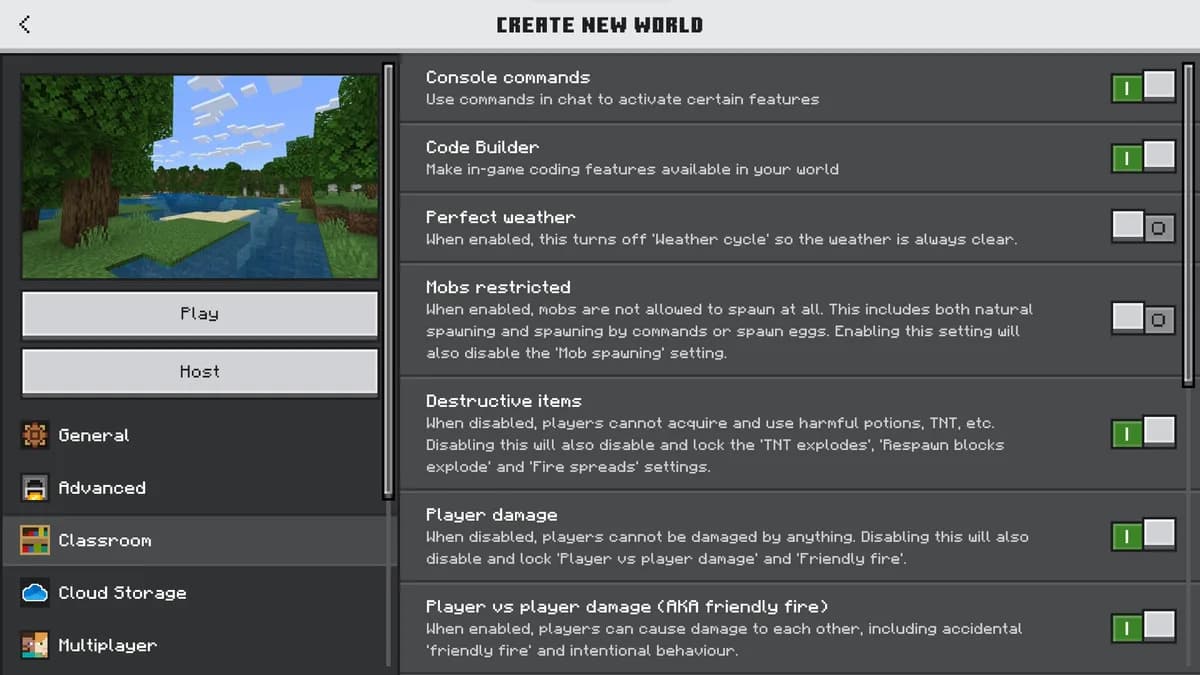
| Staff accounts | Panel, up to 15 people | A second teacher gets the console without your login |
| In-game permissions | A permissions plugin on Paper | Who may build, who may break, who may use commands |
| Stop and start | Panel, or on a schedule | The world switches off at the end of the lesson if you want it to |
| Backups | Every night, 10 kept, plus one on request | A griefed build is restored, not rebuilt |
| A test copy | Staging in the panel | Try a plugin on a copy before the class sees it |
What each staff role can and cannot do in the panel
Setting the world up for a lesson
Creative mode with a flat world for building projects, survival with a shared spawn for teamwork, or a downloaded map of a historic site for a history lesson: each is a setting or an upload, not a reinstall. The server properties page on this site lists every setting with what it does, and the Copilot changes them from a sentence and keeps an undo.
Lock a finished build with a protection plugin before the next class arrives, and take a backup on request at the end of every session. If a build goes wrong, restoring last night's copy takes a minute and no one loses a week.
Every server setting explained, including game mode and difficulty
What it costs
A class of twenty-five on a vanilla or lightly plugged world is comfortable on Starter Performance at 8 GB, and Standard Performance at 12 GB if the class runs a heavy plugin set or a light modpack. Both are a fixed monthly price with memory and processor stated on the page, no setup fee on the longer terms, and a business account with a VAT invoice for the school's administration.
Ask us for a business account and a VAT invoice for the school
The two sizes a class usually lands on
Whitelisted from the first day, 15 staff accounts for teachers, a nightly backup that costs nothing, and a VAT invoice on request.


Questions schools ask
Can I host Minecraft Education Edition on your servers?
No. Education Edition connects only to Microsoft's own hosting and needs its own licences. A hosted Java, Bedrock or crossplay server is the answer for a persistent world, plugins and devices without an Education licence.
How do I make sure nobody from outside can join?
Turn on the whitelist and add the class. Only listed names can join, and everyone else is refused before they see the world. The Copilot adds a whole list of names from one message.
Can two teachers manage the same server?
Yes. Staff accounts give up to 15 people their own login with the rights you choose, from console access to read-only. Nobody shares a password.
Can the school get an invoice?
Yes. A business account gets a VAT invoice for every payment, and the longer terms have no setup fee.
Can the server switch off outside lesson time?
Yes, on a schedule in the panel, or by hand. Leaving it on costs the same and lets a club keep building after school; switching it off is the safer default for a class that only meets on Tuesdays.
Written and checked by the Astroworld Hosting team. Last reviewed on 6 September 2026.
Delivery: most servers are handed over instantly and run within seconds of payment, the rest follow within 60 minutes during the day and within 12 hours at night.