What you get
A free website for your Minecraft server, built into your hosting
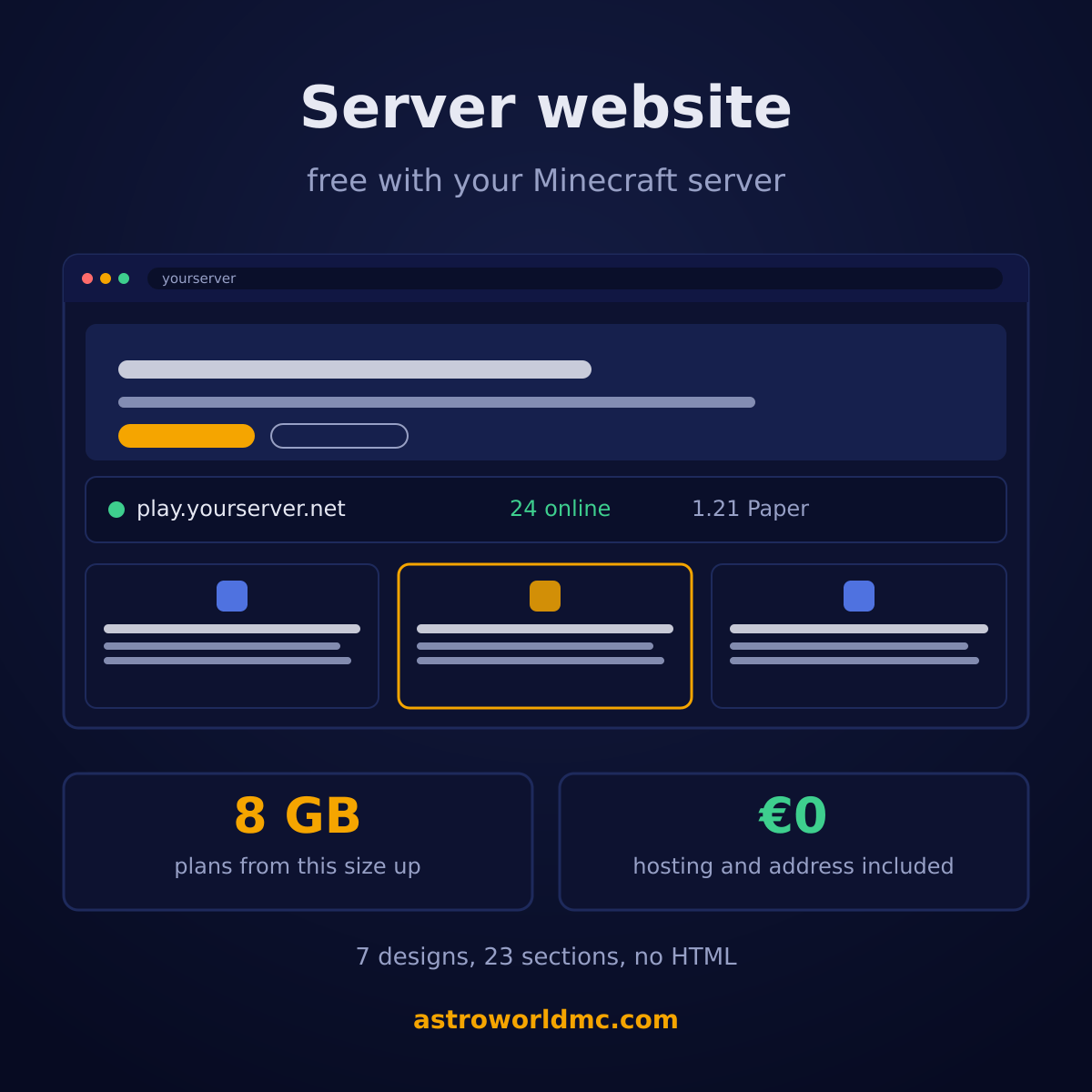
Most servers have no website, and the reason is never that nobody wanted one. It is that a website means a second bill, a second login, a domain, a theme and an afternoon. So the website comes with the server here: on every plan from 8 GB of memory up you open a tab in your own panel, pick a design and publish a real page, with the hosting, the address and the certificate already paid for.
What free means here
Free means the website costs nothing on top of the server, and that everything a website needs is on our side of the line: the builder, the hosting, the web address, the https certificate and the machine it runs on. There is no trial that expires, no page count that runs out and no card to enter. You are already paying for a machine that is up day and night, and a few pages next to your server cost us almost nothing to serve, which is why this is included instead of sold.
It is on plans from 8 GB of memory up: Starter, Standard, Premium, Ultimate, Enterprise, Dedicated, and any custom build of that size. What follows is the whole arrangement, and each number in it is read from the builder itself rather than written on a marketing page.
What you get with the free website
| What | What it means for you |
|---|---|
| Included from 8 GB up, at no charge | Every plan with 8 GB of memory or more carries a website, and so does any custom build of that size. It is not an add-on, it is not a trial, and it does not appear on your invoice. There is no second account to make and no card to enter for it: the server you already pay for is what pays for it. |
| Built in the panel you already have | The builder is a tab on your own server, next to your console and your files. You click a section, you type in the box, you see the page change next to you. Nothing is installed, no template is downloaded and there is no FTP anywhere in it. |
| Hosting and an address are part of it | The page is served from our machines on its own web address, with https on it. You do not rent web hosting somewhere else, you do not point a nameserver anywhere, and you do not keep a second bill alive next to your server. |
| Your server status fills itself in | The status section reads your real server: the address players type, whether it is up, which version it runs and how many people are on right now. You fill in nothing and you update nothing, which is the part that goes stale on every hand built server site. |
| 23 sections to drop on a page | Ranks, rules, a gallery, news, a team, a countdown, a leaderboard, your Discord and the rest. You place them in the order you want, on up to 8 pages, and every section has its own settings rather than a wall of raw HTML. |
| 7 designs and 9 colour themes | One design per kind of server, Survival being the free one, and 9 colour themes with 16 hero backgrounds behind them. A design is not just a skin: it brings its own pages and its own sections, so a Skyblock site opens with an island leaderboard and a Factions site with a season countdown. |
| A person looks at it before it goes online | What you save is a draft and nobody sees it. When you press Publish it goes past a content check and then past one of us, usually within a few hours. That is how a page on our machines stays something we can stand behind, and it is why your site does not carry advertising. |
| Indexable, so players can find it | A published page is a real page: its own title, its own description, its own canonical, and open to search engines. Your server gets somewhere to be found other than a server list that ranks you by votes. |
7 designs, one per kind of server
A design is not a colour scheme. Each one opens with the pages and the sections that kind of server actually needs, filled in with your own server name and address, so the first thing you see is a site rather than an empty canvas. Survival is the free one and it is a complete site: Home, Shop, Rules, with your status, your ranks and your rules on it.
| Design | For | What it opens with |
|---|---|---|
| Survival (free) | Survival | A home page with your status and ranks, a shop and your rules. |
| Skyblock | Skyblock | A light sky theme with floating islands, an island leaderboard and how it works in three steps. |
| Network | Network | One address for every game: a card per game mode with players online, news and a games page. |
| Factions | Factions and PvP | Built around seasons: a countdown to the next map, the top factions and a page on how a season works. |
| SMP | SMP and whitelist | About the server, how to get on the whitelist, the team and what is new. |
| Prison | Prison | The rank ladder from A to Free, the richest players and a mine in the background. |
| Creative | Creative and plots | Plots and build contests: a countdown to the next contest, the winning builds and a bright style. |
The other 6 belong to the paid tier, which includes one of them. Changing design later keeps your text: the words you typed stay yours, the frame around them changes.
Each design also has a page of its own on astroworldmc.site that goes through its pages one by one and shows how to set it up: the Survival template, the Skyblock template, the Network template, the Factions template, the SMP template, the Prison template and the Creative template. The template overview puts all 7 of them side by side.
23 sections you drop on a page
A page is a stack of sections. You add one, drag it up or down, fill in its own boxes and it is on the page. 22 of the 23 are in the free tier; live players is the one that belongs to the paid tier, because it pings your server every time somebody opens the page.
| Section | What it puts on the page |
|---|---|
| Hero | A big heading with a background image and two buttons. |
| Server status | The address, who is online and which version runs. |
| Page intro | A small label, a heading and a line under it. |
| Categories | A row of tabs to group what is on the page. |
| Rank grid | Cards with your ranks or packages, prices and perks. |
| FAQ | Questions with the answer folded underneath. |
| Community | A card that invites players to your Discord. |
| Need help? | A bar with one question and one button. |
| About this server | A few paragraphs about what your server is. |
| Rules list | The rules that apply on your server, as a list. |
| Team | Who runs your server. |
| Gallery | Screenshots of your world. |
| Discord | A button through to your Discord server. |
| Vote | Links to the server lists you are on. |
| News | Short posts, newest at the top. |
| Links | Your own links, to a forum or a live map for instance. |
| Shop button | A button through to the shop you already have. |
| Steps | Numbered steps, for joining or getting started. |
| Leaderboard | A ranked list of players, islands or teams. |
| Game modes | Cards for each game or world on your network. |
| Countdown | Counts down to a launch, a reset or a new season. |
| Numbers | A strip of big numbers, like players online or years running. |
| Live players (paid tier) | Who is online with their heads, a player graph and uptime. |
The part that keeps itself up to date
The reason server websites go stale is that the facts on them are typed by hand. The address changes, the version moves on, the player count was true in March. Here the status section reads your own server: the address players type, whether it is up, the version it runs and how many people are on at this second. You fill in nothing, and there is no day on which your page is lying about your server.
It works because the builder and your server sit on the same side of the fence. Your play address is the one the page prints, and the Copy address button on your page hands a visitor exactly that.
Published means checked, and that is on purpose
What you save is a draft and it is yours alone. When you press Publish, the whole site goes through a content check and then in front of one of us, usually within a few hours. A page that is already online stays online while a change waits, so a review never takes your site down.
It is a real check and not a formality, and that is the deal: pages on our machines are pages we are prepared to stand behind. In exchange your site carries no advertising, no tracker of ours and no countdown to a paid plan. What it does carry is a line in the footer saying who hosts it, a line saying the content is yours, and a way for a visitor to report a page. The terms for server websites say exactly what may and may not go on one.
Which plans it comes with
From 8 GB of memory up, on Java, Bedrock and crossplay alike, and on a custom build of that size as well.
 Starter Performance 8 GB
 Standard Performance 12 GB
 Premium Performance 24 GB
 Ultimate Performance 48 GB
 Enterprise Performance 64 GB
 Dedicated Performance 96 GB
Smaller than that and the tab is not there. We would rather leave it off a plan than put a website on a card and hand you something that cannot carry it.
What it is not
It is not a page builder for any website in the world: it builds a site for the Minecraft server it belongs to, and that is the whole reason it can fill itself in. There is no file manager in it, no code view, no plugin catalogue and no database of your own.
It is also not a server list. Your site is your own address with your own pages on it, and nobody ranks you on it by votes.
- No second account
- No install
- No domain needed
- No HTML
- No advertising
- No extra invoice
Questions about the free Minecraft server website
Do I really get a free website with Minecraft server hosting?
Yes. Every Astroworld plan from 8 GB of memory up includes a website for your server: the builder, the hosting, the address and the https certificate. It is part of the plan rather than an add-on, so there is nothing extra on the invoice and nothing to switch on before it counts.
Which plans include the free website?
Starter at 8 GB, Standard at 12 GB, Premium at 24 GB, Ultimate at 48 GB, Enterprise at 64 GB, Dedicated at 96 GB, and any custom build of 8 GB or more. The smallest plan that carries it is Starter.
How long does it take to make one?
Minutes rather than an evening. You open the Website tab, pick a design and it stands there filled in with your own server name, its address and 3 pages (Home, Shop, Rules). What is left is replacing the placeholder words with yours, which is the part only you can do.
Do I need to buy a domain name?
No. Your site gets a free web address on our domain the moment you publish, and that address keeps working for as long as the server does. Your own domain is possible on the paid tier if you want one, and buying one is then the only cost.
Do I need to know HTML or hire a web designer?
No. You pick sections and fill in their boxes. There is no code editor, no theme to install, no plugin to keep updated and no file to upload, which also means there is nothing in it that can break while you are asleep.
Can the website show how many players are online?
Yes, and it does it by itself. The status section reads your server directly for the address, the state, the version and the player count, so it is right without anyone maintaining it. Who exactly is online, with their heads and a graph over time, is part of the paid tier.
Can I show my ranks on it?
Yes. The rank grid puts your ranks or packages on the page as cards, with what each one gives and what it costs, and the shop button sends players on to the shop you already use.
What does the paid tier cost and what does it add?
€11.99 a month per site, and it is optional in the real sense: the free site stays a full site without it. It adds a premium design, your own domain, adding sections and pages of your own on top of what the design brings, uploading your own images, live players with a graph and uptime, visitor statistics and a review with priority.
Is there advertising on my free website?
No adverts. One line in the footer says the page is hosted by us and one says the content is the server operator's, which is there for your visitors rather than for us, and next to them sits the link that lets somebody report a page.
Will my website have https?
Yes, on every site, free ones included. The certificate is ours to arrange and renew, so there is no day on which your visitors are warned away from your page because somebody forgot.
What happens to the site if I stop my server?
The website belongs to the server, so it stops with it. Your pages stay in your account while the server is there, and a site that is taken offline can be published again without being rebuilt.
Can Google find my Minecraft server website?
Yes. A published page is open to search engines with its own title and description, and the address stays the same from the day you publish, which is what a search engine needs before it starts trusting a page.
Where to find it
It is the Website tab on your own server in the panel, on every plan from 8 GB up. There is nothing to order and nothing to switch on: the step by step guide walks through it from the empty tab to a page that is online.
The 7 templates are shown with a preview on astroworldmc.site, and the Minecraft server website guides there cover the pages players open first, such as server rules, ranks and a whitelist application.
How to make a Minecraft server website The panel the builder lives in The play address it prints for you What is included with every plan The nightly backups of your server The Discord bot for your community The terms for server websites Server website templates on astroworldmc.site Guides for your server website View plans and prices Ask us a question first
The 7 designs, the 23 sections, the 8 pages and the 8 GB threshold are read from the builder itself when this page is built, so they change with the product. Written 12 September 2026.
Delivery: most servers are handed over instantly and run within seconds of payment, the rest follow within 60 minutes during the day and within 12 hours at night.