Java Edition

Java Edition Server Hosting

The edition that PC players buy on minecraft.net, on machines with 8 GB to 96 GB of memory and a console you can type into from the first minute.

See the Plans

What You Are Actually Renting

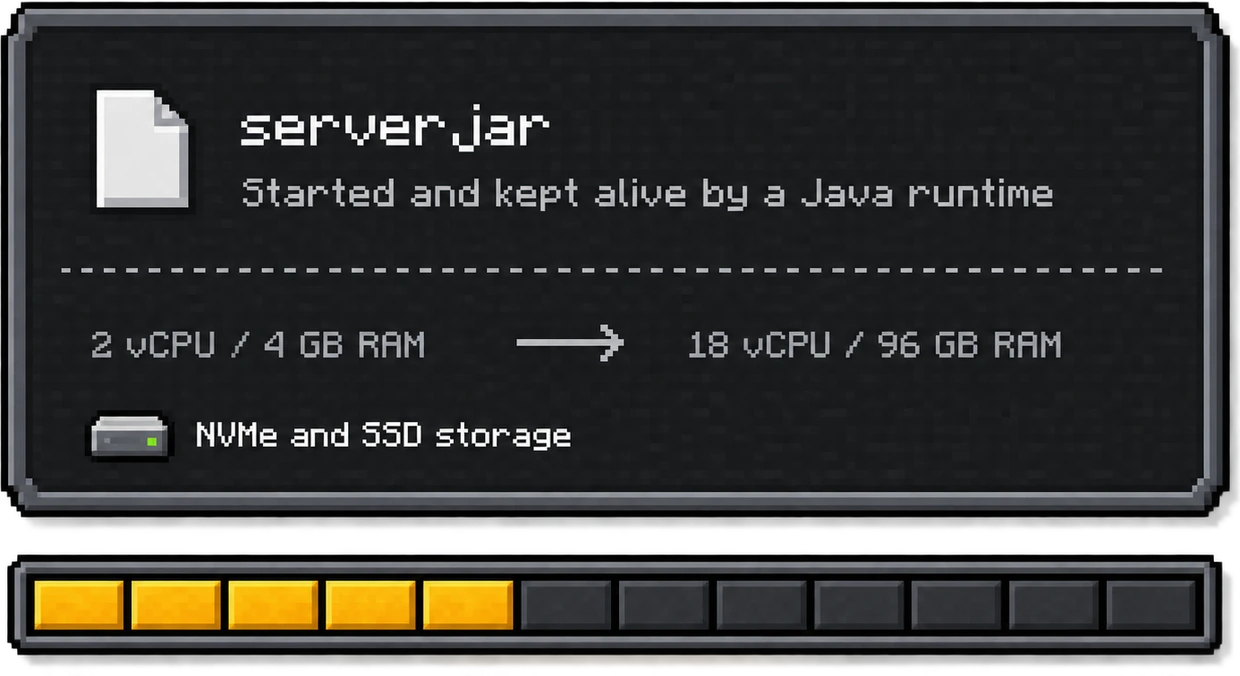
A Java Edition server is one file, a .jar, started by a Java runtime. Everything that makes it fast or slow comes down to what that runtime is allowed to use: a slice of processor, a heap of memory, and a disk to write chunks to. Our six plans hand you 4 vCPU and 8 GB at the bottom and 18 vCPU and 96 GB at the top, on NVMe rather than spinning disks, so that is the number to shop on.

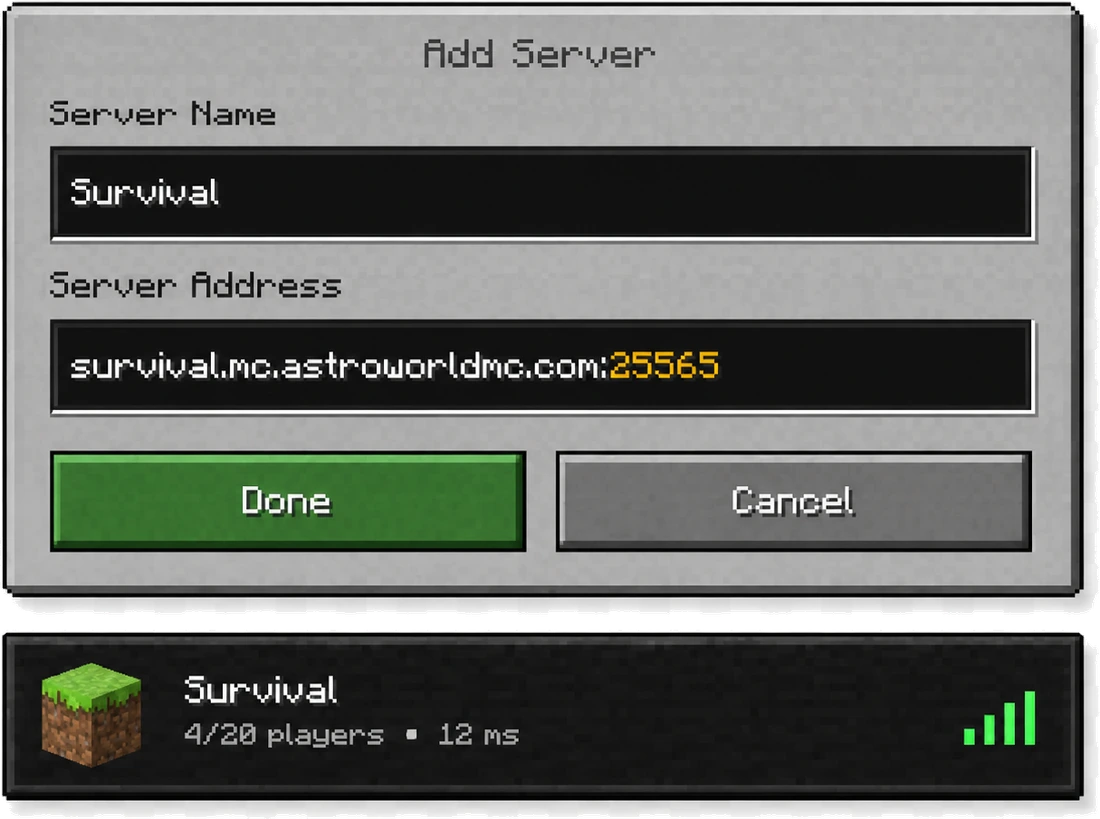
You reach it the way any Java player reaches a server: an address and port 25565, typed into the multiplayer screen of the desktop client on Windows, macOS or Linux. Nothing extra is installed on the player's side, and there is no store entitlement to hand out. A Microsoft account that owns Java Edition is the whole requirement.

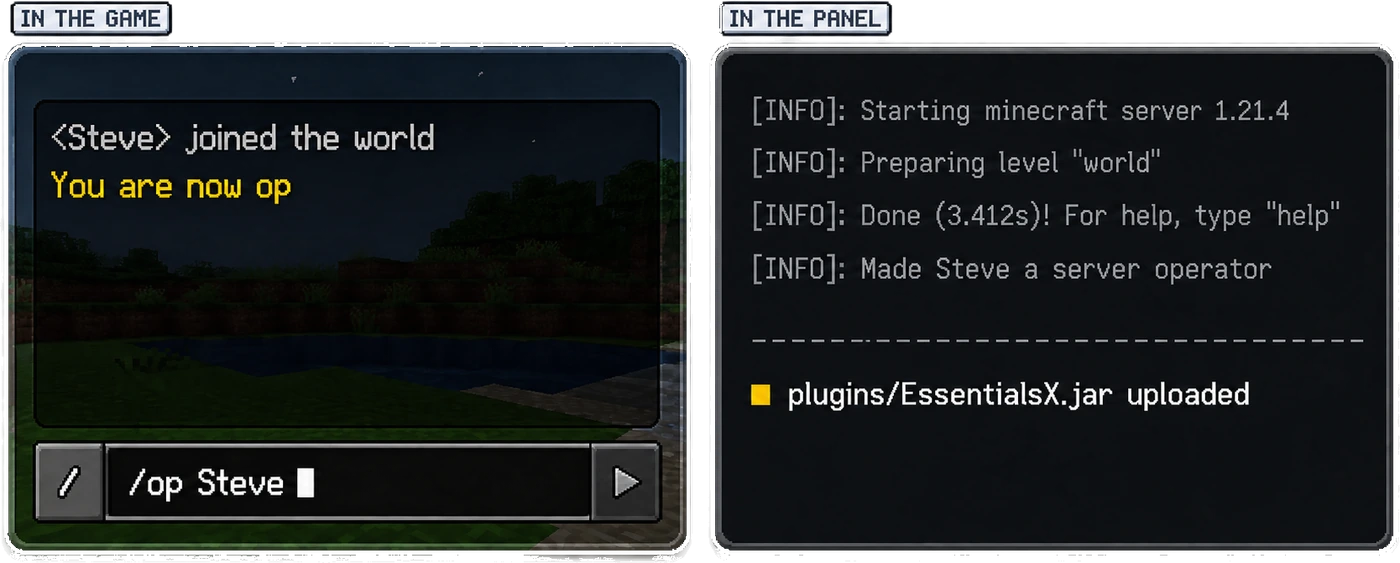
The console in your Pterodactyl panel is the real server console, not a filtered version of it. Type /op there, watch the JVM print its startup lines, drop a jar into the file manager, restart. If you have never done that before, the plugin install guide walks through it once and you will not need it twice.

The Software That Runs on Java

Plugins and mods are a Java thing. Our checkout offers 7 pieces of software to boot your server with, and every one of them is a Java build. Five of them are the ones people actually ask for; Spigot and NeoForge round out the list for servers that need them. Whichever you take, it costs the same and runs on the same hardware, and you can swap it later without losing the world.

Paper

The option our checkout marks as recommended. It reads the Bukkit and Spigot plugin API, so every permissions, economy or land claim plugin you find loads on it. It is also the usual base when Bedrock players have to reach the same world.

Purpur

A Paper fork whose configuration turns gameplay itself into settings: rideable dolphins, phantoms you can switch off, mob behaviour you can retune, all without writing a plugin. It has no page of its own here yet, it sits in the software list at checkout as its own entry.

Fabric

Reaches a new Minecraft release earlier than any other loader, usually within days. Pick it when you want a handful of optimisation or quality of life mods rather than a whole tech tree.

Forge

The loader underneath the heavy packs. RLCraft, Pixelmon and Create all run on it, and All The Mods 10 has moved on to NeoForge, which checkout lists separately. These are the servers that reach for the memory at the bottom of the table below.

Vanilla

Nothing between your world and the build Mojang published. Choose it when mechanics have to match the release exactly and you do not need admin tooling.

Weighing two of them against each other is a separate question, and the software comparison answers it side by side. If the choice is being made for you by a pack, start at the modpacks instead and take whichever loader the pack was built on.

Plans That Run Java Edition

Six sizes, and the loader list above is open on all of them: Starter boots the same Forge pack as Dedicated, it simply has 8 GB of heap to do it in where the other has 96 GB. Choose a term first, because the price on each card and the form behind each button both follow it.

Month to month, Starteris €10.99; on the twelve month term it is €8.99. It is also the only one of the six with a setup fee, €7.99on a monthly term and €3.99 on six months, and nothing at all if you take the year.

Starter

  • 4 vCPU
  • 8 GB RAM
  • 75 GB NVMe

€10.99save 18%

€8.99per month

Billed as Starter, every 12 months

€107.88 up front for 12 months, no setup fee

Configure Starter
Most popular

Standard

  • 6 vCPU
  • 12 GB RAM
  • 100 GB NVMe

€16.99save 17%

€13.99per month

Billed as Standard, every 12 months

€167.88 up front for 12 months, no setup fee

Configure Standard

Premium

  • 8 vCPU
  • 24 GB RAM
  • 200 GB NVMe

€29.99save 16%

€24.99per month

Billed as Premium, every 12 months

€299.88 up front for 12 months, no setup fee

Configure Premium

Ultimate

  • 12 vCPU
  • 48 GB RAM
  • 250 GB NVMe

€49.99save 16%

€41.99per month

Billed as Ultimate, every 12 months

€503.88 up front for 12 months, no setup fee

Configure Ultimate

Enterprise

  • 16 vCPU
  • 64 GB RAM
  • 300 GB NVMe

€84.99save 17%

€69.99per month

Billed as Enterprise, every 12 months

€839.88 up front for 12 months, no setup fee

Configure Enterprise

Dedicated

  • 18 vCPU
  • 96 GB RAM
  • 350 GB NVMe

€109.99save 18%

€89.99per month

Billed as Dedicated, every 12 months

€1079.88 up front for 12 months, no setup fee

Configure Dedicated

Memory is the one number worth arguing about, and it depends on how many people log in and what they loaded. Our memory guide puts figures on that. Nothing on this page is locked to a tier: the smallest plan boots the same loaders as the largest, and the feature list applies to all six.

The Same Six Things Under Each Plan

Releases You Can Boot

Checkout carries 10 pinned releases plus a Latest setting that follows the newest build: 1.21.4, 1.21.1, 1.20.6, 1.20.4, 1.20.1, 1.19.4, 1.18.2, 1.16.5, 1.12.2, 1.8.9. The old ones are on the list because people genuinely still run them. 1.8.9 is PvP muscle memory, 1.12.2 is where a decade of Forge packs sits, and 1.16.5 is the version half the plugin tutorials were written for.

Pinning matters more here than on any other edition. A mod or plugin is compiled against one release, so a server that updates itself is a server that breaks its own jar folder. You choose the version when you order and you change it in the panel, on your own timing, after the plugins you depend on have caught up.

And the Players Who Are Not on PC

A console or phone cannot join a Java address on its own, which is a problem the moment one person in the group plays on a Switch. You do not have to pick a side or rent a second machine for it: the crossplay setup opens a second port on this same server for them, and the step by step for GeyserMC and Floodgate says which of these loaders can hold it. If you are still deciding which edition your community should live on, the Java against Bedrock comparison lays out what each side gives up.

When None of the Six Is the Right Size

A modpack usually asks for an amount of memory that sits between two of the plans above, and paying for the next one up is paying for headroom you will not use. The slider below builds the machine per step instead, 12 of them from 1 GB to 96 GB, and every loader on this page runs on whatever you land on.

Its term button shows one percentage for all 12 steps, since a build to measure is priced off a single rate. The six cards further up do the sum per plan, which lands between 16 and 18 percent on a twelve month term, so the two numbers are allowed to differ on the same screen.

Tier 5
Tier 1Tier 12
vCPU
4
RAM
8 GB
NVMe
80 GB
Monthly price
14.99/mo
4 vCPU · 8 GB RAM · 80 GB NVMe
DDoS Protection
Pterodactyl Panel
Ticket & Discord Support
Fast Delivery
Choose Your Location
Weekly Manual Backup
All Modpacks Supported
Configure Server
View Plans