How to Change the Seed of a Minecraft Server
Changing level-seed on its own does nothing to a world that already exists. The seed is written into the world the moment it is created, and every chunk generated after that keeps following it. To play a new seed, the server has to make a new world: by resetting the old one, or by giving the new one a different name so the old one stays on the disk. Both take a few minutes, and both are below.
Why Changing level-seed Seems to Do Nothing
A seed is the number the game starts from when it generates terrain. The same seed on the same version always produces the same mountains, the same rivers and the same villages in the same places. When a server creates a world, it takes the seed from server.properties, or picks a random one if that line is empty, and saves it inside the world folder.
From then on the world carries its own seed. On every start the server finds the world folder, loads it, and never looks at level-seed again. That is why editing the line and restarting changes nothing, and why the new seed does not apply to fresh land at the edge of the map either: new chunks are generated from the seed the world already has, and so are chunks you delete to have them generated again.
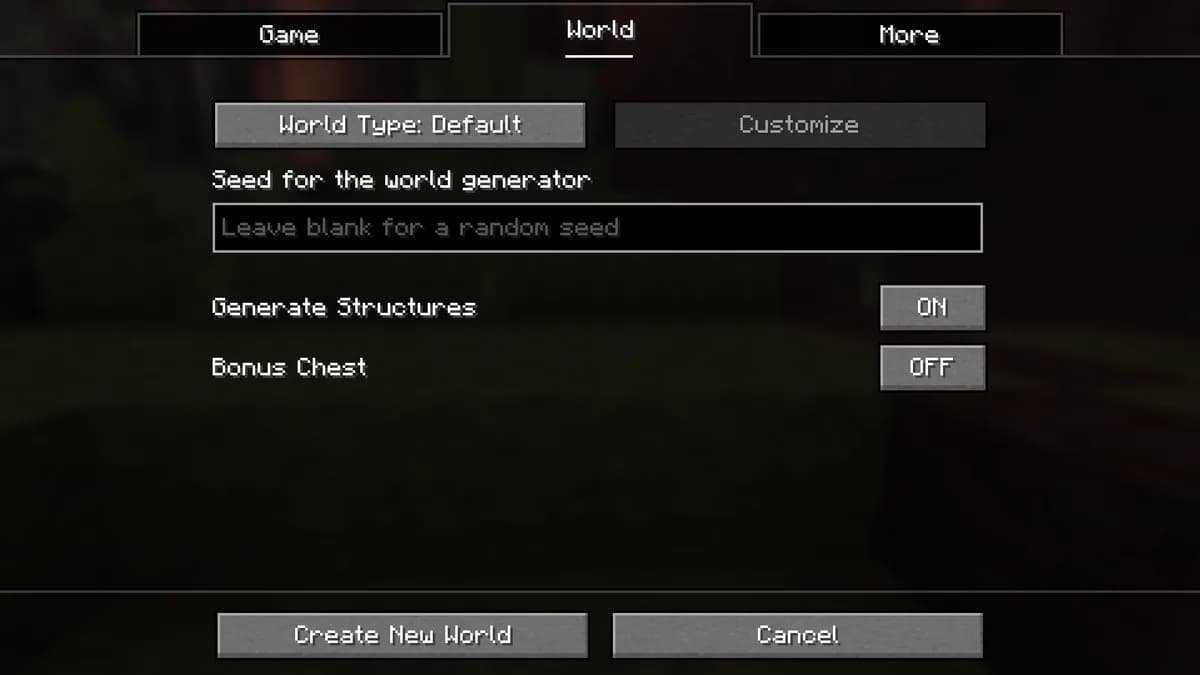
Find the Seed Your World Uses Now
Worth doing before any reset, so you can always come back to this world's terrain. On Java, type seed in the server console and it answers with the number. In game the command is /seed, and it needs operator rights, so a normal player gets an error instead.
Bedrock has no seed command. The seed of a world shows in its settings, with a button to copy it, and on a dedicated server it is the value in server.properties, if one was set before the world was created. If that line was empty, download the world from Files and open it in Bedrock on your own device to read it there.

Change the Seed From the World Tab
On a Java server with us, the World tab in the panel does the whole reset for you, with the checks that make a manual reset go wrong built in. It shows the world's name, its current seed setting and its size, and the reset works like this:
Stop the server
Open the World tab and stop the server there. A world that is running is still being written to, so the reset only works while the server is off.
Let it make a backup
The tab checks for a successful backup from the last day and offers to make one if there is none. Nothing gets deleted without it, because a reset cannot be undone any other way.
Enter the new seed, or leave it empty
Type the seed you want: a number, a word or a short phrase, up to 64 characters made of letters, digits, spaces, hyphens and underscores. Leave the field empty and the game picks a random seed for you.
Confirm with your two-step code
Deleting a world asks for the code from your authenticator app. It keeps a stolen password from wiping your world, and one code covers the reset for the next fifteen minutes.
Let the panel do the rest
The panel removes the overworld folder and the Nether and End folders next to it, writes the new seed into server.properties, and starts the server. The first start builds the new world from your seed.
Pregenerate the area around spawn
Optional, but worth it on a server people will explore: the same tab can generate the land around spawn before anyone joins, so the first evening is not spent waiting for fresh terrain.
The backup it makes stays on the Backups tab, so the old world is one restore away if the new seed turns out to be a worse one. How that restore works is on the restore page.
Change the Seed by Hand and Keep the Old World
If you want to try a seed without deleting anything, give the new world a different name. The server then creates it next to the old one instead of in its place:
Stop the server
Changes to server.properties are read when the server starts, so stop it first.
Give the new world a new name
Open server.properties in Files and change level-name to something new, for example world2. Leave the old world folder exactly where it is.
level-name=world2Set the seed
On the line below it in the file, put the seed you want after level-seed, or leave it empty for a random one.
level-seed=your seed hereStart the server
There is no world2 folder yet, so the server creates one from the seed you just set. The old world stays on the disk under its old name, and setting level-name back brings it back.
Two things to know. On Paper and other Bukkit based servers the Nether and the End live in their own folders next to the overworld, so world2 also gets a world2_nether and a world2_the_end. And plugins that store data per world, such as land claims or homes, see world2 as a new world with none of it. Every other line in the file is explained on the server.properties page.
Pregenerating the New World
A new seed means none of the terrain exists yet, and generating it while people play is the heaviest thing a Minecraft server does. The World tab can generate a square around spawn in advance, at four sizes:
| Radius | Area | Chunks per dimension |
|---|---|---|
| 1,000 blocks | 2,000 by 2,000 blocks | 15,625 |
| 2,000 blocks | 4,000 by 4,000 blocks | 62,500 |
| 3,000 blocks | 6,000 by 6,000 blocks | 140,625 |
| 5,000 blocks | 10,000 by 10,000 blocks | 390,625 |
The panel checks the disk before it starts and puts Chunky on the server for you, as a plugin on Paper and as a mod on Fabric, Forge and NeoForge; a plain vanilla server cannot run it. For a small group, 2,000 blocks covers the first weeks of exploring. More on why fresh terrain costs so much is in the lag guide.
Seeds Across Versions and Editions
A seed describes a world only together with the version that generates it. World generation was rebuilt in 1.18, and a seed from before then gives completely different terrain on a current server; later versions have moved structures and added biomes, so a seed shared online matches exactly only on the version it was found on.
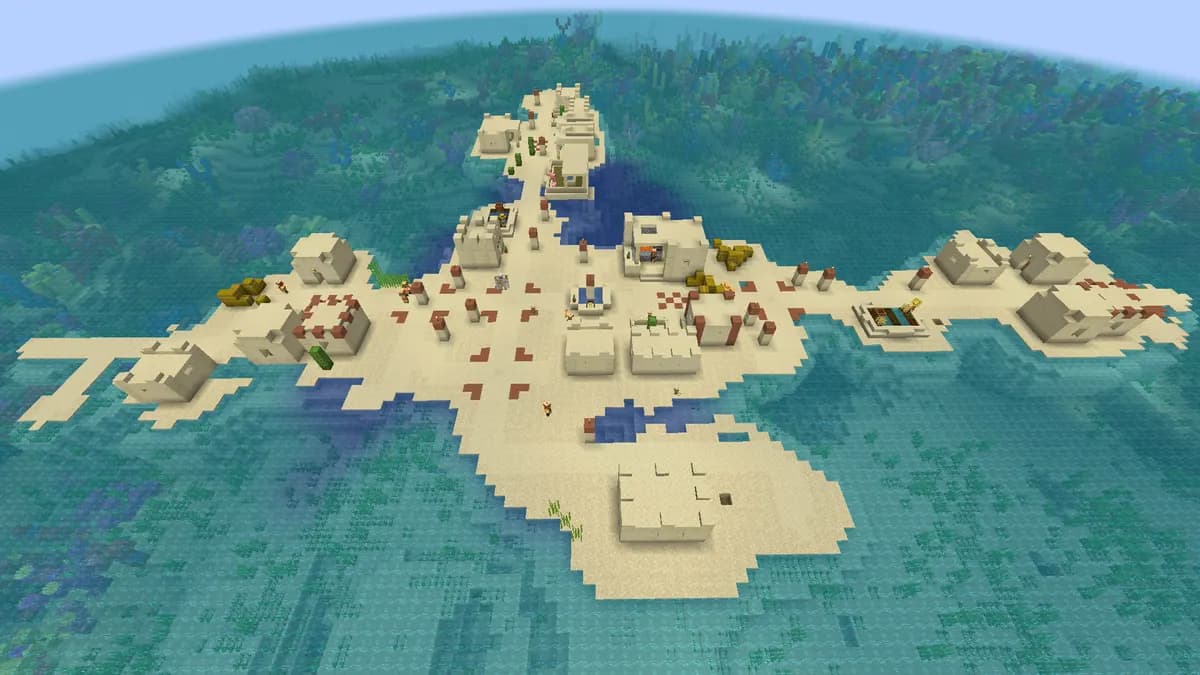
Since 1.18, Java and Bedrock generate the same terrain and biomes from the same seed, but structures such as villages and strongholds can still land in different places. A seed that puts a village on an island in Java may give you the island without the village on Bedrock.
Words work too. Type a word or a short phrase as the seed and the game turns it into a number, the same number every time, so the same phrase always gives the same world on the same version. The version page explains how to set the version before you reset for a particular seed.
What a New Seed Cannot Do
It cannot keep your builds. A new seed is a new world, and the only way to bring a build along is to copy it out first, with a schematic from a plugin such as WorldEdit, and paste it into the new world afterwards. It also cannot reseed half a world: there is no way to keep the area around spawn and have everything beyond it follow another seed. If you want a fresh start with your own map instead of a seed, you can upload your own world, and it keeps the seed it was made with.
Questions About Minecraft Server Seeds
Can I change the seed without resetting the world?
No. The seed is saved inside the world when it is created, and everything generated afterwards follows it, including chunks you delete to have them generated again. A new seed always means a new world; the choice is only whether the old one is deleted or kept on the disk under another name.
Where is the seed of a Minecraft server stored?
Inside the world folder, in a file called level.dat, from the moment the world is created. The level-seed line in server.properties is only the seed for the next world the server makes. That is why the two can disagree: server.properties may show a seed that the current world has never used.
I changed level-seed and restarted. Why is the world the same?
Because the server found a world folder under the configured level-name and loaded it. It only reads level-seed when there is no world to load. Either reset the world from the World tab, or change level-name so the server creates a new one.
Will a seed from a video give me the same world?
Only on the same edition and a version with the same world generation. Terrain changed completely in 1.18, so a seed from before that gives a different world on a current server, and smaller changes in later versions can move structures around. Check which version the seed was found on before you reset for it.
Does the seed change the Nether and the End as well?
Yes. One world has one seed, and the Nether and the End are generated from it too. On a normal server you cannot give the Nether a different seed from the overworld; resetting only the Nether folder brings back a Nether generated from the same seed.
How do I get a random seed?
Leave the seed field empty, or leave level-seed empty in server.properties, when the new world is created. The game then picks one, and you can read it afterwards with the seed command in the console.
Do players have to do anything after a seed change?
Not to join: the address stays the same and they reconnect as usual. Players with a minimap mod may still see the old world's map for your server until they clear its data for that server, because the mod stores maps by address and cannot tell that the world underneath changed.
Written and checked by the Astroworld Hosting team. Last reviewed on 24 September 2026.
Delivery: most servers are handed over instantly and run within seconds of payment, the rest follow within 60 minutes during the day and within 12 hours at night.