What does a server.properties setting do?
Short answerOur server.properties reference lists all 63 keys a Minecraft server reads from that file, grouped by what they change, with the default and the values allowed. Every key takes effect on the next start, so restart the server after you change one.
Look up a setting in two steps
Open the server.properties reference. "The short answer" at the top gives the three rules that matter most: read once at start, two keys cost more than the rest together, and some keys open the server.
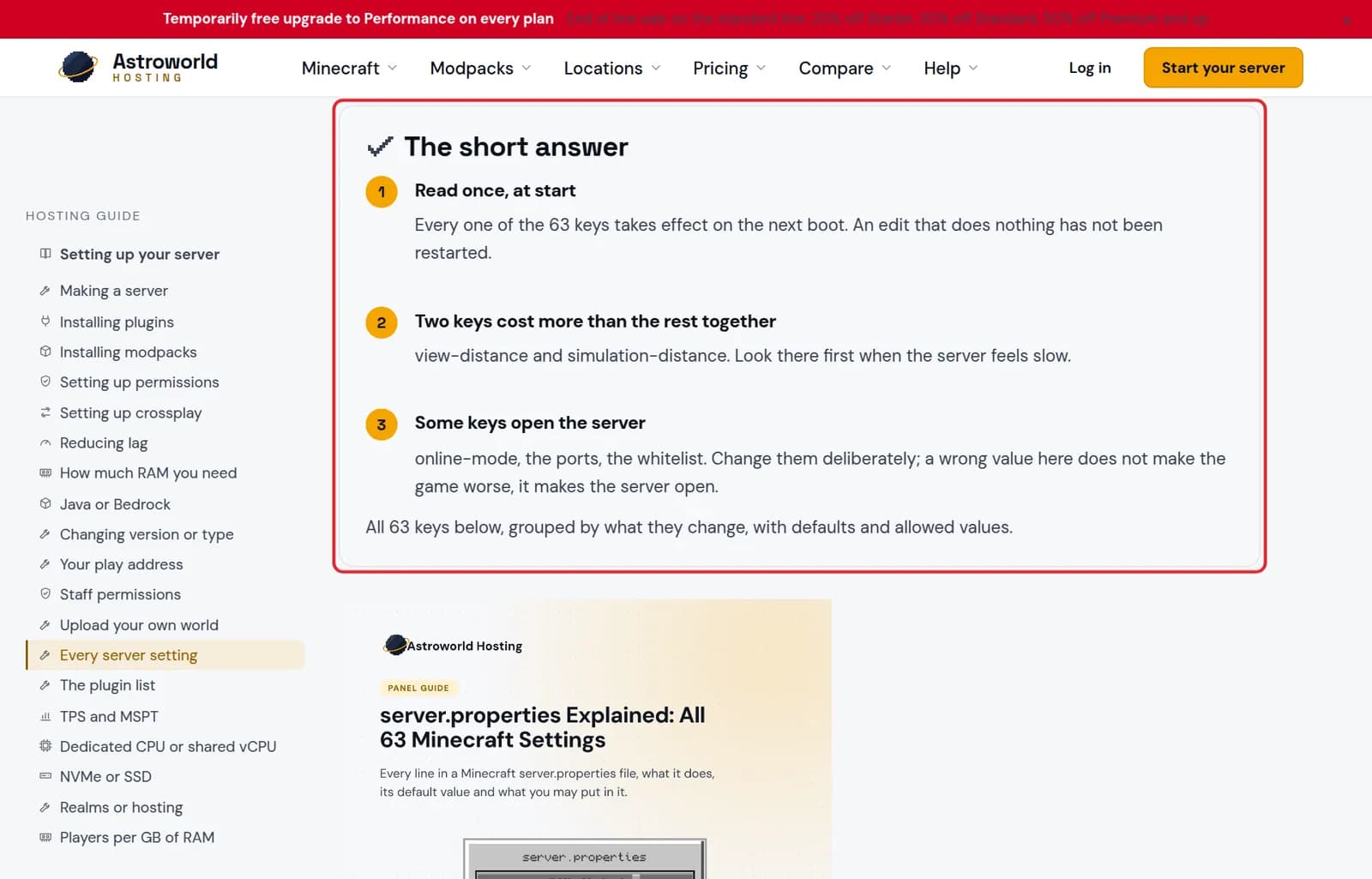
The short answer box of the server.properties reference marked in red Find your key in the groups below it, or search the page for its name. Then change it in your panel and restart the server.
Five keys people look up most, and what they do
| What it says | What it means and what to do |
|---|---|
view-distance | How many chunks around each player the server sends. Every step costs work for every player at once, which makes it the biggest single cost on the list. |
simulation-distance | How far away crops grow, mobs move and redstone ticks. Lower than the view distance is normal and players rarely notice. |
online-mode | Whether the server checks accounts with Mojang. Off means anyone can join under any name, including the name of an operator. Keep it on unless a proxy handles the check. |
white-list and enforce-whitelist | The first lets only listed players join; the second also kicks listed-out players who are already online when you turn it on. |
entity-broadcast-range-percentage | How far other players and mobs are sent to a client, as a percentage of the normal range. Lowering it is the cheapest network saving on a busy server. |
The ones to change with care
view-distance and simulation-distance cost more than all the other keys together; lower them first when the server feels slow.
online-mode, the ports and the whitelist decide who can get in. A wrong value there does not make the game worse, it opens the server, so change them on purpose.
Where you change them
Most settings have their own field in the Settings page of your panel, so you do not need to edit the file by hand. The article on changing your server settings shows where.
The file and the panel are the same thing
server.properties is a plain text file in the main folder of your server. The Settings tab reads it and shows each key as a switch, a number or a list with an explanation. Change a value in either place and the other one shows it too. Editing the file by hand is fine, but stop the server first: a running server writes its own copy back when it shuts down, and your edit is lost.
Keys that open the server
A handful of keys decide who can reach the server rather than how it plays: online-mode, the whitelist pair, enable-query and enable-rcon, and the ports. The panel's security check looks at exactly these and warns you, for example when the query port is open so that anyone can ask your server for its player and plugin list.
Questions people also ask
I changed a setting and nothing happened
The server reads the file once when it starts. Restart it from the panel and the new value is used.
Can a setting break my world?
Most cannot. Changing level-name makes the server start a different world, which looks like a lost world but is not; set it back to find yours again.
Why can't I change server-port?
The port is managed for you so that your play address keeps pointing at the server. Changing it in the file would break the address for every player.
Is there a list of every key?
Yes. Our server.properties reference lists all 63 keys with their default and allowed values, grouped by what they change.