How do I create an account?
Short answerOpen the sign up page and either press "Google" or fill in your email address and a password of at least 8 characters, then press "Create my account". We send you an email with a link, and your account is active the moment you open it.
Create your account in three steps
The quickest way: press "Google" at the top of the sign up page and pick your Google account. There is no password to remember and no email to open.
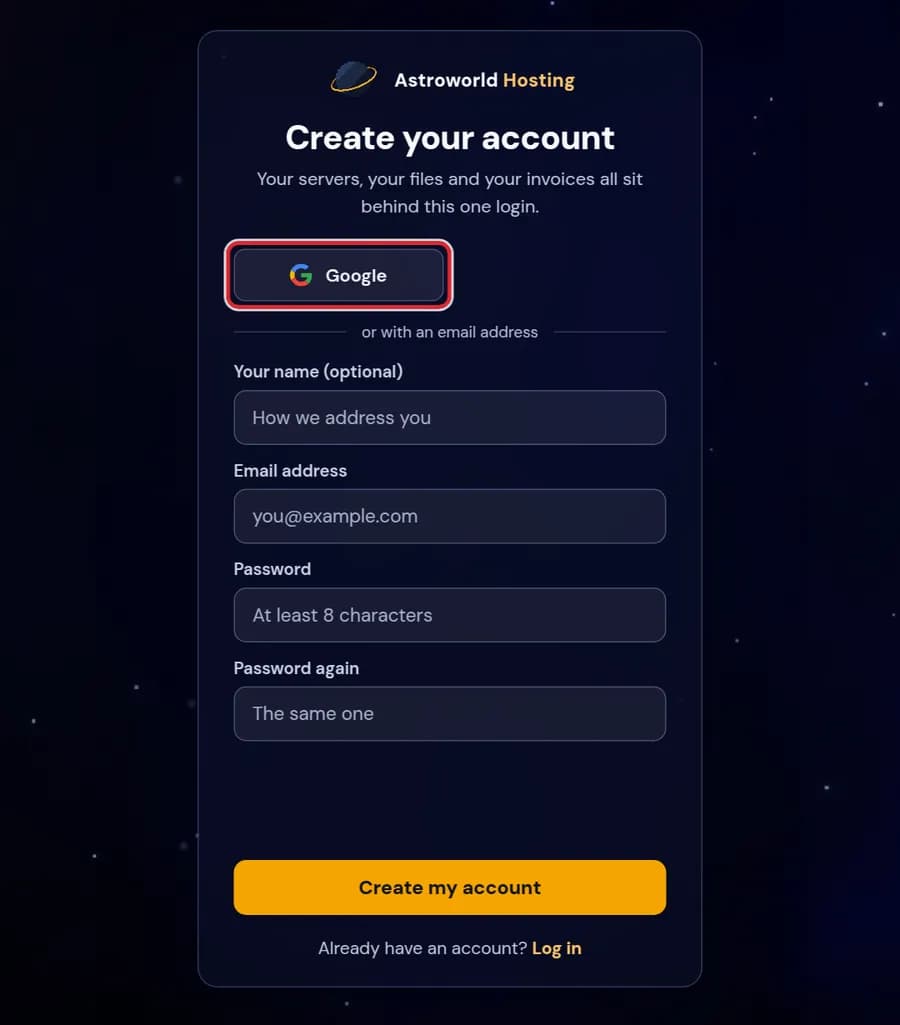
The Create your account page with the Google button marked in red Rather use an email address? Fill in "Email address", then the same password twice under "Password" and "Password again", and press "Create my account". Your name is optional; it is only how we address you.
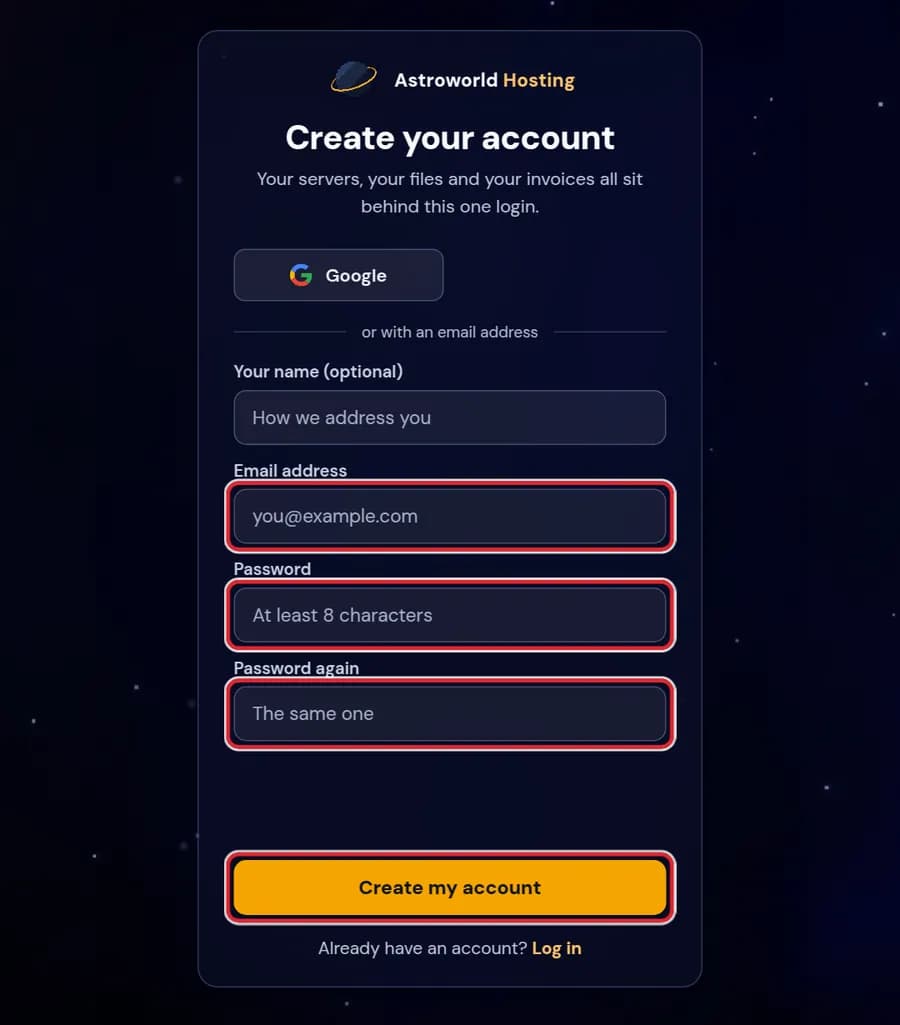
The Create your account form with the email field, both password fields and the Create my account button marked in red The page now says "Check your email". Open the email from Astroworld Hosting and click the link in it. That activates your account, and from then on you log in with that address and password.
Messages on the sign up page
| What it says | What it means and what to do |
|---|---|
There is already an account with this address. Log in instead. | You signed up before, perhaps while ordering or with Google. Log in with that address, or use "Forgot your password?" if you never set a password. |
The two passwords are not the same. | "Password" and "Password again" must match exactly. Watch for a caps lock key or a password manager that filled only one field. |
Your password needs at least 8 characters. | Pick something of 8 characters or more that you do not use on any other site. |
We sent a new link. Use the newest email. | Shown after "Send it again". Every new link replaces the one before, so open the most recent email. |
No email arrived
Look in your spam folder first. Still nothing after a few minutes? The page has "No email yet?" with a "Send it again" button. Use the newest email, because a new link replaces the one before.
Check the address you typed as well. If it has a typo the email goes nowhere, and you are better off starting again with the right address.
"There is already an account with this address"
Then you signed up before, maybe with Google. Log in instead, and if you do not know the password any more, use "Forgot your password?" on the login page.
You can also create it while ordering
The order form has its own step "Your account" with the same choice: "Continue with Google", or "I am new here" with an email address and password. Your new server lands in that account, so you do not need to make one first.
Why we ask you to open an email first
The address on your account is where password resets and invoices go, so it has to be one you can read. Opening the link proves that, and it stops anybody from creating an account in your name with an address that is not theirs. Google accounts skip this step because Google has already confirmed the address.
What you can do with a new account
Right after activation the dashboard is empty, because an account on its own has no server. From there you can order one, or accept an invitation if someone added you as staff to their server: an invitation sent to your address links itself to your account once you sign up with that same address.
Personal or business
Every account starts as personal. If you order for a company, switch to Business on the Account page and add the company name, country and VAT number before your first invoice, so the invoice carries them.
Questions people also ask
Does an account cost anything?
No. The account is where your servers, invoices and settings live. You only pay for a server you order.
Can I use Google and a password on the same account?
Yes. If your Google account has the same email address, pressing "Google" logs you into the same account. You can set a password later with "Forgot your password?" on the login page.
How long does my password need to be?
At least 8 characters, typed the same twice. A longer one that you do not use anywhere else is safer, and you can add two-factor authentication after you log in.
Can I sign up without giving my name?
Yes. "Your name (optional)" is only how we address you in emails and on the dashboard. Leave it empty and we use the part of your email address before the @.
Can I have more than one server on one account?
Yes. Every server you order lands on the same dashboard, each with its own panel, address and subscription.