How do I log in with Google?
Short answerPress "Log in" at the top right of the site, then press the "Google" button above the email field and pick your Google account. If that Google account has the same email address as your Astroworld account, you land in that same account.
Log in with Google in two steps
Press "Log in" in the top bar of any page on the site.
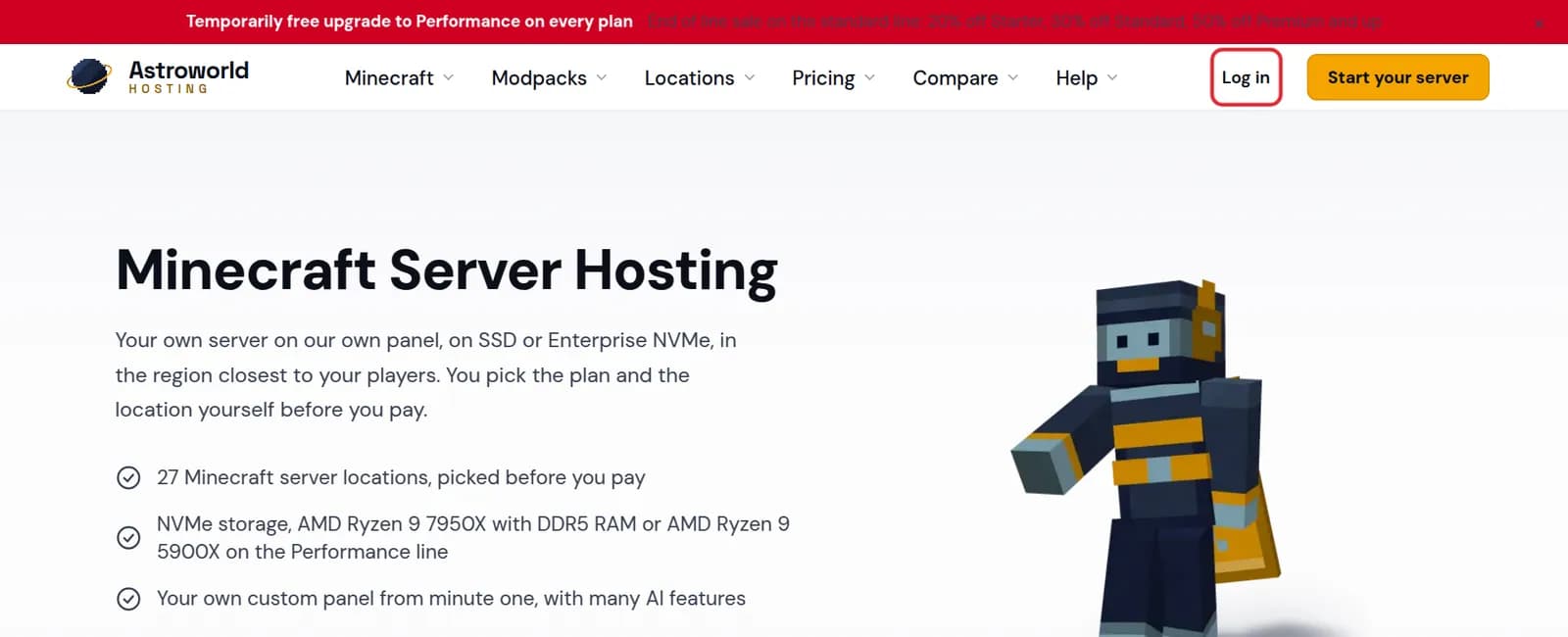
The top bar of the Astroworld Hosting site with the Log in link marked in red On the login page, press "Google" and choose your Google account. You are sent straight on to your dashboard.
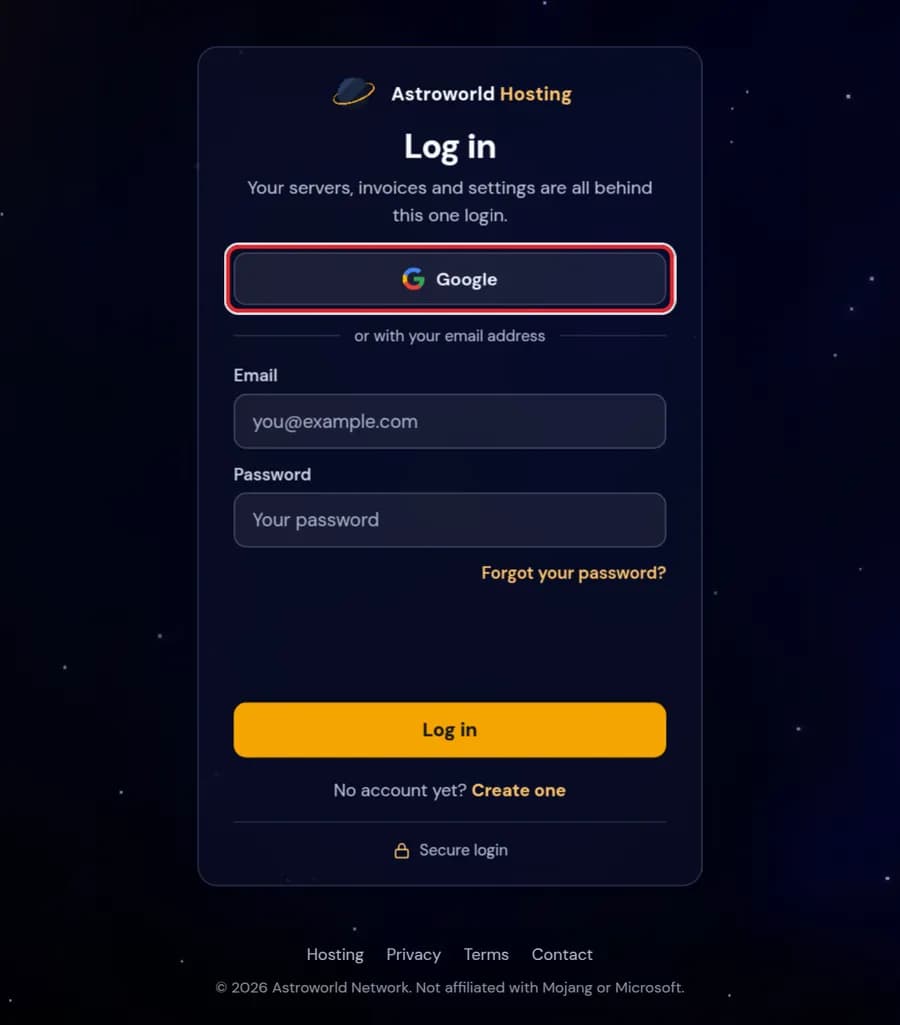
The Log in page with the Google button marked in red
Messages around the login
| What it says | What it means and what to do |
|---|---|
One more step | You have two-factor authentication on. Open your authenticator app and type the six digit code for Astroworld Hosting under "Code from your app", then press "Confirm and log in". |
Invalid email or password. | This comes from the email form, not from the Google button. If you always used Google, press "Google" instead of typing an address. |
Use a different account | A link on the second step. Press it if you signed in with the wrong Google account and want to start over with another one. |
Which account do I end up in?
The one with the same email address as your Google account. If you first signed up with an email address and a password, Google takes you into that same account, with the same servers and invoices.
If your Google address is a different one, you get a new, empty account. Log out and log in with the email address your servers are on instead.
It does not work
A browser or extension that blocks cookies can stop the Google step halfway. Try again in a normal window, not a private one, or log in with your email address and password.
Never had a password? Use "Forgot your password?" on the login page and set one; after that both ways work.
What Google tells us, and what it does not
When you press the Google button, Google asks you to confirm and then passes us your email address and your name. That is all. We do not see your Google password, your contacts or your files, and we cannot post or send anything as you.
You can revoke that link at any time in your Google account under third party access. After that the Google button no longer works for you until you allow it again; logging in with a password still does, if you set one.
Several Google accounts in one browser
If you are signed in to more than one Google account, Google shows a list. Pick the one with the address your servers are on. Picking the wrong one creates or opens a different Astroworld account, which then looks empty.
Questions people also ask
Do you see my Google password?
No. Google checks who you are and only tells us your email address and name. Your Google password never reaches us.
Does two-factor authentication still apply?
Yes. If you turned on two-factor authentication in your account, you are asked for the code after the Google step as well.
I pressed Google and my servers are gone.
They are not gone; you are in another account. Log out, log in again and pick the Google account whose address matches the one on your invoices, or use your email address and password.
Can staff I invited log in with Google?
Yes, as long as their Google address is the address you invited. The invitation is tied to that address, whichever way they log in.