How do I see what changed on my server?
Short answerOpen Activity in the sidebar of your server panel. It lists starts, stops, restarts, file changes, backups and every change the AI Copilot made, newest first. Changes made by the Copilot have an Undo button.
Check the activity of your server
Open Activity in the sidebar of your server panel. The page lists the recent events of this server, newest first, with the time on the right. Press Refresh to load new events.
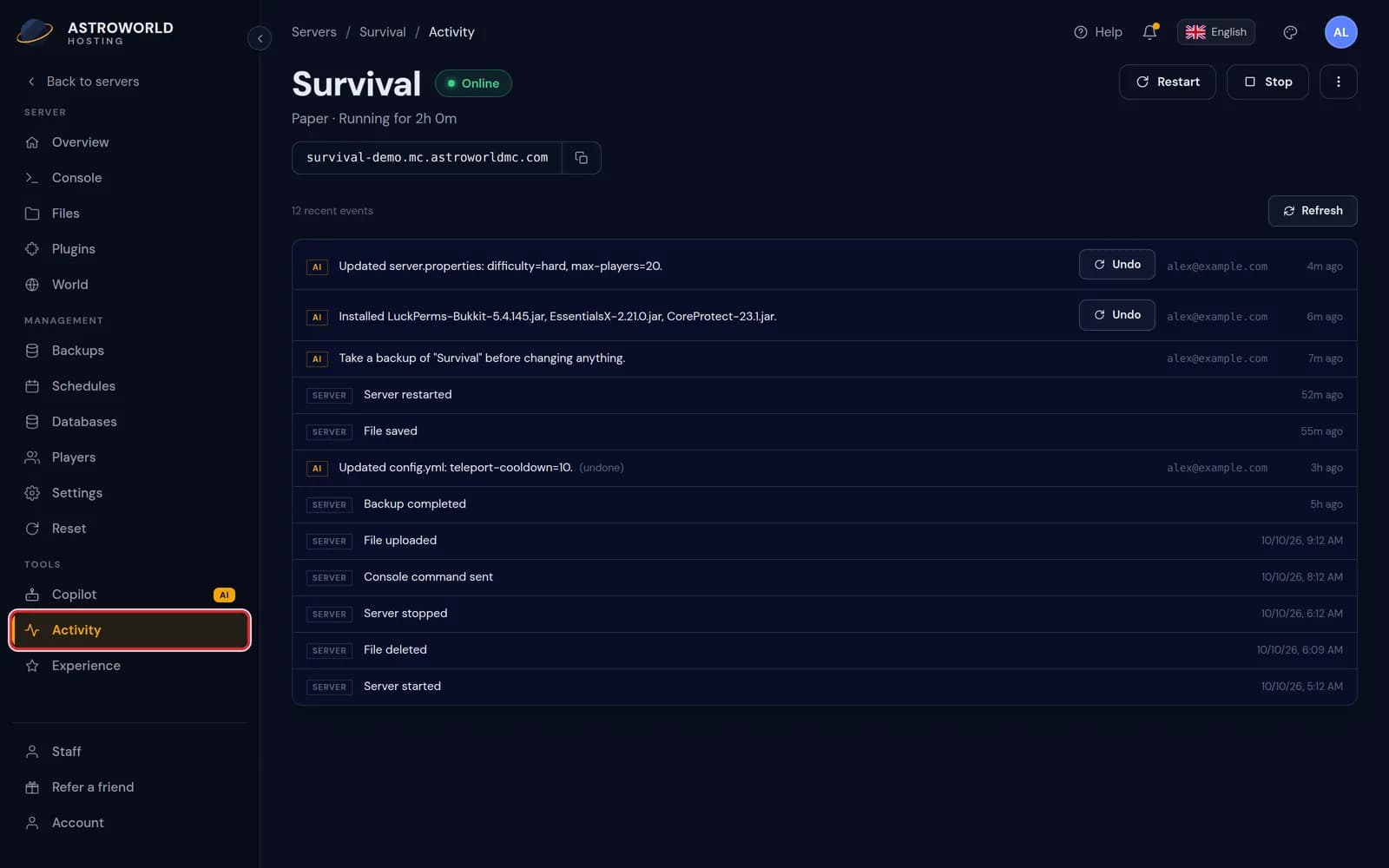
The Activity page of the server panel with Activity in the sidebar marked in red Each line starts with a label. SERVER is something that happened on the server itself, such as a start, a saved file or a finished backup. AI is a change the Copilot made, with the account that asked for it and an Undo button when it can be reversed.
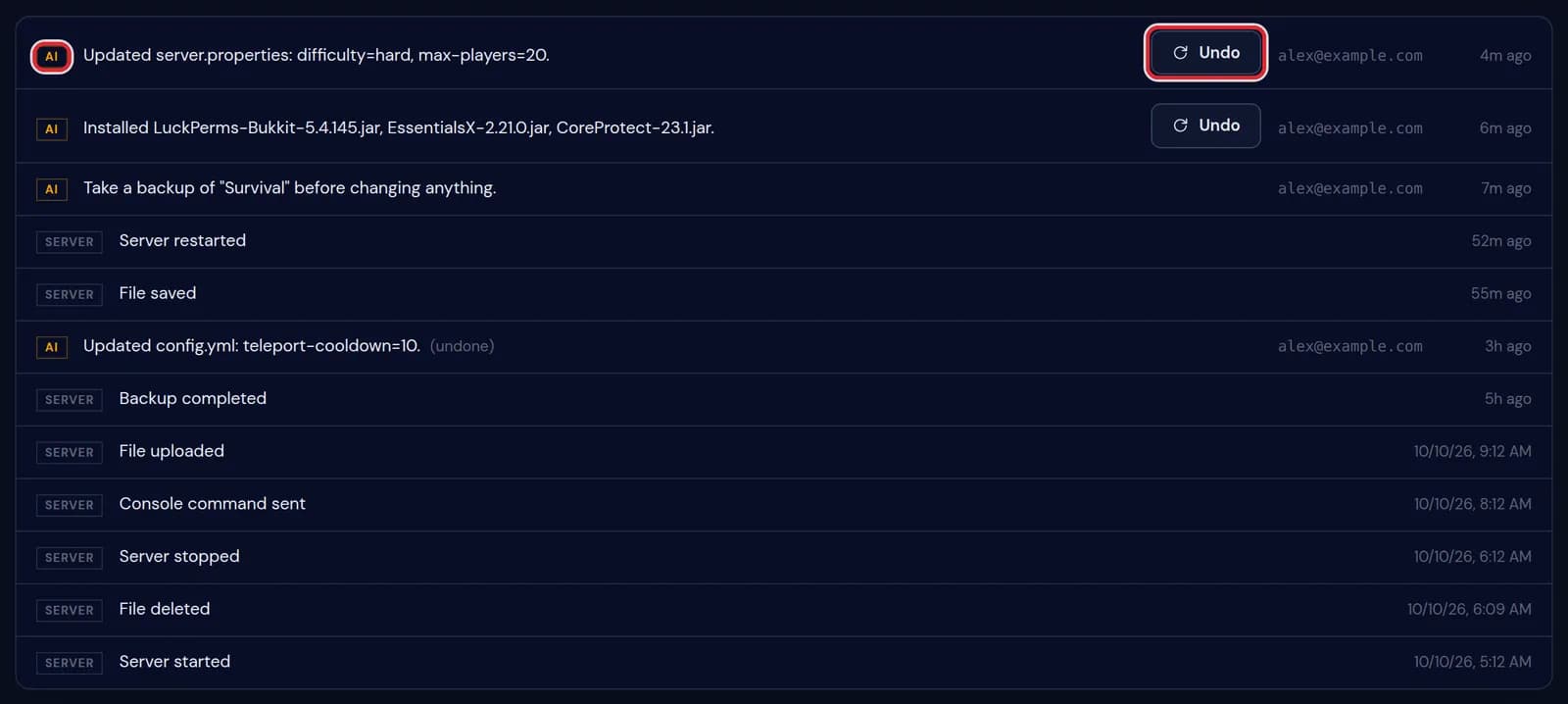
The activity list with an AI label and an Undo button marked in red Press Undo on a Copilot change to put it back. The change gets (undone) behind it and a new line on top says what was restored.
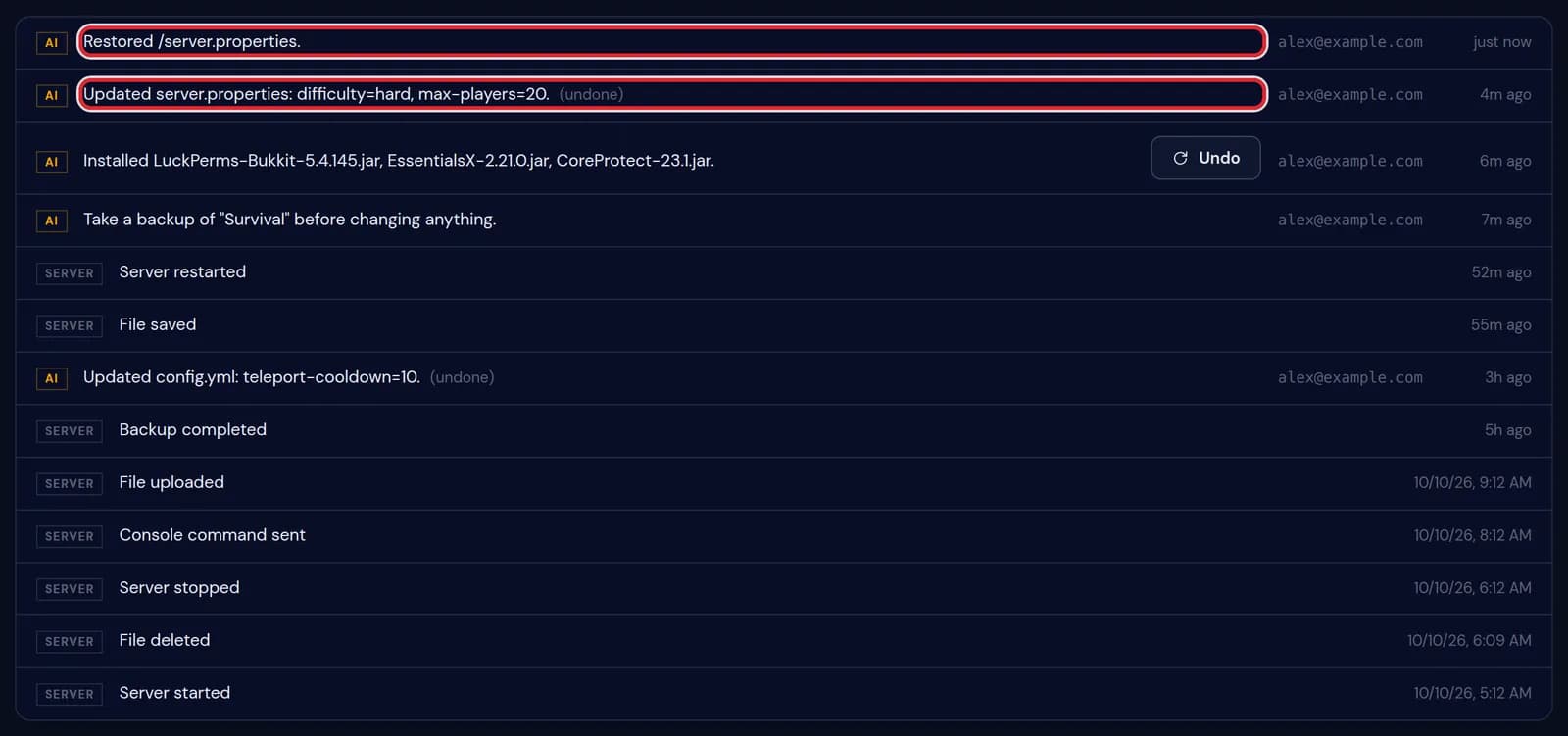
The activity list after Undo, with the new line Restored /server.properties and the original line marked (undone), both marked in red 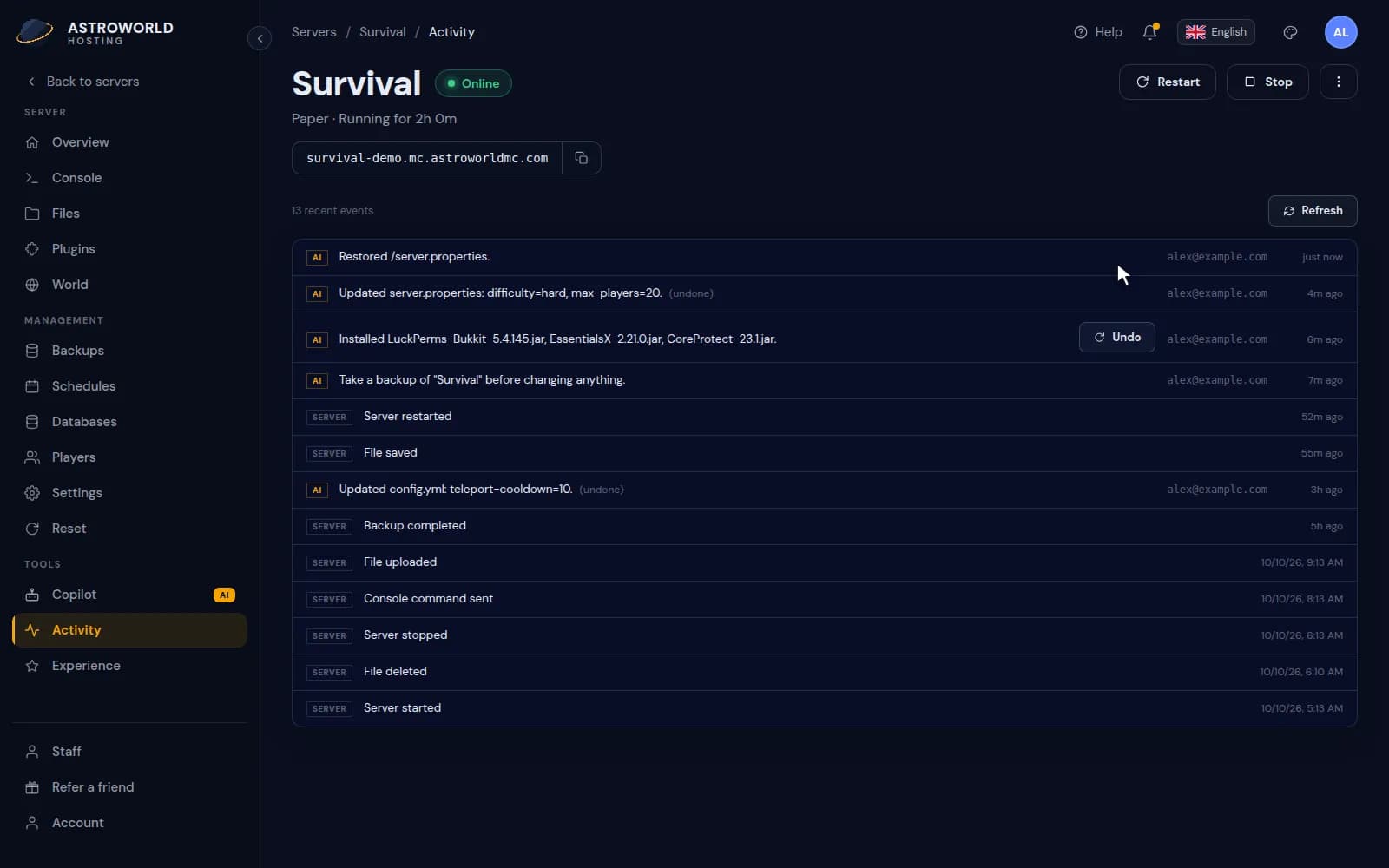
Undoing a Copilot change from the Activity page The overview shows the five most recent events in the Recent activity widget. View all opens the full Activity page.
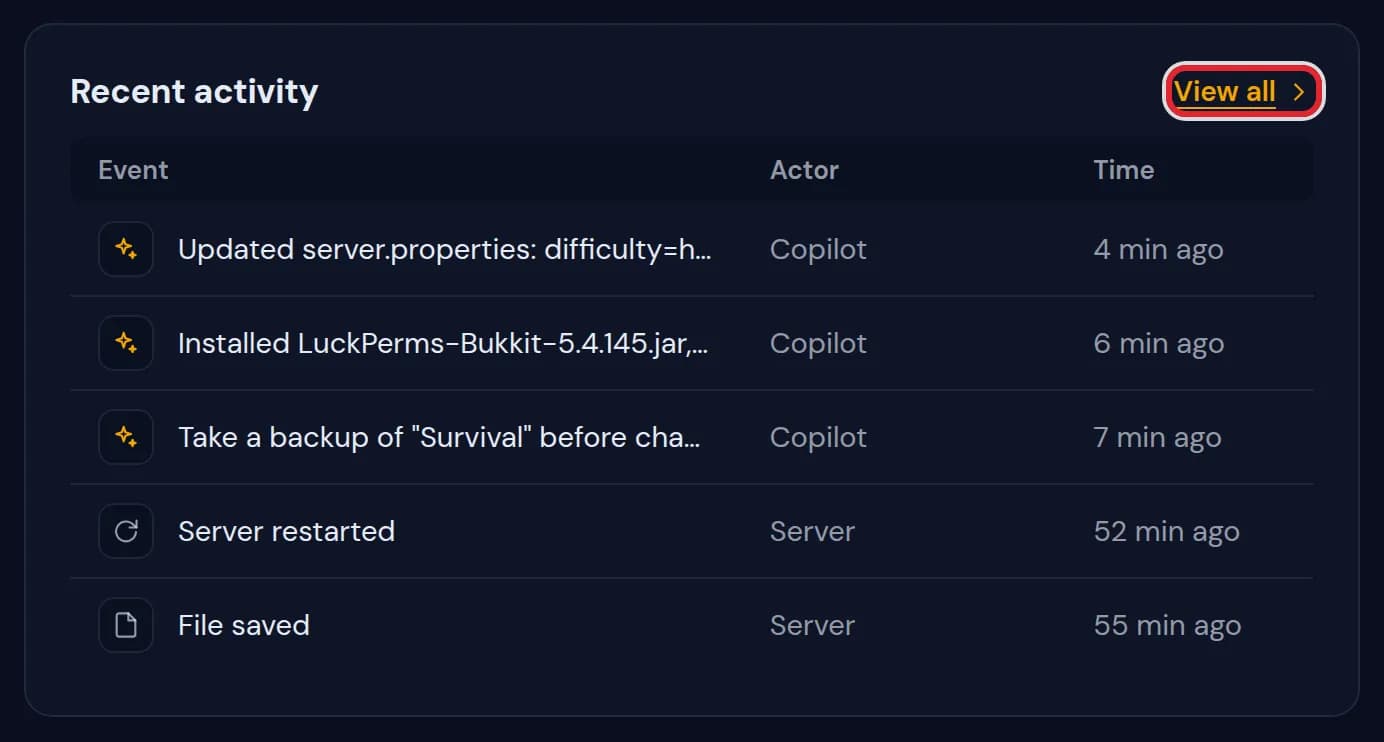
The Recent activity widget on the overview with five events and the View all link marked in red
Lines you see on the Activity page
| What it says | What it means and what to do |
|---|---|
Server started | The server was started. |
Server stopped | The server was stopped. A stop without a start after it means it stayed off. |
Server restarted | The server was restarted. |
Server force-killed | The server was ended without saving first. Changes in the world since the last save can be lost. |
Console command sent | A command typed in the Console tab. |
File saved | A file was edited and saved, for example server.properties or a plugin config. |
File uploaded | A file was uploaded on the Files tab. |
File deleted | A file or folder was deleted. Restore a backup if it was a mistake. |
Backup completed | A backup finished. It is on the Backups tab. |
Backup restored | The server was put back to a backup. Everything after that backup is gone from the server. |
Startup variable changed | A start setting of the server changed. It applies from the next start. |
(undone) | This Copilot change was reversed with Undo. |
(failed) | The Copilot tried this change and it did not go through. Nothing was changed. |
Which changes can be undone
Changes the Copilot applied, such as a config edit or plugins it installed. Before each change the Copilot saves what was there, and Undo writes that back.
Server events have no Undo button. A file you deleted yourself comes back from a backup on the Backups tab.
Use it after a problem
When the server stops starting or starts to lag, look at the last lines before the problem began. A plugin install, a saved config or a version change right before it is usually the cause.
Who can see the Activity page
The owner, and staff members with the Activity right. That right can be given on its own, so a helper can look without changing anything.
Questions people also ask
How far back does the Activity page go?
It shows the most recent events of your server together with the 25 most recent Copilot changes, newest first.
Can I undo a change I made myself?
Not from this page. Undo is for Copilot changes. For your own changes, restore a backup from before the change.
Why does the overview show fewer events?
The Recent activity widget shows the last five and leaves out files that were only opened or downloaded. The Activity page shows everything.