How do I reset my password?
Short answerGo to the login page, choose "Forgot your password?" and enter the email address you signed up with. We send you a link that is valid for one hour, and on that page you set a new password of at least 8 characters.
Reset your password in four steps
Open the login page and choose "Forgot your password?" under the password field.
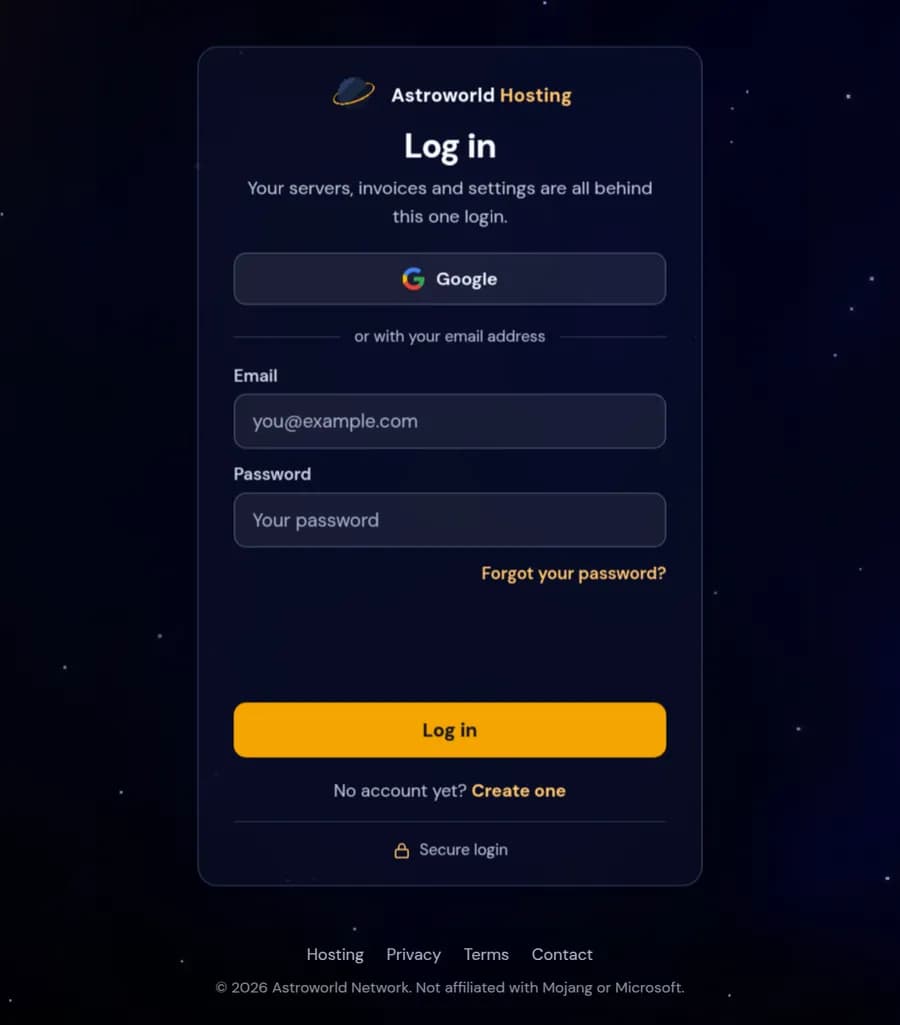
The Astroworld Hosting login page with the Forgot your password link under the password field Type the email address you signed up with and press "Send me the link".
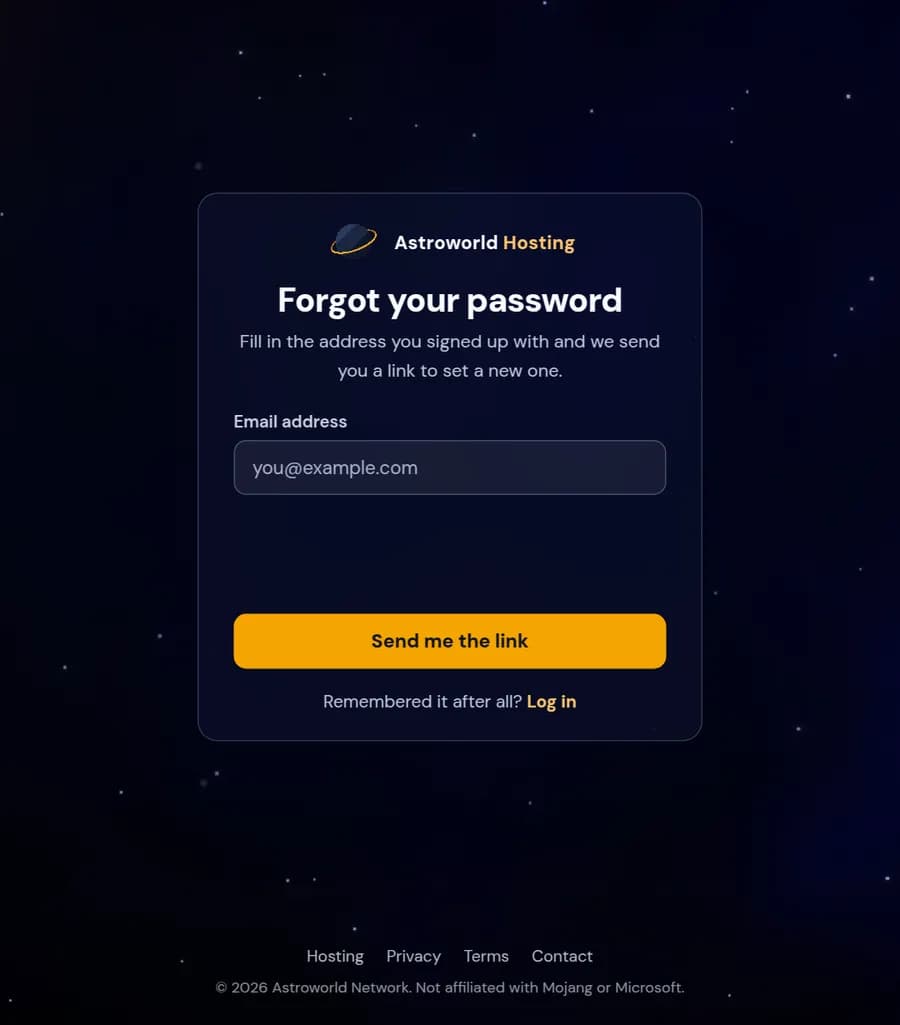
The Forgot your password page with an email field and the Send me the link button Open the email from Astroworld Hosting and click the link in it. It works for one hour, and only the newest link works: asking again cancels the one before.
Type a new password of at least 8 characters twice and press "Save it and log in".
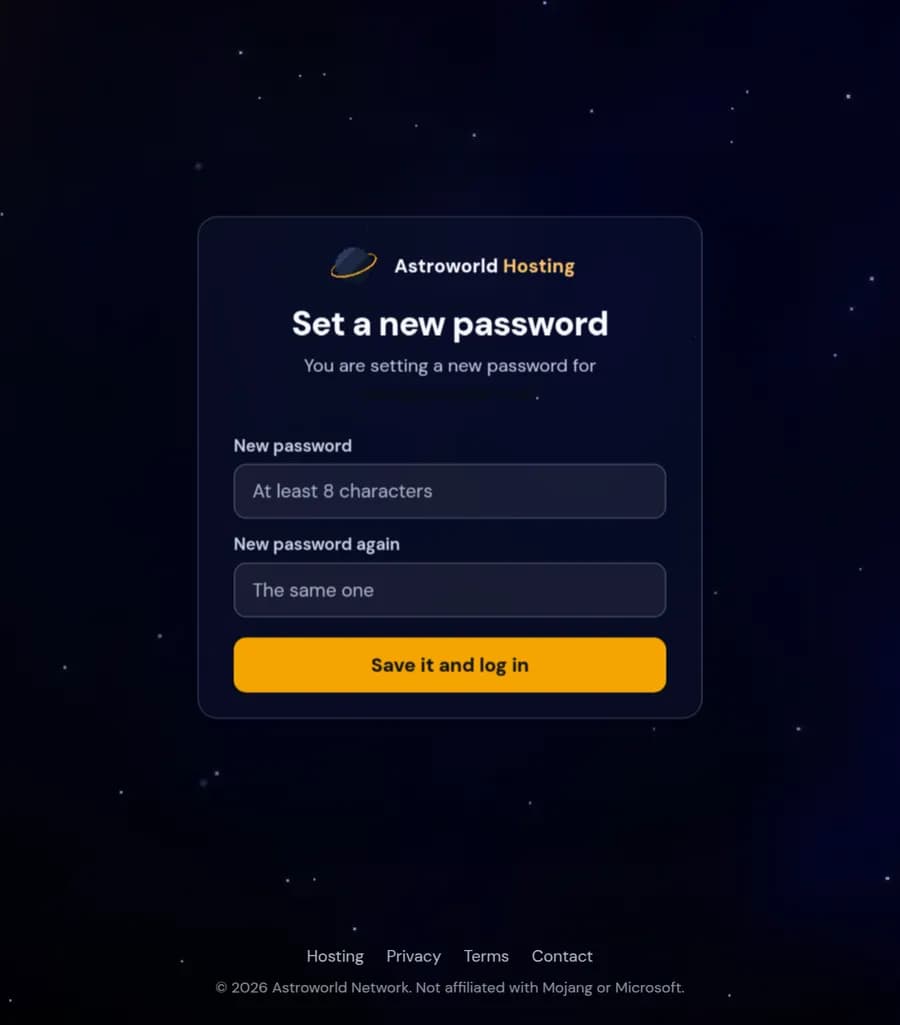
The Set a new password page with two password fields and the Save it and log in button
Messages on the reset pages and what they mean
| What it says | What it means and what to do |
|---|---|
This link does not work | The link is older than an hour, or it was replaced by a newer one. A reset link only works from the most recent email. Ask for a new link on the same page and open that one. |
That did not work. The link may have expired. | You pressed save after the hour ran out, for example because the tab stayed open. Your old password still works. Request a fresh link and set the new password straight away. |
The two passwords are not the same. | The second field has to match the first letter for letter. Retype both; a password manager that fills only one of them is the usual cause. |
Your password needs at least 8 characters. | Eight is the minimum. A phrase of a few unrelated words is longer, easier to remember and harder to guess than a short password with symbols. |
Invalid email or password. | Shown on the login page afterwards if the new password did not save, or if you log in with a different address than the one you reset. Check which address the reset email went to. |
No email arrived
Look in your spam folder first. The email comes from our own address and says what it is in the subject.
Still nothing after a few minutes? Check that you typed the address you signed up with. For privacy reasons the page gives the same answer for an address we do not know, so a typo looks exactly like success.
If you signed up with Google, you can keep using the Google button on the login page. Setting a password as well does no harm.
"This link does not work"
The link is older than an hour, or you asked for a newer one after it. Press "Send me a new link" on that page and use the newest email.
Why the reset page never tells you whether an address exists
After you press "Send me the link" the page looks the same for every address, known or not. That is deliberate. If it said "no account with this address", anybody could type in email addresses to find out who has a server with us. The trade off is that a typo in your own address looks like success, which is why checking the spelling is the first thing to do when nothing arrives.
After you set the new password
You are logged in at once and land on your dashboard. Nothing else changes: your servers keep running, your panel staff keep their own logins, and your subscriptions and invoices stay where they were. If you turned on two-factor authentication, the next login asks for the code from your app as usual, because resetting the password does not switch that off.
Were you locked out because somebody else knew your password? Change it here first, then open Account in your dashboard and turn on two-factor authentication, so a password alone is no longer enough to get in.
Passwords are never stored in plain text
We keep only a one way hash of your password, which is why nobody here can look it up or send it to you. The only way back in is a new password through a link that reaches your own inbox.
Questions people also ask
Will support reset my password for me?
No. Nobody at Astroworld Hosting will ever ask for your password or set one for you. The reset link goes only to the email address on the account, so the person who can read that inbox is the only one who can choose a new password.
Does a reset also verify my email address?
Yes. If you could open the link, you can read that inbox, so an account that was never verified is verified the moment you save the new password.
I changed my password while logged in. Is that the same?
It ends in the same place. If you still know your current password you can also change it on the Account page of your dashboard under "Change Password", without an email.
How many times can I ask for a reset link?
As often as you need. Each new request makes the previous link stop working, so always use the newest email in your inbox and delete the older ones to avoid confusion.
I signed up with Google and never had a password. Can I still use this?
Yes. Requesting a reset link for the address of your Google account lets you set a password next to Google. After that you can log in either way, which helps on a device where you are not signed in to Google.