How do I remove a widget or reset my panel layout?
Short answerIn edit mode, press the red minus at the top left of a widget to take it off your overview; Add widget puts it back whenever you want. To start over, press Reset and then "Reset to default?" to confirm, which restores the standard overview.
Remove a widget or reset the page
Start on the Overview page and press Edit.
Find the red minus at the top left corner of the widget you no longer want.
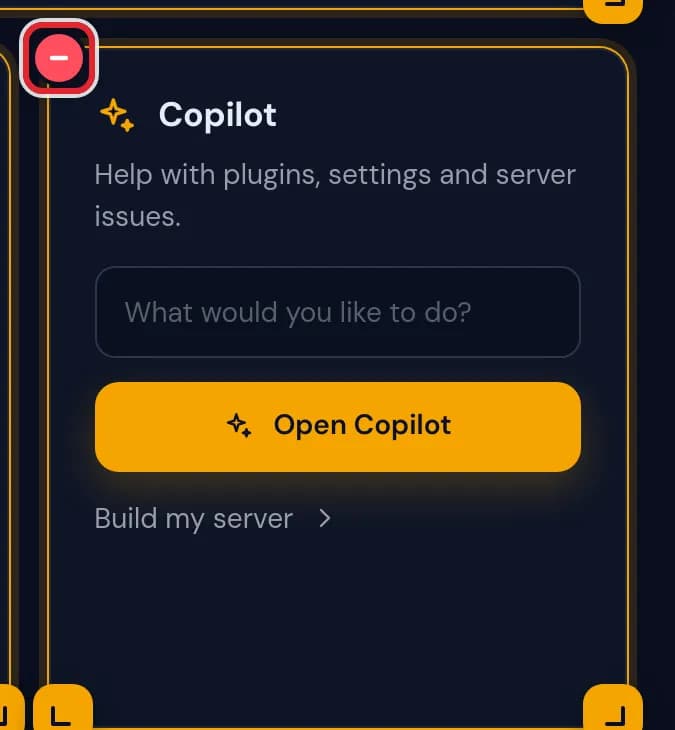
The red minus button at the top left corner of the Copilot widget, marked in red Press it. The widget disappears at once and the widgets below it move up into its place.
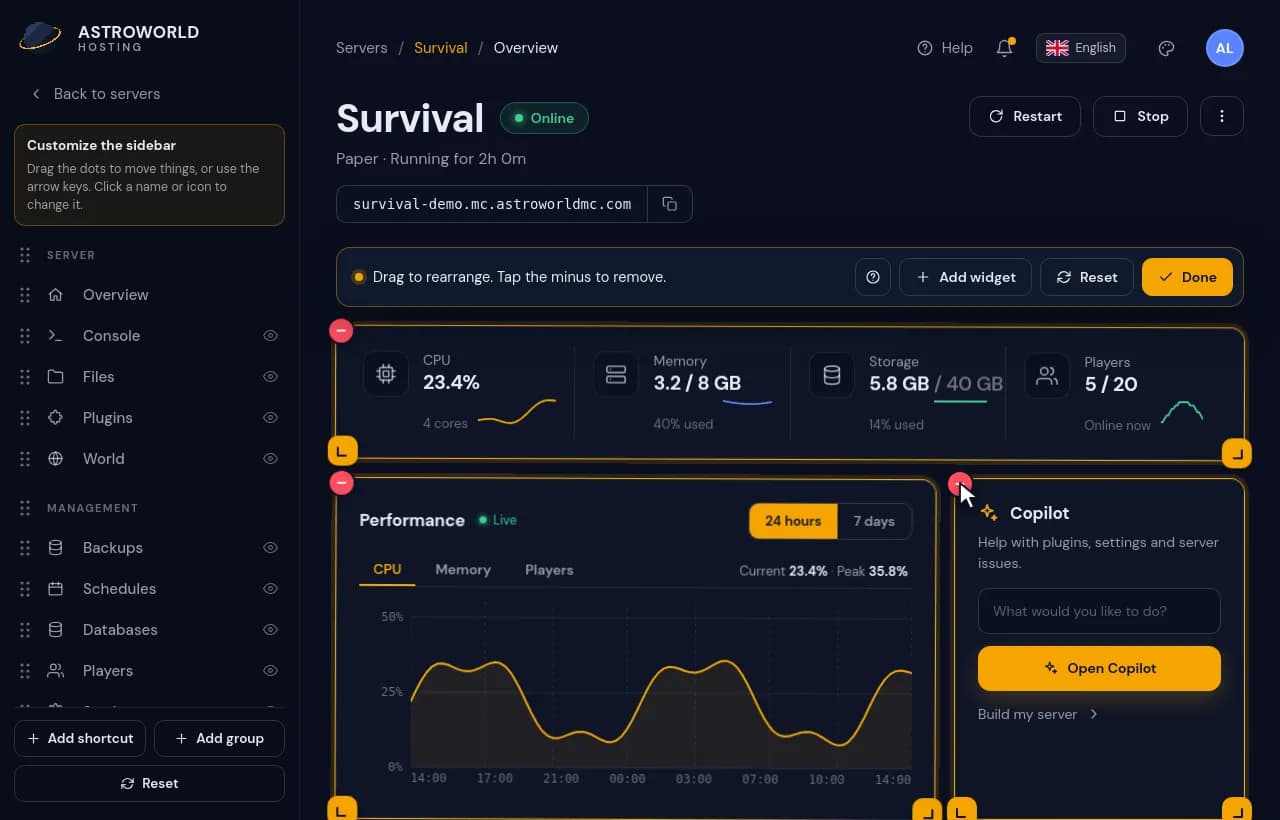
Removing the Copilot widget with its minus, then searching for it in Add widget and putting it back Changed your mind? Open Add widget, find it under its group or with the search, and press the plus. It returns at the bottom of the page.
To go back to the standard overview, press Reset in the edit bar. The button turns red and asks "Reset to default?"; press it a second time to confirm.

The Reset button turned into the red question Reset to default?, ready for a second press The standard widgets return to their standard places. If you click anywhere else instead of confirming, your own layout stays as it was.
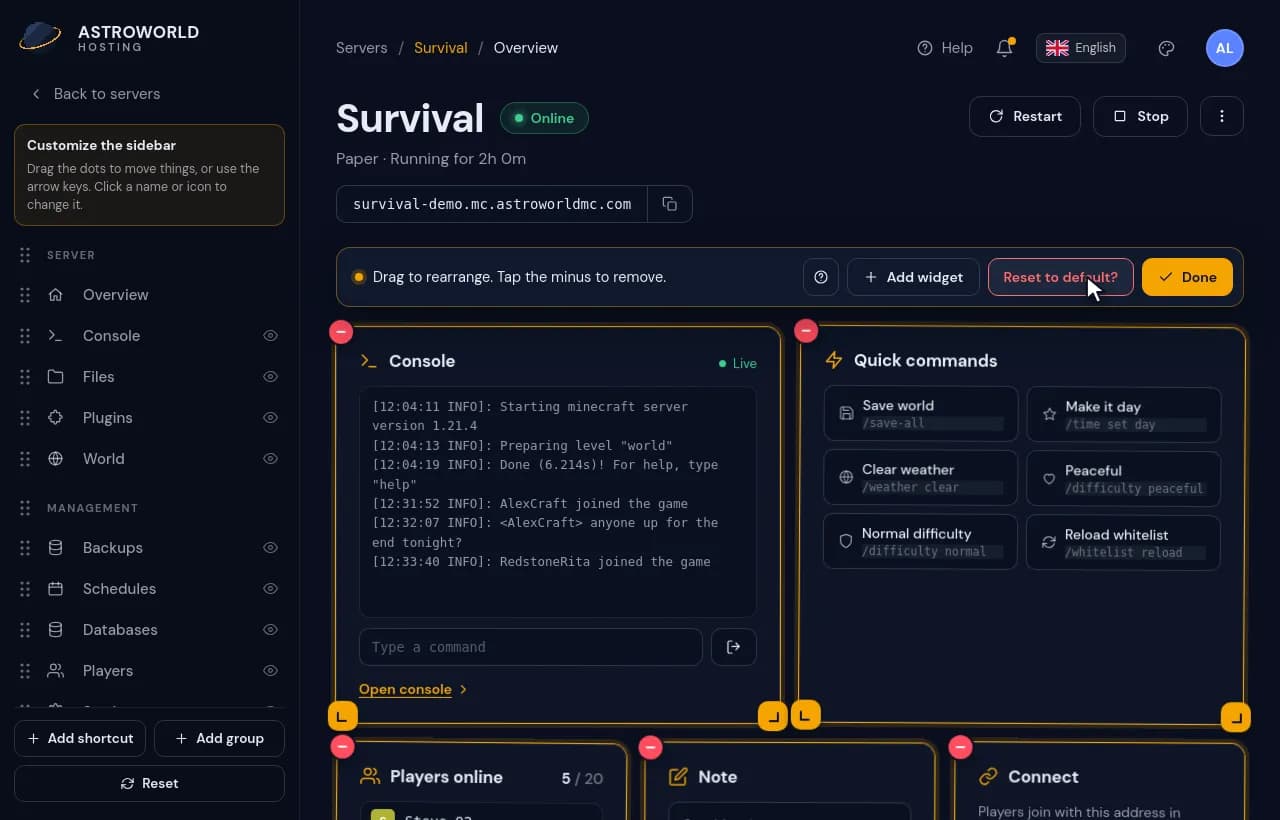
Pressing Reset, confirming Reset to default? and the overview going back to the standard widgets
Messages you might see
| What it says | What it means and what to do |
|---|---|
Remove | The tooltip of the red minus. A screen reader hears it together with the name of the widget, such as Remove Copilot. |
Reset to default? | The confirmation after pressing Reset. Only a second press resets the page; clicking elsewhere cancels it. |
Reset sidebar? | Its own confirmation, shown in the sidebar editor. It only touches the sidebar, never the widgets. |
What a reset puts back
The standard overview has eight widgets: Live stats across the top, then the Performance chart with Copilot beside it, Availability with Protection, Quick actions with Server details, and Recent activity at the bottom.
Widgets you added yourself leave the page with a reset, but none of them is gone for good. They all wait in Add widget, and the text of your note stays in the browser in case you bring the Note widget back.
Removing a widget switches nothing off
A widget only shows something. Take Protection off the page and crash watch still restarts your server after a crash; remove Backups and your scheduled backups still run. The same is true for every other widget.
The sidebar has its own reset
Resetting the overview only touches the widgets. Your page names, their order, hidden pages and shortcuts stay until you use the separate Reset in the sidebar editor, and that one asks for a second press too.
Questions people also ask
Is there an undo button?
No. Bring a removed widget back with Add widget, drag a moved one back to its old place, or reset the page to the standard overview.
Does a reset change the layout on my other devices?
Yes. Your layout lives in your account, so the reset shows on your phone and on every computer where you log in.
Will removing the Console widget close my console?
No. The full console stays under Console in the sidebar; the widget is only a small window onto it from your overview.