How do I pre-generate my world to stop lag when exploring?
Short answerOpen World in your server panel, press Install Chunky on the Pre-generate the world card and restart once. Then pick how far out to go, press Start pre-generating and keep playing: the land is built in the background, so nobody waits for it later while exploring.
Pre-generate the world
Open World in the sidebar and scroll to Pre-generate the world. When Chunky is not on the server yet, the card has a single button: Install Chunky.
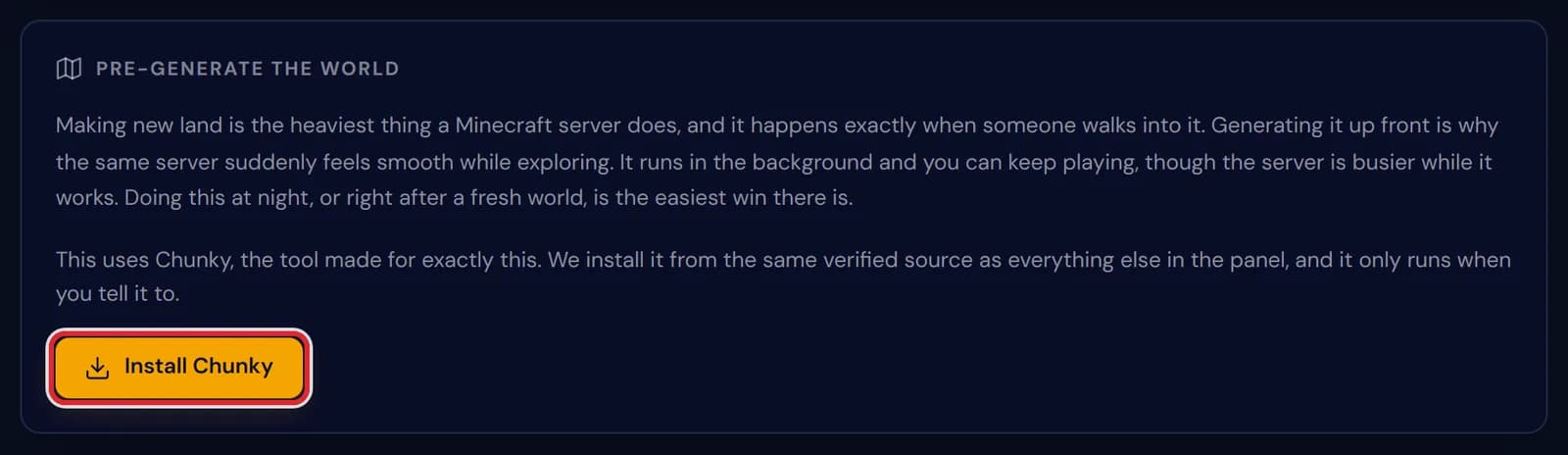
The Pre-generate the world card with the Install Chunky button marked in red Press Install Chunky and restart the server once so it loads. On Paper and other plugin servers it goes into the plugins folder; on Fabric, Forge and NeoForge it is a mod, and on Fabric the panel adds Fabric API with it.
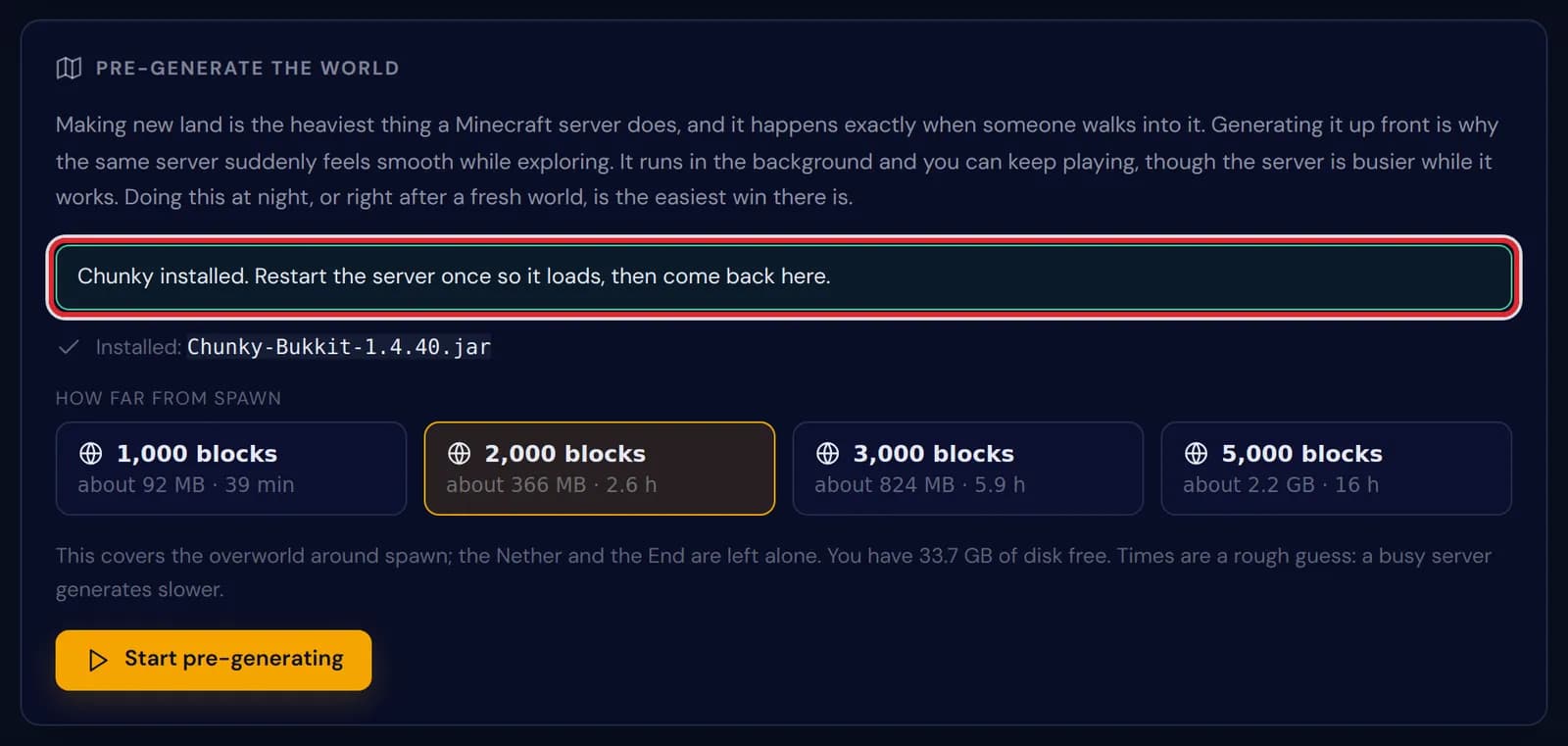
The notice Chunky installed. Restart the server once so it loads, then come back here, marked in red above the radius choices Choose how far out to go. Every choice shows the disk space it takes and roughly how long it runs, and the line underneath says how much disk your server has free.
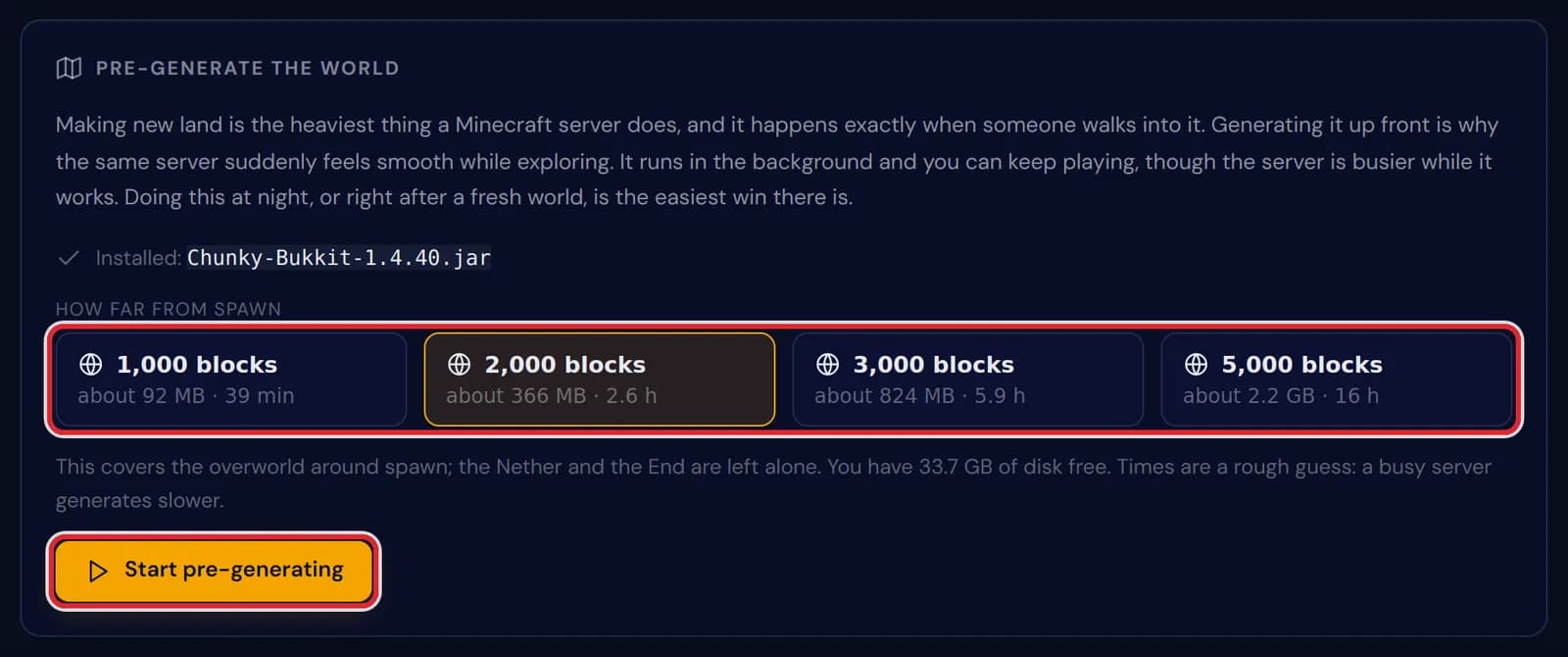
The four radius choices from 1,000 to 5,000 blocks and the Start pre-generating button, both marked in red Press Start pre-generating. The card confirms how much world is about to be made, and you and your players can carry on in the meantime.
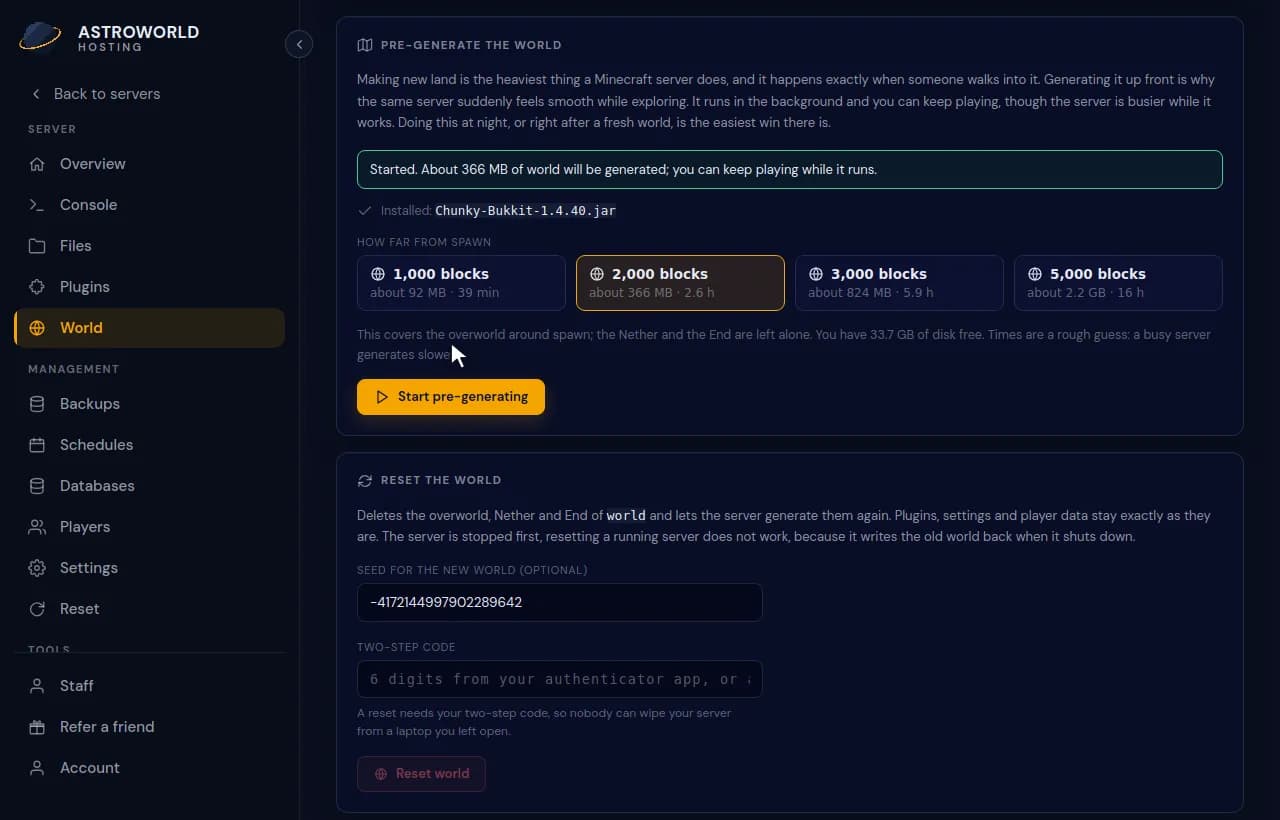
Choosing 2,000 blocks and starting pre-generation from the World page During the run the card shows Generating with a percentage and the latest progress line from Chunky, refreshed every 30 seconds. Stop ends the run; what is generated by then stays.
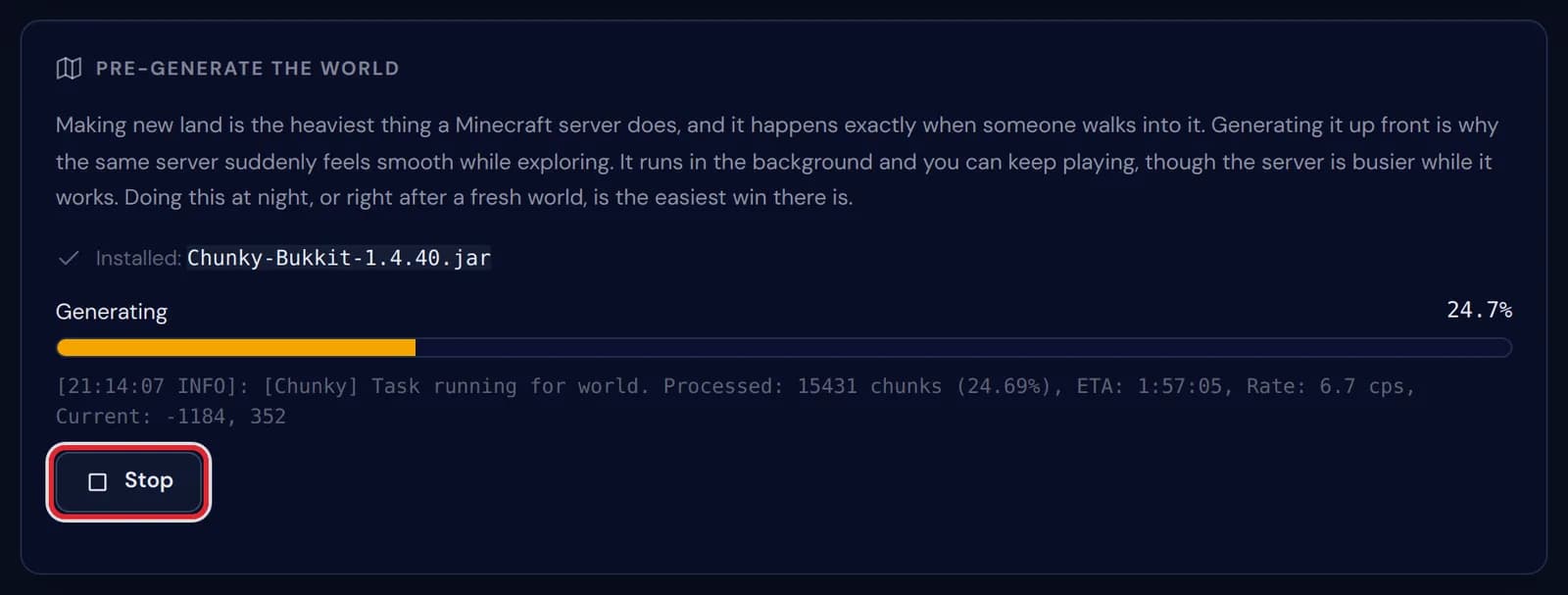
Pre-generation at 24.7 percent, with the Chunky progress line and the Stop button marked in red When the run is done the card says so, and the radius choices are back for a bigger run whenever you want one.
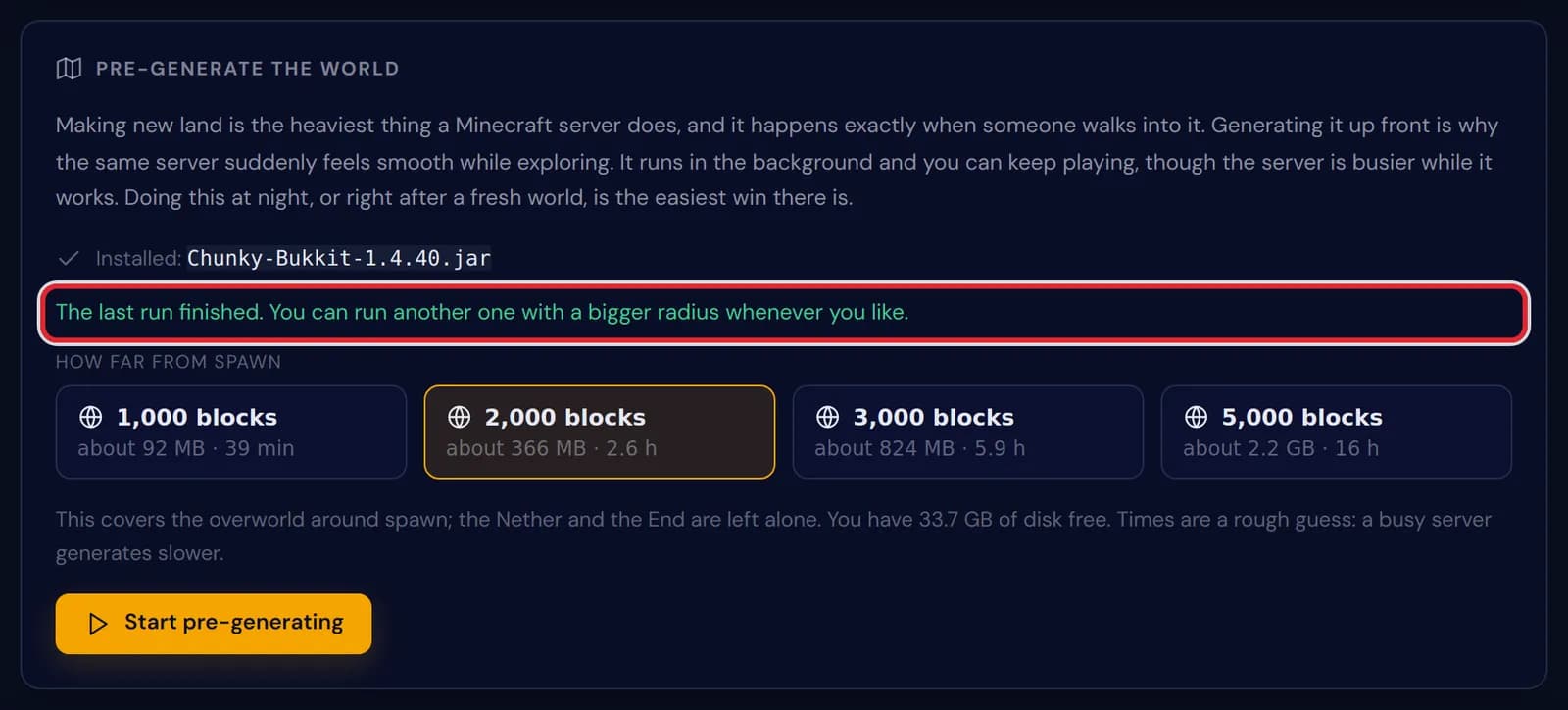
The notice The last run finished, marked in red above the radius choices
Messages on the Pre-generate the world card
| What it says | What it means and what to do |
|---|---|
Chunky installed. Restart the server once so it loads, then come back here. | Chunky is on the server but not loaded yet. Restart from the top of the panel. |
Chunky is already installed. | It was already in the plugins or mods folder, so the card goes straight to the radius choices. |
Start the server first. Chunky runs inside it. | Pre-generation is done by the game itself, so the server has to be online. |
Started. About 366 MB of world will be generated; you can keep playing while it runs. | What you see after starting the 2,000 block run. The size follows the radius you picked. |
Stopped. What is generated stays generated, you can start again later. | You pressed Stop. A later run skips the land that already exists, so it finishes faster. |
Pick one of the offered radiuses. | Only the four sizes on the card can be started from the panel. |
This server type cannot run Chunky. | A proxy or a Bedrock server cannot load Chunky. Run it on the Java game server behind the proxy. |
Why exploring makes a server lag
Making new land is the heaviest job a Minecraft server has: terrain, caves, structures and light for every chunk, at the moment a player comes near. One player on an elytra can ask for hundreds of fresh chunks a minute, and everybody online feels the server stall while it catches up.
Land that already exists only has to be read from disk, which takes a fraction of the work. That is why the same server on the same plan can feel smooth in new areas once a run has finished.
How far to go
A run covers a square around the middle of the map, x 0 and z 0, close to where a new world puts its spawn. At 1,000 blocks that square is 2,000 by 2,000 blocks: about 15,600 chunks, 92 MB of disk and 39 minutes.
2,000 blocks covers four times that area, for about 366 MB and 2.6 hours. 3,000 blocks takes about 824 MB and 5.9 hours, and 5,000 blocks about 2.2 GB and 16 hours. The times assume some 400 chunks a minute, so a run on a busy server takes longer.
Only the overworld is generated; the Nether and the End are left as they are. For a group of friends 2,000 blocks is usually enough, while a public server where people travel far gets more out of 3,000 or 5,000.
Your disk is checked before a run starts
Before it starts, the panel works out what the chosen radius needs and compares that with the free space on your plan. When it does not fit, nothing starts and the card names both figures, so you can pick a smaller radius.
Generated land is part of the world, so a pre-generated world also makes your backups larger. The best moment for a run is right after a new world or a world reset, or overnight when few players are on.
Questions people also ask
Can players stay online during pre-generation?
Yes. The run shares the server with them, so expect it to be a little slower until it finishes. Running it overnight avoids that.
What if the server restarts in the middle of a run?
The run stops with the server. Everything generated until then stays; start the same radius again and Chunky skips the chunks that already exist.
Does pre-generation work with a world generation data pack?
Yes, and the two go well together. Install the pack, restart, then pre-generate, and the new land is built with the pack in it.
Should I remove Chunky afterwards?
You can, from the Plugins or Mods tab, but there is no need: it only does work when a run is started, so it can stay for the next one.