Better MC Server Hosting
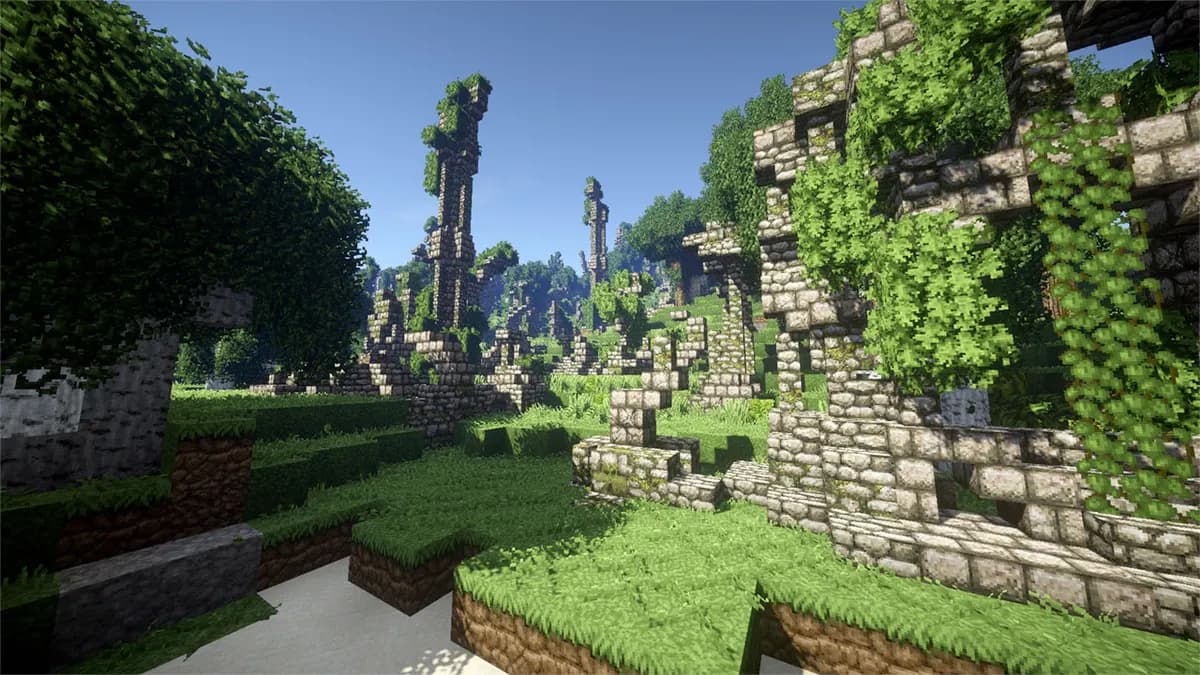
Better MC, short for Better Minecraft, leaves the game recognisable and turns up the volume on everything else: more biomes, more dungeons, more dimensions and more creatures to meet in them. For a server that comes down to one thing above all, a world that is expensive to generate. This page is about hosting it well.
What Better MC Is
Better MC is made by Luna Pixel Studios and comes in four editions. The Forge edition for Minecraft 1.20.1, known as BMC4, is by far the most installed, and the NeoForge edition for 1.21.1, BMC5, is the newest. Next to them sit two Fabric editions, BMC2 on 1.20.1 and BMC3 on 1.21.1. They are separate packs with separate mod lists, so a server runs one of them and every player joins with that same one.
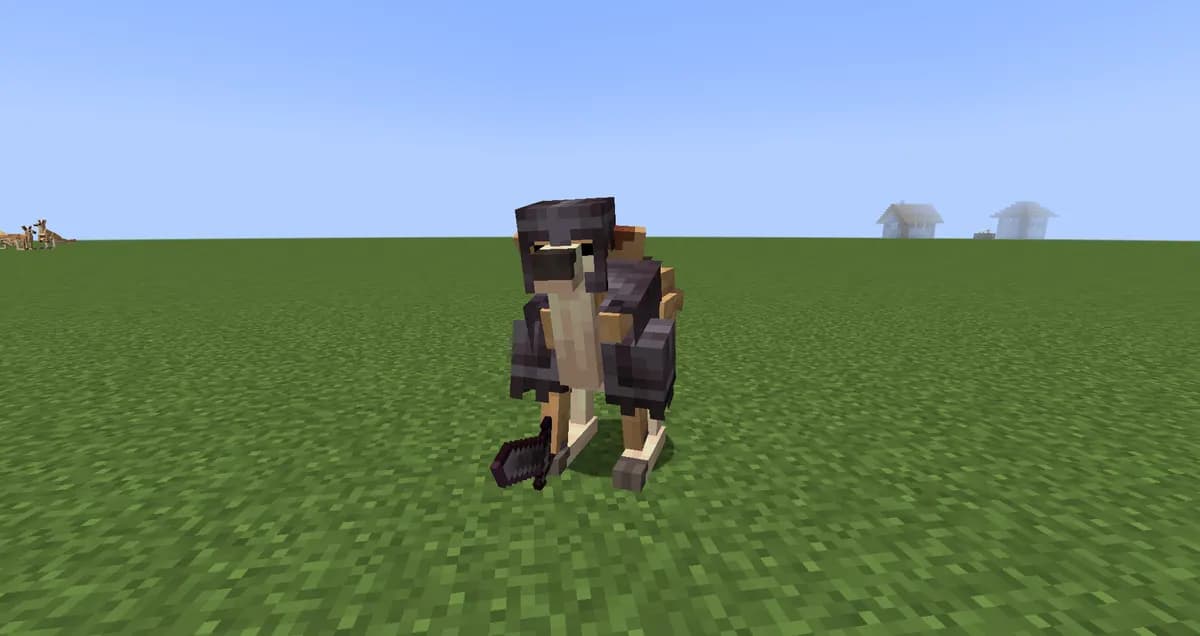
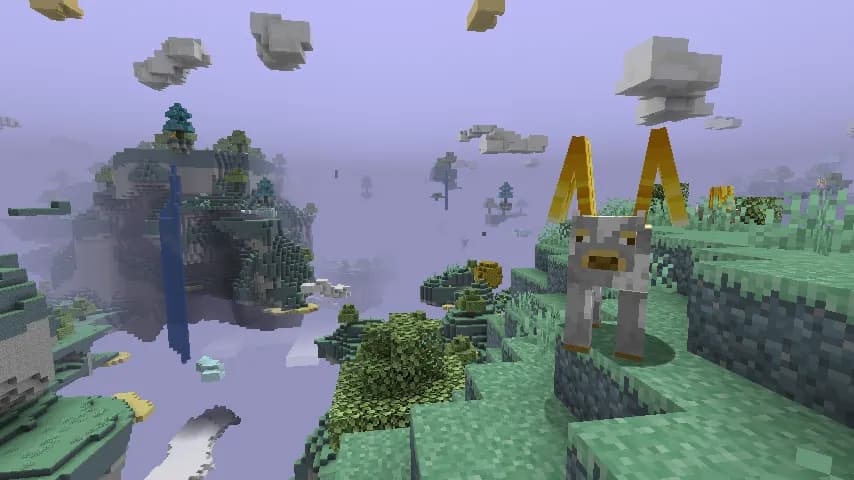
What the pack adds is mostly adventure rather than machinery. Structure mods such as When Dungeons Arise and the YUNG's series rebuild dungeons, mineshafts and strongholds, Biomes O' Plenty widens the overworld, and extra dimensions come from The Aether with two add-ons of its own, Blue Skies, and Deeper and Darker. Bosses arrive with L_Ender's Cataclysm and Mowzie's Mobs, animals with Alex's Mobs, and the everyday side with mods like Waystones, Farmer's Delight, Supplementaries and Quark.
A few mods are there purely for performance: ModernFix and FerriteCore bring memory use down, and spark is included so you can see what is slow. They help, but they do not change the shape of the load, which is set by everything the pack generates.
The Two Main Editions, Counted
The pack pages round their numbers down, so we counted the two big editions ourselves. Most of the mods load on the server; the client only column is what stays on players' computers, such as menus, sounds and visual touches.
| Edition | Minecraft | Loader | Mods in the pack | Client only |
|---|---|---|---|---|
| BMC4The most installed edition | 1.20.1 | Forge | 368 | 50 |
| BMC5The newest edition | 1.21.1 | NeoForge | 350 | 56 |
That leaves a little over three hundred mods running on a BMC4 server and just under three hundred on BMC5. For a sense of scale: that is less than All The Mods 10, and far more of it is world generation.
How Much RAM a Better MC Server Needs
Better MC does not publish a memory figure for servers, so the table below is ours: what a pack of this size, with this much world generation, asks for once a group is actually playing. The plan column adds a gigabyte of margin on top, because Java needs a little room outside the heap and a world that has been explored for a month holds more than a fresh one.
| Group | Memory | Plan |
|---|---|---|
| 1 to 3 players | 6 GB | Starter (8 GB) |
| 4 to 8 players | 8 GB | Standard (12 GB) |
| 9 to 16 players | 12 GB | Premium (24 GB) |
The player count is only half of it. Five friends who build one base together are cheaper than three who each head off in a different direction, because every direction is its own ring of freshly generated, fully loaded chunks. If your group likes to scatter, read the row below yours. More on how memory is spent on a server is in the RAM guide.
World Generation Is the Real Cost
In most packs the busy moments are when machines run. In Better MC it is when someone walks into land nobody has seen yet. Each new chunk goes past dozens of biome and structure mods, and a large dungeon from When Dungeons Arise can span many chunks at once. That work happens on the server, during play, and it is what a player notices as a stutter while everyone else is standing still.
The fix is to do that work before anyone plays. The World tab in the panel pregenerates the area around spawn for you: it puts Chunky on the server, which is not part of Better MC itself, and fills the square you choose. A radius of 2,000 blocks is 62,500 chunks per dimension, and 3,000 blocks is 140,625. Start it the evening before you open the server, and the first day of exploring runs on terrain that already exists.
Storage speed matters here for the same reason. Every generated chunk is written to disk and read back when a player returns, so a pack that generates this much is where the Enterprise NVMe of the Performance line shows, together with a full thread per vCPU for the generation itself. More ways to keep a modded server smooth are in the lag guide.
Setting Up Better MC on Our Panel
Better MC is on both CurseForge and Modrinth, so it goes in with the panel's modpack installer. On CurseForge the installer uses the pack's own server pack; on Modrinth it checks every file it downloads. Either way it takes five steps:
Take a backup first
If the server already has a world on it, make a backup on the Backups tab. The installer keeps your old mods folder under a new name, but a backup is what gets the world itself back. The Mods tab shows on servers with a mod loader, so a server on Paper or vanilla goes to Forge on the Settings tab first.
Search for Better MC on the Mods tab
Open the Mods tab and search for Better MC. It shows up from Modrinth and from CurseForge, with the edition in the name, so you can tell BMC4 from BMC5 before you click.
Pick the edition and version your players have
Choose the same edition and the same pack version your group installs on their own computers. Two versions of one edition can differ by a handful of mods, and a player whose list does not match the server's cannot join.
Install, then start
Picking a version also sets the right loader and Minecraft version on the server. The pack is fetched on the machine itself, and the mods that only belong on players' computers stay out. The first start with three hundred mods takes a few minutes.
Pregenerate before anyone joins
On the World tab, let the panel pregenerate the overworld out to 2,000 or 3,000 blocks. It sets up Chunky for you, and the heavy part of this pack is then done before the first player walks anywhere.
Players install the same edition and version through the CurseForge app or any launcher that reads Modrinth packs, then join with your server address. The modpack guide goes through the installer step by step, including what to do when a player sees a list of mismatched mods.
Backups Before You Update the Pack
Better MC updates often, and an update can add or remove structure mods. Blocks from a removed mod disappear from the world, so take a backup before every update, even though every plan already makes one each night and keeps 10 of them. If an update goes wrong, the restore takes a few clicks.
How Better MC Sits Against the Other Packs Here
Better MC is the explorer's pack of the ones we write about. All The Mods 10 and GT New Horizons reward staying home and building factories, while this one rewards leaving, which is why its load follows where your players go rather than what they build.
All The Mods 10 hosting, GT New Horizons hosting, Pixelmon hosting, RLCraft hosting.
Questions About Better MC Servers
Which Better MC edition should my server run?
The one your players already have installed. Starting fresh, BMC4 on Forge 1.20.1 is by far the most installed edition, with the most tested mod list; BMC5 is the newer one on NeoForge 1.21.1. A server runs one edition, and everyone joins with that same edition and version.
Can I install Better MC with one click?
Yes. The modpack installer in the panel finds it on CurseForge and on Modrinth, puts the server on the right loader, and fetches every file on the machine itself, so a pack this size never has to go through your browser.
How much RAM does a Better MC server need?
Better MC does not publish a figure of its own. Ours is 8 GB for four to eight players, which puts the group on Standard at 12 GB, and less for two or three friends. What moves the number most is how far apart people explore, because every direction someone walks in is fresh world to generate.
Why does the server lag when players go exploring?
Because generating a Better MC chunk is a lot of work. Dozens of structure and biome mods each get their say on every new chunk, and several players heading in different directions multiply that. Pregenerating the area around spawn on the World tab takes that work out of play time.
Can Bedrock players join a Better MC server?
No. Better MC is a Java modpack, and every player needs its mods on their own computer to see its blocks, creatures and dimensions. A Bedrock player has no way to load them, so crossplay is not an option for a pack like this one.
Can I add my own mods to Better MC?
Yes, as long as each mod is built for the same loader and the same Minecraft version as the edition you run. If a mod adds blocks, items or creatures, every player adds it on their side as well; a mod that only changes how the server behaves stays on the server alone.
Plans That Fit a Better MC Server
 Starter8 GB€10.9524-month term · €10.95/mo, and the same price every time it renews
 Standard12 GB€14.9524-month term · €14.95/mo, and the same price every time it renews
 Premium24 GB€20.9524-month term · €20.95/mo, and the same price every time it renews
See every plan and priceAnswer six questions and get a size
Better MC publishes no memory figure of its own, so the memory table is ours. The mod counts were taken per edition on 24 September 2026, and plan names and prices come from our own price list when this page is built.
Written and checked by the Astroworld Hosting team. Last reviewed on 24 September 2026.
Delivery: most servers are handed over instantly and run within seconds of payment, the rest follow within 60 minutes during the day and within 12 hours at night.