Java vs Bedrock, Which Should You Host?
Two editions, one question: which one do you put on a server. This page keeps the differences that change your answer and drops the ones that do not, and the memory column comes out of the same table our price list reads.
The short answer
Everyone plays on PC
Host Java Edition. Mods, plugins and every server type are on this side.
Everyone plays on console or phone
Host Bedrock Edition. Lighter to run, no plugins, content comes from the Marketplace.
A mix of PC, console and phone
Host Java with GeyserMC on it. One world, every device, the Java plugin ecosystem kept.
The rest of this page is the reasoning behind those three lines, with the screens you will actually see.
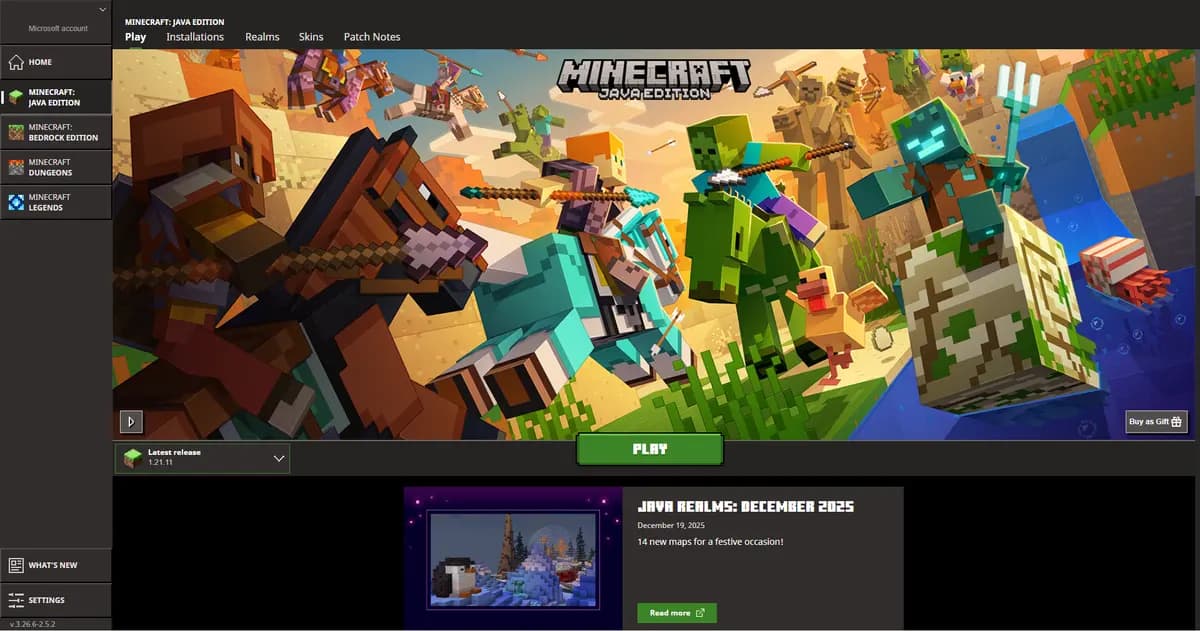
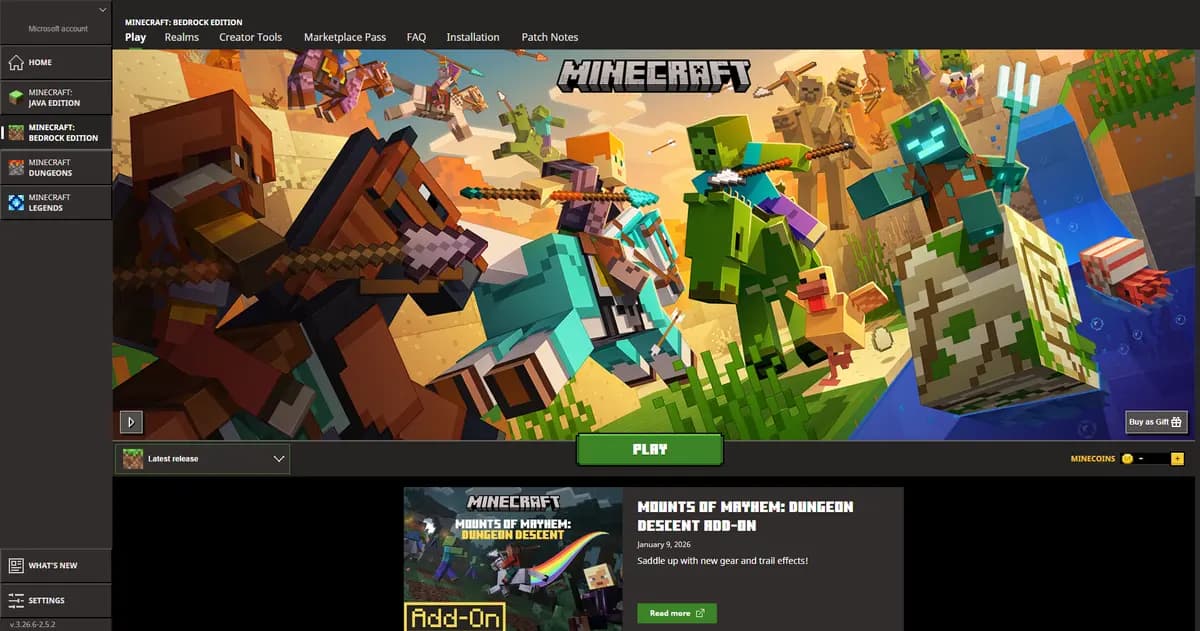
Key Differences at a Glance
| What differs | Java Edition | Bedrock Edition |
|---|---|---|
| Mod support | Full (Forge, Fabric, plugins) | Limited (add-ons, behavior packs) |
| Platform reach | PC (Windows, macOS, Linux) | PC, Xbox, PlayStation, Switch, mobile |
| Redstone behavior | Quasi-connectivity, directional | No quasi-connectivity, different timing |
| Server software | Paper, Purpur, Fabric, Forge, NeoForge, Spigot, Vanilla | Bedrock Dedicated Server (BDS) |
| Memory it asks for | Depends on what you run: 4-8 GB for survival with 20 players, 8-12 GB for a 300-mod pack | Depends only on how many people are on: there is no Forge or Fabric underneath it |
| Content | Free community mods, maps, skins | Marketplace (paid) plus free community |
| Combat | 1.9+ cooldown system or 1.8 PvP | Spam-click, no attack cooldown |
| Community size | Largest modding and server community | Largest casual player base |
What Each Edition Asks of a Server
People say Bedrock is the lighter edition. Put our own numbers side by side and that turns out not to be about the edition at all. Run plain survival and Bedrock and Java land on the same row at every player count we advise on, all 4 of them. Swap the Java side for a heavy modpack and 3 of the 4 rows move up a plan. So it is not Java that is heavy, it is the mods, and mods are the one thing Bedrock cannot run.
| Players | Java, survival | Java, heavy modpack | Bedrock |
|---|---|---|---|
| Up to 5 players | 2-4 GB Mini Mini | 8-12 GB Standard Standard | 2-4 GBMini |
| 6 to 20 players | 4-8 GB Starter Starter | 8-12 GBStandard | 4-8 GBStarter |
| 21 to 50 players | 4-8 GBStarter | 8-12 GBStandard | 4-8 GBStarter |
| More than 50 players | 16+ GB Premium Premium | 16+ GBPremium | 16+ GBPremium |
Where those rows come from and what they assume is in our memory guide.
Java Edition: The Original
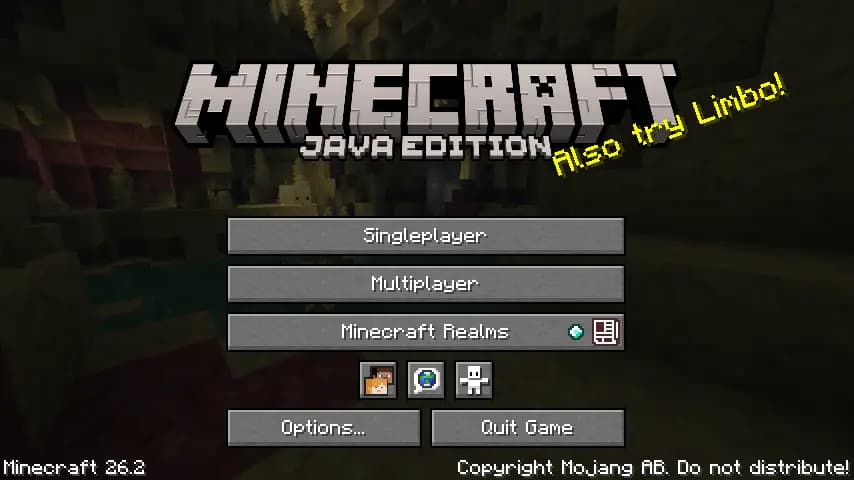
Java Edition runs on Windows, macOS and Linux, has been out since 2009, and carries the largest modding community of any version. When somebody says Minecraft server, mod or plugin, they almost always mean Java. On our side that means 7 kinds of server software in the dropdown, with Paper as the one we put on by default, and Forge or Fabric when you bring a modpack. The plugins and mods themselves are free and come from SpigotMC, Modrinth and CurseForge. Custom gamemodes, a big modpack, a permissions and economy setup: this is the only realistic side for any of it, and Velocity ties several of these servers into one network when you outgrow one.
- Paper
- Purpur
- Fabric
- Forge
- NeoForge
- Spigot
- Vanilla
Bedrock Edition: The Cross-Platform Version
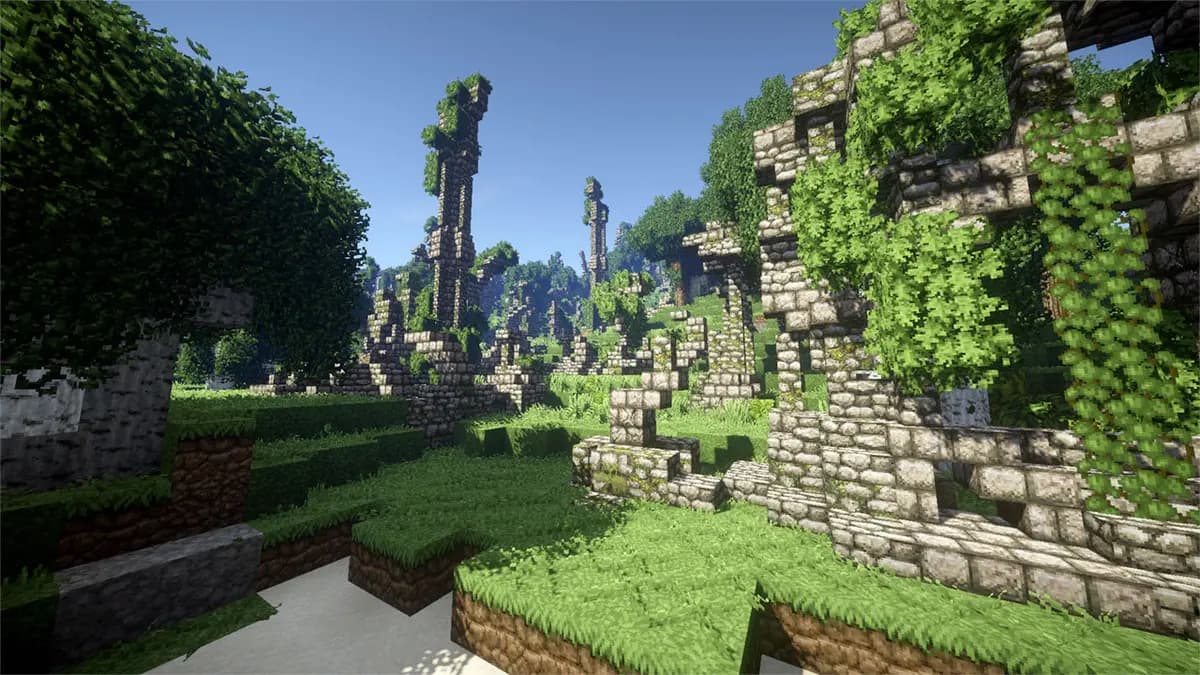
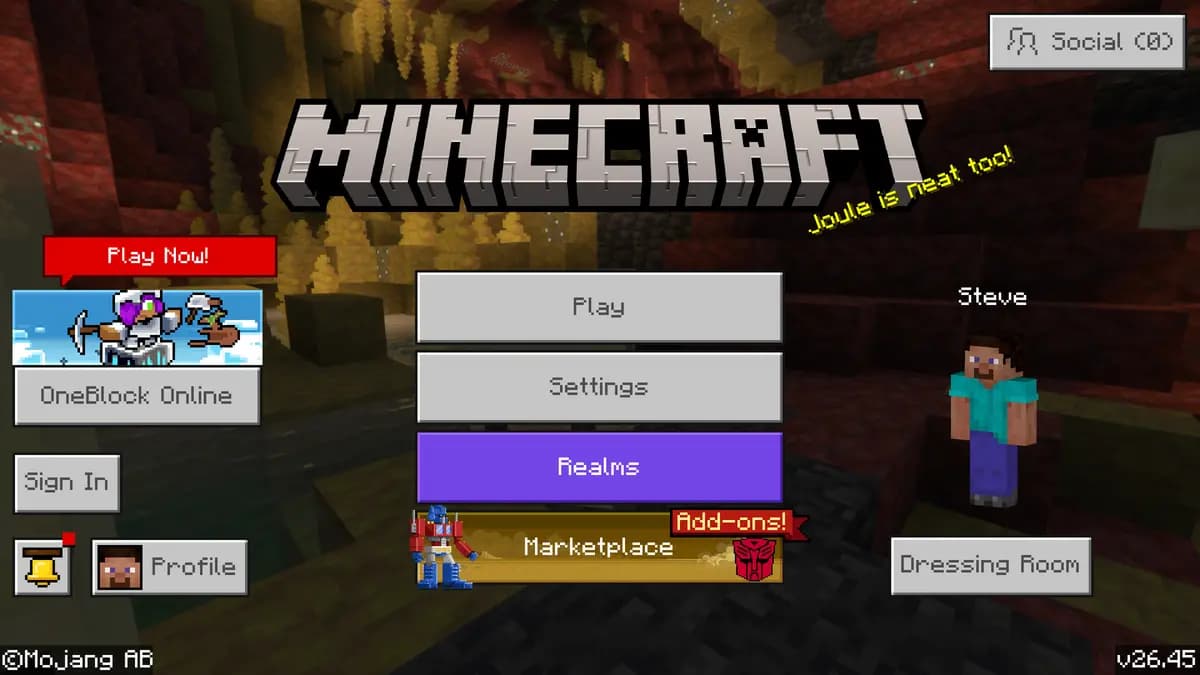
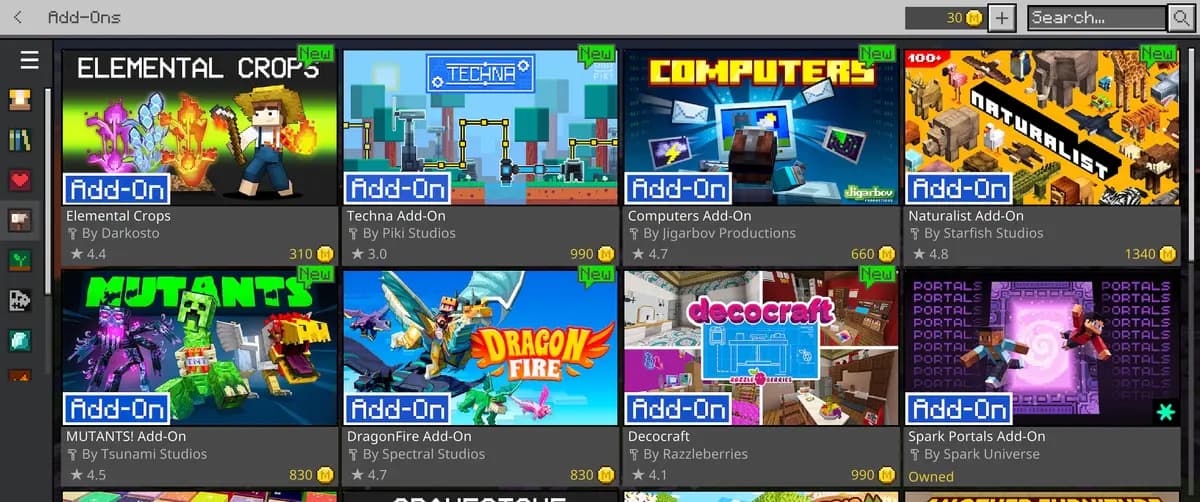
Bedrock runs on Windows 10 and 11, Xbox, PlayStation, Nintendo Switch, iOS and Android, and all of those can sit on the same server. That is the reason to pick it: reach. It is written in C++ instead of Java, which is where its reputation for being light comes from, though the table above shows the memory it asks of us is the same for plain survival. The server software is Bedrock Dedicated Server, the official one from Mojang, and there is no Paper or Spigot for it. You cannot install Bukkit plugins; what you can change sits in behavior packs, resource packs and add-ons, and skins, texture packs and worlds come from the paid marketplace rather than a community site.
Redstone Works Differently
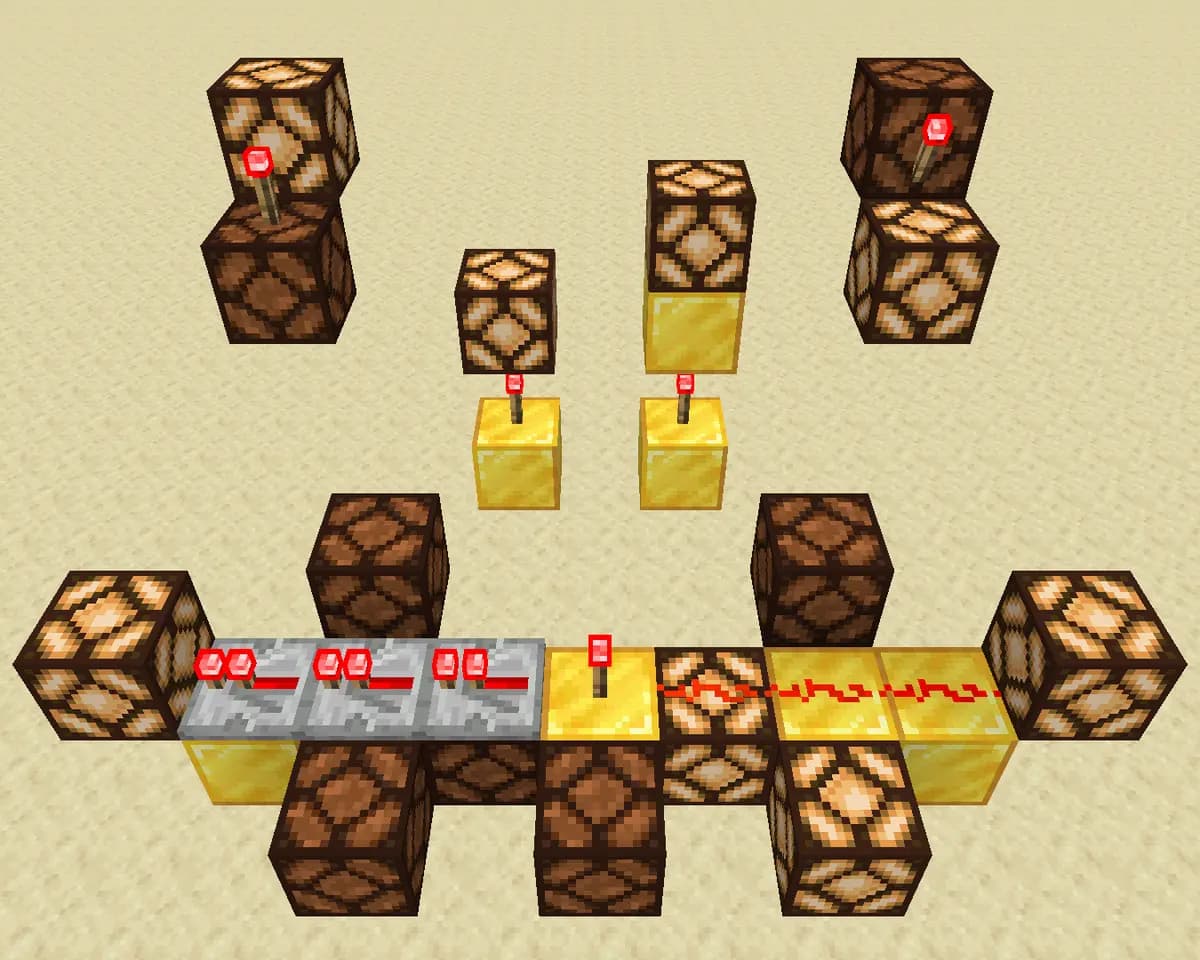
This is the one that catches people out. Java has quasi-connectivity, so a piston can be powered by a block that is not touching it. Bedrock does not. Tick timing, comparator behaviour and observer output differ as well, so a contraption built from a Java tutorial often does nothing on Bedrock. If your community is into technical Minecraft, that alone decides it.

Crossplay with GeyserMC
You do not have to choose. GeyserMC is a plugin on a Java server that translates the Bedrock protocol on the fly, so console and phone players join the same world as the PC players, and you keep the whole Java plugin ecosystem. It runs on Paper, Spigot, Velocity and BungeeCord. Not everything translates cleanly, and Bedrock players see the odd inventory or visual difference, but for vanilla and lightly modded servers it holds up. Our crossplay guide has the install, the Floodgate part that lets Bedrock players in without a Java account, and the port you have to open.
Which Edition Should You Choose?
| Who is playing | What to host |
|---|---|
| Your players are on PC | Java. Mods, plugins, custom gamemodes and the whole free ecosystem sit on this side. |
| Your players are on console or phone | Bedrock. Simpler to run and lighter per player, but you give up plugins and mods. |
| Both, in the same world | A Java server with GeyserMC on it. Java underneath, Bedrock players allowed in. |
Decide in four steps
Count the devices, not the players
Ask every player what they play on. One console or one phone in the group already rules out a Java-only server, unless you add GeyserMC.
Name the one thing the server must do
A minigame, an economy, a permissions setup, a modpack: each of these only exists on Java. Plain survival with friends works on either edition.
Check the redstone habit
If your builders follow Java tutorials, a Bedrock server will quietly break their contraptions. Technical players belong on Java.
Pick the plan by memory, not by edition
The memory table above answers that for the same player count on both editions; the edition only changes which software goes on the server.
The same panel and the same AI on both editions
Whichever edition you land on, the panel around it is ours and the AI Copilot sits in it either way. It reads the server you actually have: your settings file, your console, your files and your plugin folder, and it answers about that server rather than about Minecraft in general. It has 14 tools, nine of which only read, four change something and keep a way back, and the last one, a restart, never runs without you clicking, because a restart drops everyone who is online.
Questions people ask before they order
Can one server run Java and Bedrock at the same time?
Not two editions on one server, but one world that both can reach: a Java server with GeyserMC and Floodgate on it. That is what almost every community server that wants console players does.
Is a Bedrock server cheaper to run than a Java one?
Not on our price list. Both editions read the same memory table, and for plain survival they land on the same row at every player count, so the same plan comes out on both sides. What changes the price is a modpack, and only Java can run one.
Can I install plugins on Bedrock?
No. There is no Bukkit API on Bedrock Dedicated Server, so plugins like EssentialsX or LuckPerms do not exist there. Behavior packs and add-ons can change a lot of the game, but they are not the same thing and there are far fewer of them.
Will my redstone build work on both editions?
Often not. Quasi-connectivity only exists on Java, and tick timing, comparators and observers behave differently, so a farm from a Java tutorial can sit there doing nothing on Bedrock.
Can I switch editions later without losing the world?
The plan stays the same, so switching costs nothing on our side, but the world does not move across cleanly: the two editions store chunks in different formats and conversions lose things. Pick the edition before you build, not after.
Plans that run either edition
Mini4 GB€6.9524-month term · €6.95/mo, and the same price every time it renewsStarter8 GB€10.9524-month term · €10.95/mo, and the same price every time it renewsStandard12 GB€14.9524-month term · €14.95/mo, and the same price every time it renewsSee all 21 plans across three editionsAnswer four questions and get the size
The memory and the plan in the tables above are read out of our own files when this page is built: the rows from the same RAM table our price list uses, the software list from the dropdown on the order page, and the plans from the price list itself.
The line exists on both editions
Whichever edition you land on, the choice of machine is a separate one. Java, Bedrock and crossplay all have a Performance version of every plan from Starter upwards, and on Java it goes one size lower still, with the memory of the plan it is named after and a thread of its own on an AMD Ryzen 9 5900X in Germany or an AMD Ryzen 9 7950X with DDR5 RAM in Poland. Bedrock is lighter per player, so the line matters there at a higher player count than it does on Java.
Changing your mind later
Picked Java and now want Bedrock players too, or the other way round? A Java world can be converted: How to Convert a Java World to Bedrock Format. Console players can also reach a Java server without converting anything, as How to Let Console Players Join Your Java Server explains.
Written and checked by the Astroworld Hosting team. Last reviewed on 6 September 2026.
Delivery: most servers are handed over instantly and run within seconds of payment, the rest follow within 60 minutes during the day and within 12 hours at night.