What you get
Your Minecraft server, telling your Discord what happened
A server that falls over at two in the morning sends you an email you read at nine. The people who would have noticed are already in your Discord, so that is where the message should land. Paste one webhook, tick what you care about out of 7, and your channel gets the crash, the recovery, the finished backup and any word you asked us to watch for in the console. Included on every plan, from the smallest up.
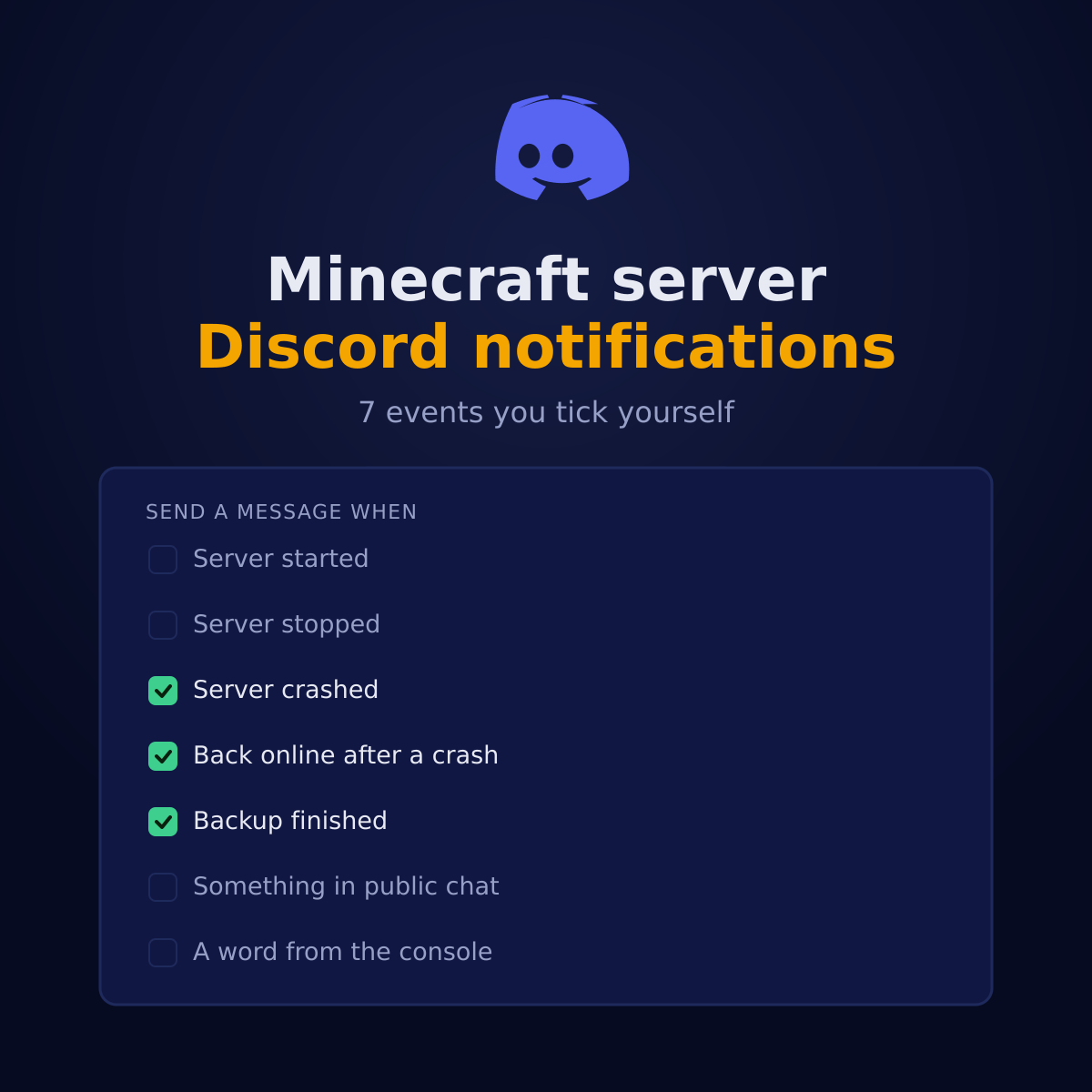
7 things we can tell your channel
Each of these is its own tick in the panel. Three are on from the moment you paste a webhook, because they are the ones you would be sorry to have missed; the rest wait until you ask for them, since a channel that pings on every start is a channel people mute.
| Notification | When it fires | Out of the box |
|---|---|---|
| Server started | Someone started the server, or it came back after a restart. | Off until you tick it |
| Server stopped | The server was stopped from the panel. | Off until you tick it |
| Server crashed | We saw it go down on its own and tried to bring it back. | On by default |
| Back online after a crash | It is running again after we restarted it. | On by default |
| Backup finished | The daily backup completed. | On by default |
| Something in public chat | Someone talked about a dupe or an exploit, or a lot of players complained at once. | Off until you tick it |
| A word from the console | One of your own words shows up in the server log. You set the words below. | Off until you tick it |
How to set it up, in four steps
Make a webhook in your own Discord
Server settings, Integrations, Webhooks, New webhook. Pick the channel you want the messages in, give it a name, then Copy webhook URL. You are not adding a bot and you are not granting anything: a webhook can post in that one channel and nothing else.
Paste it in the panel, once
Settings, Discord notifications, paste, save. We check that it really is a Discord webhook before we keep it, so a mistyped address cannot quietly send your server's business somewhere else. After that the field shows only that one is set, never what it is: whoever has that URL can write in your channel.
Tick what you want to hear about
7 events, each its own tick. Three are on from the start because they are the ones you would be sorry to miss, and the rest stay off until you ask for them.
Send a test message before you trust it
One button sends a real message through the webhook that is in the box right now, so you find out that you pasted the wrong channel today rather than at four in the morning when the server actually goes down.
Watching the console for your own words
The crash is the easy case: the server is gone and something noticed. The expensive case is the server that stays up and spends an hour writing Can't keep up or OutOfMemoryError into its log while your players quietly decide it is laggy today. Nobody is reading the console at that moment, which is the whole problem.
So you tell us the words. Up to 10 of them, comma separated, in the same card as the webhook. We read your server log roughly every 60 seconds and look only at the lines that are new since we last looked, and when one of your words turns up you get a message with the lines it appeared in. After that the same word says nothing for 30 minutes, because a plugin failing in a loop should cost you one message and not a thousand.
Three letters is the shortest word we accept. Shorter than that matches half the log and the alert stops meaning anything, which is worse than not having it.
What we deliberately do not do
A notification channel is a thing people stop reading the moment it lies to them or shouts too much. Four limits sit in the way on purpose.
- Your webhook, back out of our API
- More than ten messages a quarter hour
- A webhook that is not a Discord one
- Anything about your billing
Your webhook never comes back out of our API, not even to your own browser: the panel is told that one is set and nothing more. It is refused to the AI Copilot along with every other field with the word webhook in it. There is a ceiling of 10 messages per server per 15 minutes that you cannot raise. And an address that is not a Discord webhook is refused when you paste it, with the reason, rather than accepted and silently never used.
The other direction: commands in Discord
This page is us writing into your channel. The other half is your members asking the server something and getting an answer: who is online, is it up, what is the address, and a restart for the people you trust with one. That is our Discord bot, it is a separate thing to switch on, and the two work perfectly well without each other.
Notifications need no bot in your server at all. If all you want is to be told when something breaks, a webhook is the whole job and you can stop reading here.
Questions about Discord notifications
How do I get Minecraft server notifications in Discord?
Make a webhook in your own Discord (server settings, Integrations, Webhooks, New webhook, Copy webhook URL) and paste it into Settings, Discord notifications in your Astroworld panel. Then tick which of the 7 events you want. Crashes, recoveries and finished backups are on from the start; the rest are off until you ask for them. There is a test button so you can confirm the channel before you need it.
Does this cost extra?
No. It is on every plan including the smallest, there is nothing to order and nothing to enable on our side. The only thing you supply is the webhook, and Discord does not charge for those either.
Is it safe to give you my Discord webhook?
It is stored and used, never handed back. Our own API will only tell your browser that a webhook is set, not what it is, so somebody who gets into your panel session still cannot read it out. It stays out of our logs, and the AI Copilot is refused every field with the word webhook in it, so it cannot read it either. A webhook can post in one channel and can do nothing else, which is why this is a webhook and not a bot with permissions.
What if my server keeps crashing? Will it flood my channel?
No. There is a hard cap of 10 messages per server per 15 minutes, and it is not a setting you can turn off by accident. A server stuck in a restart loop is exactly the case this exists for: you want to be told once, not a hundred times.
Can I get an alert when a specific error shows up in my server log?
Yes. Tick "A word from the console" and type up to 10 words of your own, comma separated. We read your server log about once every 60 seconds and send a message when one of your words turns up, with the lines it appeared in. The same word stays quiet for 30 minutes afterwards, because a plugin throwing the same exception every second should be one message and not three thousand.
Which console words are worth watching?
The ones that mean something on your server rather than in general. "OutOfMemoryError" and "Can't keep up" are the two that cost you players quietly, because the server stays up and only gets worse. Beyond that: the name of a plugin you do not trust yet, "banned" if you want to know when your staff act, or the exception a modpack throws when a chunk will not load. Short words match too much, so three letters is the minimum we accept.
Does this replace the emails?
No, it is added to them. You still get an email when your server crashes, with the last lines of the console in it. The Discord message is there because nobody reads mail while they are playing, and the people who need to know are usually already in that channel.
Can I send different servers to different channels?
Yes. The webhook is set per server, so two servers can point at two channels, or at the same one if you would rather have everything in one place. Every message carries the server name in its footer, so a shared channel still tells you which one it is about.
Will this put my in game chat in Discord?
No. These are notifications about the server, not a chat bridge. A bridge has to read every message as the game produces it, which needs a plugin inside your server; DiscordSRV is the usual one and it is in the vetted catalogue our panel installs from. The two do different jobs and sit side by side: a plugin inside a server that has crashed cannot tell you that it crashed, and that is the message you actually wanted.
Who can see these messages?
Whoever can see the channel you made the webhook in, so pick that channel on purpose. A crash message names your server and says it went down, which is not something you necessarily want in a public channel full of players. Most people point it at a staff channel and leave the public one for the chat bridge.
Can my members ask the server things from Discord as well?
That is the other half, and it is a separate thing to set up. Notifications go one way, from us to your channel. Our Discord bot goes the other way: your members type a command and get an answer about the server, including a restart for the people you trust with one.
Where to find it
It is on every plan and there is nothing to order for it. In your panel: Settings, then the Discord notifications card. One webhook, 7 ticks, and a test button so you know it works before you need it to.
The Discord bot and its commands Everything else the panel does How the nightly backups work Restoring one of them Your play address, and adding more The AI Copilot in the panel What is included with every plan What to do when the console says it cannot keep up Answer six questions and get one plan View plans and prices Ask us a question first
The 7 notifications on this page are read from the panel's own code when the page is built, so the list here is the list of ticks in your Settings tab. The caps of 10 messages per 15 minutes and 10 console words sit next to the code that enforces them. Written 1 September 2026.
Written and checked by the Astroworld Hosting team. Last reviewed on 6 September 2026.
Delivery: most servers are handed over instantly and run within seconds of payment, the rest follow within 60 minutes during the day and within 12 hours at night.